07/06/2026 06:43น.
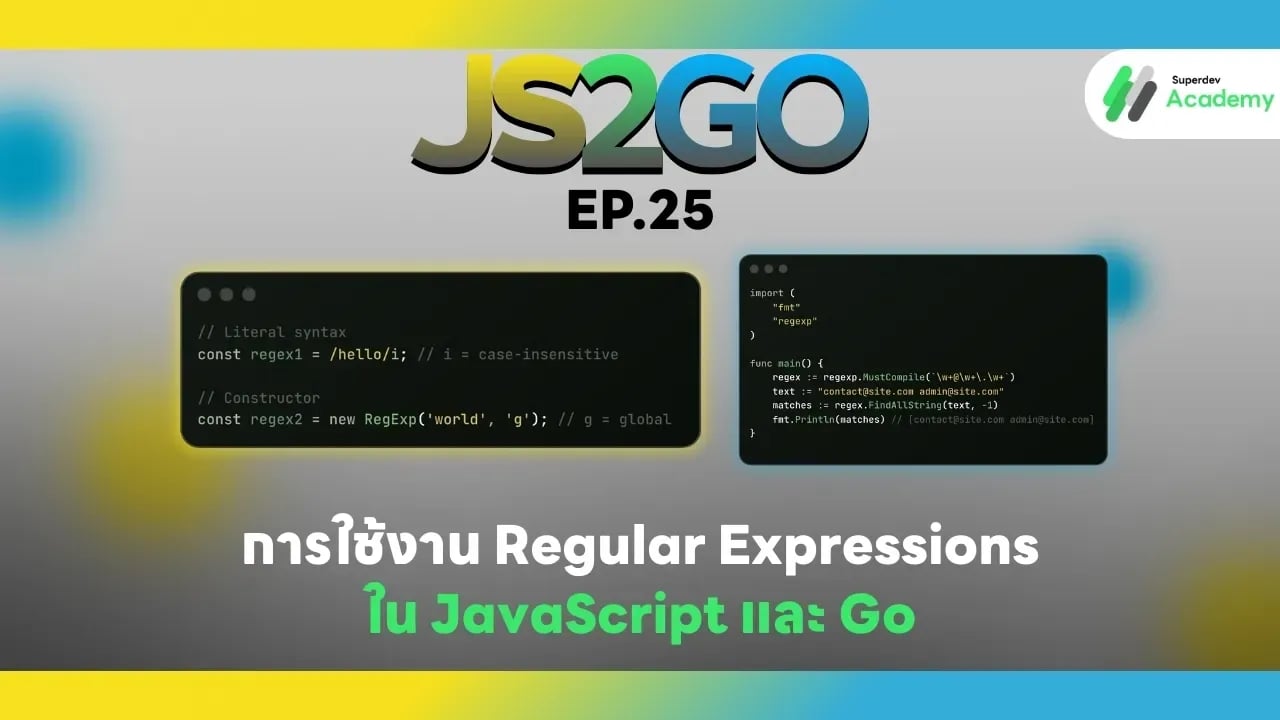
JS2GO EP.25 การใช้งาน Regular Expressions ใน JavaScript และ Go
#JavaScript
#Go
#Regex
#Regular Expressions
#JS2GO
Regular Expressions (Regex) เป็นเครื่องมือสำคัญสำหรับการจัดการข้อความ เช่น การค้นหา แทนที่ ตรวจสอบ pattern ของ input หรือการ validate ข้อมูล ในบทความนี้เราจะสอนการใช้งาน Regex ใน JavaScript และ Go พร้อมตัวอย่างโค้ด และแนวทางปฏิบัติที่เหมาะสม เพื่อให้คุณสามารถทำงานกับข้อความและ pattern ได้อย่างมืออาชีพ
1. Regular Expressions ใน JavaScript
JavaScript มี object built-in RegExp และรองรับ literal syntax
การสร้าง Regular Expression
// Literal syntax
const regex1 = /hello/i; // i = case-insensitive

// Constructor
const regex2 = new RegExp('world', 'g'); // g = global
ตรวจสอบ pattern
const text = "Hello World";

console.log(regex1.test(text)); // true
console.log(text.match(regex2)); // ["World"]
แทนที่ข้อความ
const sentence = "I love JavaScript";
const newSentence = sentence.replace(/JavaScript/, "Go");
console.log(newSentence); // I love Go
ค้นหาข้อความทั้งหมด
const emails = "contact@site.com, admin@site.com";
const regex = /\w+@\w+\.\w+/g;
const matches = emails.match(regex);
console.log(matches); // ["contact@site.com", "admin@site.com"]
ข้อดีของ JavaScript Regex
✔️ Syntax concise และ inline ใช้งานง่าย
✔️ รองรับ flags เช่น g, i, m, u, y
✔️ ทำงานร่วมกับ string methods (match, replace, split, test)
ข้อจำกัด
⚠️ ไม่มี type-checking
⚠️ Complex regex อาจอ่านยาก
2. Regular Expressions ใน Go
Go มี package regexp สำหรับจัดการ Regular Expression
การสร้าง Regular Expression
import (
    "fmt"
    "regexp"
)

func main() {
    regex := regexp.MustCompile(`\w+@\w+\.\w+`)
    text := "contact@site.com admin@site.com"
    matches := regex.FindAllString(text, -1)
    fmt.Println(matches) // [contact@site.com admin@site.com]
}
ตรวจสอบ pattern
match, _ := regexp.MatchString(`hello`, "Hello World")
fmt.Println(match) // true หรือ false
แทนที่ข้อความ
re := regexp.MustCompile(`JavaScript`)
sentence := "I love JavaScript"
newSentence := re.ReplaceAllString(sentence, "Go")
fmt.Println(newSentence) // I love Go
ข้อดีของ Go Regex
✔️ Type-safe และ compile-time error checking
✔️ รองรับฟังก์ชันครบถ้วน: Match, Find, Replace, Split
✔️ ทำงานเร็วและเหมาะกับ backend / server
ข้อจำกัด
⚠️ Syntax verbose สำหรับ regex complex
⚠️ ต้อง import package และใช้ MustCompile / Compile
3. แนวทางปฏิบัติที่เหมาะสม
✔️ ใช้ regex literals / MustCompile ให้ชัดเจน
- JavaScript:
/pattern/flags - Go:
regexp.MustCompile("pattern")
✔️ ตรวจสอบ input ก่อนใช้งาน เพื่อลดข้อผิดพลาดและ performance cost
✔️ ใช้ flags / options ให้เหมาะสม
- JavaScript:
g,i,m - Go: compile regex ด้วย pattern ที่เหมาะสม
✔️ ทดสอบ regex ด้วยตัวอย่างหรือ unit test เพื่อแน่ใจว่า regex ครอบคลุมทุกกรณี
สรุปเปรียบเทียบ Regex JavaScript vs Go
| Feature | JavaScript | Go |
|---|---|---|
| Object | RegExp | regexp.Regexp |
| Create | /pattern/flags | regexp.MustCompile("pattern") |
| Match | test(), match() | MatchString(), FindAllString() |
| Replace | replace() | ReplaceAllString() |
| Split | split() | Split() |
| Flags / Options | g, i, m, u, y | Built-in in pattern (no literal flags) |
| Type Safety | ❌ No | ✔️ Yes |
คำแนะนำ
✔️ Frontend / Web app → ใช้ JavaScript Regex สำหรับ validation หรือ input
✔️ Backend / Server / Data processing → ใช้ Go Regex สำหรับ performance และ type-safe
ตอนต่อไป
ใน EP.26 ของซีรีส์ JS2GO เราจะพาคุณไปเรียนรู้ การใช้ Environment Variables และ Configurations ใน Go และ Node.js เพื่อจัดการ configuration ของแอปพลิเคชันอย่างปลอดภัยและยืดหยุ่น
อ่านบทความ Series อื่นๆ
🔵 Facebook: https://www.facebook.com/superdev.academy.th
🔴 YouTube : Superdev Academy
📸 Instagram: Superdev Academy
🎬 TikTok: https://www.tiktok.com/@superdevacademy?lang=th-TH
🌐 Website: https://www.superdevacademy.com/