07/06/2026 06:43น.
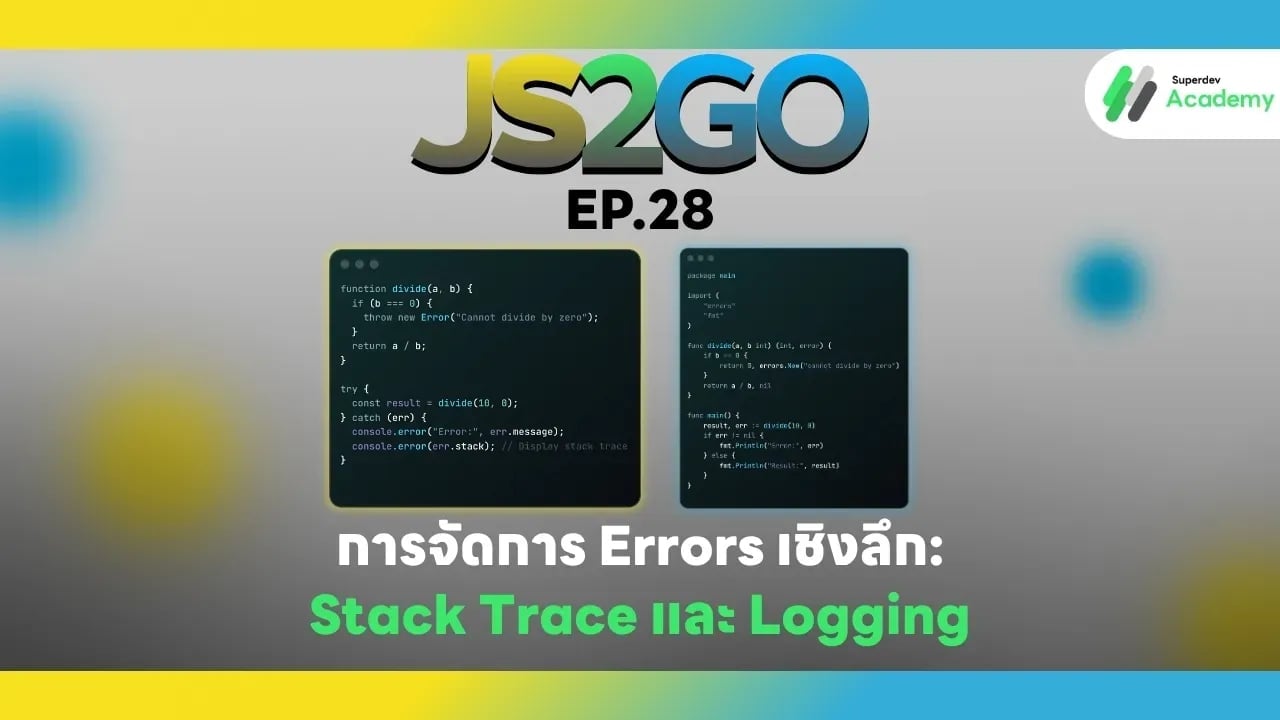
JS2GO EP.28 การจัดการ Errors เชิงลึก: Stack Trace และ Logging
#Errors
#Stack Trace
#Logging
#JavaScript
#Go
การจัดการ Errors เป็นสิ่งสำคัญสำหรับการพัฒนาโปรแกรมอย่างมืออาชีพ โดยเฉพาะเมื่อระบบมีขนาดใหญ่หรือทำงานใน production environment ต้องสามารถ debug และวิเคราะห์ปัญหาได้อย่างรวดเร็ว ในบทความนี้เราจะสอนการจัดการ Errors เชิงลึกใน JavaScript และ Go รวมถึงการใช้ Stack Trace และ Logging เพื่อวิเคราะห์ปัญหาอย่างมีประสิทธิภาพ
1. Errors และ Stack Trace ใน JavaScript
การสร้างและจัดการ Error
function divide(a, b) {
  if (b === 0) {
    throw new Error("Cannot divide by zero");
  }
  return a / b;
}

try {
  const result = divide(10, 0);
} catch (err) {
  console.error("Error:", err.message);
  console.error(err.stack); // แสดง stack trace
}
ข้อดี JavaScript:
✔️ Stack trace แสดงตำแหน่งที่เกิด error
✔️ Error object สามารถเพิ่ม properties เพิ่มเติมได้
✔️ ใช้งานง่ายสำหรับ debugging
ข้อจำกัด:
⚠️ Runtime error ต้องจัดการด้วย try/catch
⚠️ Async code ต้องใช้ try/catch + async/await หรือ .catch()
การจับ Error แบบ Asynchronous
async function fetchData() {
  throw new Error("Network error");
}

fetchData()
  .then(data => console.log(data))
  .catch(err => console.error(err.stack));
2. Errors และ Stack Trace ใน Go
การใช้ error type
package main

import (
    "errors"
    "fmt"
)

func divide(a, b int) (int, error) {
    if b == 0 {
        return 0, errors.New("cannot divide by zero")
    }
    return a / b, nil
}

func main() {
    result, err := divide(10, 0)
    if err != nil {
        fmt.Println("Error:", err)
    } else {
        fmt.Println("Result:", result)
    }
}
การสร้าง Stack Trace
Go ไม่มี stack trace อัตโนมัติเหมือน JavaScript แต่สามารถใช้ runtime/debug package:
import (
    "errors"
    "fmt"
    "runtime/debug"
)

func main() {
    err := errors.New("something went wrong")
    if err != nil {
        fmt.Println("Error:", err)
        fmt.Println(string(debug.Stack()))
    }
}
ข้อดี Go:
✔️ Type-safe ตรวจสอบ error ทุก function call
✔️ สามารถเพิ่ม context ด้วย fmt.Errorf("context: %w", err)
✔️ ใช้ร่วมกับ Logging libraries เช่น logrus, zap
ข้อจำกัด:
⚠️ ต้อง explicit เพิ่ม stack trace
⚠️ Error handling ต้อง return error และ check ทุกครั้ง
3. การรวม Logging กับ Error
JavaScript + Logging (Winston)
const winston = require('winston');

const logger = winston.createLogger({
  transports: [new winston.transports.Console()]
});

try {
  throw new Error("Something went wrong");
} catch (err) {
  logger.error(err.message, { stack: err.stack });
}
Go + Logging (Logrus)
import log "github.com/sirupsen/logrus"

func main() {
    err := errors.New("Something went wrong")
    if err != nil {
        log.WithFields(log.Fields{
            "stack": string(debug.Stack()),
        }).Error(err)
    }
}
4. แนวทางปฏิบัติที่เหมาะสม
✔️ ใช้ Error object / error type อย่างเต็มที่
✔️ เพิ่ม context ให้กับ error เพื่อให้ง่ายต่อการ debug
✔️ ใช้ Stack Trace เมื่อเกิด error
✔️ รวมกับ Logging เพื่อบันทึกเหตุการณ์และตำแหน่ง error
✔️ แยก error handling ตาม environment
- Development: log + stack trace
- Production: log summary + alert
5. สรุปเปรียบเทียบ JavaScript vs Go
| Feature | JavaScript | Go |
|---|---|---|
| Error Type | Error object | error interface |
| Stack Trace | Automatic (err.stack) | runtime/debug.Stack() |
| Logging Integration | Winston, Pino | logrus, zap |
| Error Context | Can add properties dynamically | Use fmt.Errorf or wrap errors |
| Async Handling | try/catch + async/await | Return error from function |
คำแนะนำ:
✔️ Web apps / frontend-heavy → JavaScript stack trace + logging
✔️ Backend / server → Go error + logging + stack trace
การรวม stack trace กับ structured logging ช่วยให้สามารถ debug และ monitor production ได้อย่างมืออาชีพ
ตอนต่อไป
ใน EP.29 ของซีรีส์ JS2GO เราจะพาคุณไปเรียนรู้ การจัดการ Signal และ Process ใน Go กับ JavaScript เพื่อควบคุม process, signal และ lifecycle ของแอปพลิเคชันอย่างถูกต้องและปลอดภัย
อ่านบทความ Series อื่นๆ
🔵 Facebook: https://www.facebook.com/superdev.academy.th
🔴 YouTube : Superdev Academy
📸 Instagram: Superdev Academy
🎬 TikTok: https://www.tiktok.com/@superdevacademy?lang=th-TH
🌐 Website: https://www.superdevacademy.com/