18/08/2026 21:40น.
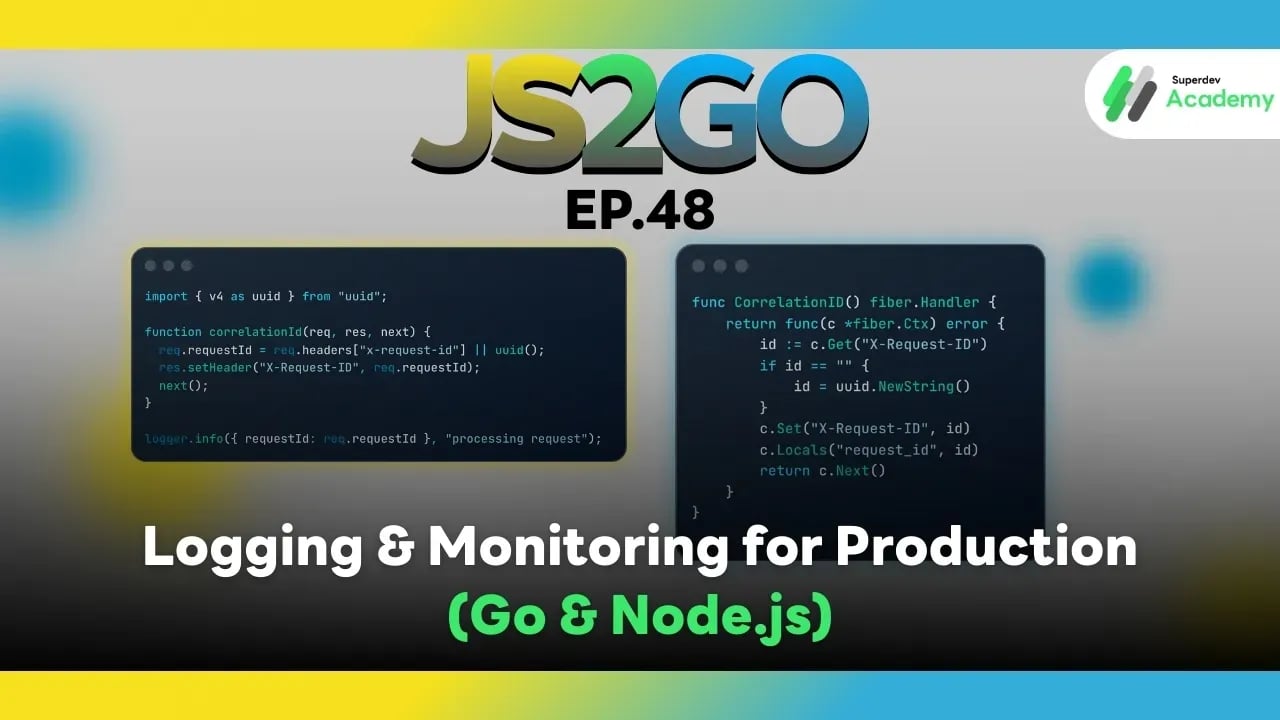
JS2GO EP.48 Logging & Monitoring for Production (Go & Node.js)
#Monitoring System
#Logging Production
#Node.js
#JavaScript
#Go
จาก “มี log” → สู่ “เข้าใจระบบทั้งก้อน” แบบมืออาชีพ
เมื่อระบบเริ่มเติบโต มีผู้ใช้มากขึ้น มีหลาย service มีหลาย instance และ deploy บ่อยขึ้น สิ่งที่ยากที่สุดไม่ใช่ “เขียนโค้ดให้รันได้” แต่คือ
- ❓ error เกิดที่ไหน
- ❓ request นี้วิ่งผ่าน service อะไรบ้าง
- ❓ ทำไม latency พุ่ง
- ❓ ระบบกำลังจะล่มหรือยัง
คำตอบทั้งหมดอยู่ที่ Logging & Monitoring ที่ออกแบบมาดี
บทความนี้จะพาคุณเรียนรู้แนวคิดและเครื่องมือที่ใช้จริงใน Production ทั้ง Go และ Node.js
⭐ 1. Structured Logging คืออะไร และทำไม Production ต้องใช้
❌ Log แบบเดิม (Human-readable only)
user login failed
ปัญหา
- ค้นหายาก
- ทำ dashboard ไม่ได้
- วิเคราะห์เชิงระบบแทบไม่ได้
✅ Structured Logging (Machine + Human readable)
{
  "level": "error",
  "service": "auth-service",
  "event": "login_failed",
  "user_id": "u123",
  "request_id": "req-abc-001"
}
ข้อดี
- Query ง่าย (Loki / Elasticsearch)
- ทำ dashboard + alert ได้
- เชื่อมกับ tracing และ metrics ได้
- เหมาะกับ Microservices / Cloud-native
📌 Production = JSON log เท่านั้น
⭐ 2. Structured Logging ใน Go
🔹 Zap (มาตรฐานองค์กร)
logger, _ := zap.NewProduction()
defer logger.Sync()

logger.Info("order created",
    zap.String("order_id", "o123"),
    zap.Int("amount", 1500),
)
🔹 Zerolog (เร็วมาก / JSON native)
log.Info().
   Str("service", "payment").
   Str("user_id", "u123").
   Msg("payment success")
เลือกอย่างไร
| Logger | เหมาะกับ |
|---|---|
| Zap | ระบบองค์กร / long-term support |
| Zerolog | log ปริมาณสูงมาก / performance critical |
⭐ 3. Structured Logging ใน Node.js
🔹 Pino (แนะนำที่สุดสำหรับ Production)
import pino from "pino";
const logger = pino();

logger.info({
  service: "order-api",
  orderId: "o123",
  status: "created"
});
เหตุผลที่ Pino เหมาะกับ Production
- เร็วมาก
- JSON output
- ทำงานดีกับ Loki / Elastic
- รองรับ async / worker / cluster
⭐ 4. Correlation ID: หัวใจของ Microservices
Correlation ID คือ ID เดียวที่ติดไปกับ request ทั้ง lifecycle
Client
 → API Gateway
   → Auth Service
     → Order Service
       → Payment Service
ทุก service log ด้วย request_id เดียวกัน → debug ได้ทั้งเส้นทาง
🔹 Go (Fiber Middleware)
func CorrelationID() fiber.Handler {
    return func(c *fiber.Ctx) error {
        id := c.Get("X-Request-ID")
        if id == "" {
            id = uuid.NewString()
        }
        c.Set("X-Request-ID", id)
        c.Locals("request_id", id)
        return c.Next()
    }
}
ใช้ใน log
logger.Info("handling request",
    zap.String("request_id", c.Locals("request_id").(string)),
)
🔹 Node.js (Express Middleware)
import { v4 as uuid } from "uuid";

function correlationId(req, res, next) {
  req.requestId = req.headers["x-request-id"] || uuid();
  res.setHeader("X-Request-ID", req.requestId);
  next();
}

logger.info({ requestId: req.requestId }, "processing request");
⭐ 5. Distributed Tracing ด้วย OpenTelemetry
Tracing ทำให้คุณเห็น เส้นทางของ request ทั้งก้อน
API → DB → External API → Cache
🔹 Go + OpenTelemetry
tracer := otel.Tracer("order-service")

ctx, span := tracer.Start(ctx, "CreateOrder")
defer span.End()
ส่ง trace ไปที่ Jaeger / Tempo / Zipkin
🔹 Node.js + OpenTelemetry
const tracer = opentelemetry.trace.getTracer("order-service");
const span = tracer.startSpan("create-order");
// do work
span.end();
⭐ 6. Metrics: รู้สถานะระบบแบบ Real-time
Metrics ตอบคำถามสำคัญ
- QPS เท่าไหร่
- Error rate %
- Latency p95 / p99
- CPU / Memory
🔹 Go + Prometheus
httpRequests := prometheus.NewCounterVec(
  prometheus.CounterOpts{
    Name: "http_requests_total",
  },
  []string{"method", "status"},
)

httpRequests.WithLabelValues("GET", "200").Inc()
Expose /metrics
🔹 Node.js + Prometheus
import client from "prom-client";

const counter = new client.Counter({
  name: "http_requests_total",
  help: "Total HTTP requests"
});

counter.inc();
Grafana ใช้สำหรับ
- Dashboard
- Alert
- SLA / SLO
⭐ 7. Error Monitoring ด้วย Sentry
Logging บอกว่า เกิดอะไรขึ้น
Error Monitoring บอกว่า
- เกิดกี่ครั้ง
- stack trace เต็ม
- impact กับ user
- แจ้งเตือน real-time
🔹 Go
sentry.CaptureException(err)
🔹 Node.js
Sentry.captureException(err);
⭐ 8. Logging & Monitoring Architecture (Production)
Application
 ├─ Logs → Loki / Elasticsearch
 ├─ Traces → Jaeger / Tempo
 ├─ Metrics → Prometheus → Grafana
 └─ Errors → Sentry
🧠 Correlation ID = กาวที่เชื่อมทุกอย่างเข้าด้วยกัน
⭐ 9. Best Practices สำหรับ Production
✔ Log เป็น JSON เท่านั้น
✔ ห้าม log password / token / credit card
✔ ใช้ Correlation ID ทุก request
✔ แยก log level (INFO / WARN / ERROR)
✔ Alert จาก metrics มากกว่า log
✔ อย่า log เยอะเกินไป (noise + cost)
📌 สรุป
Logging & Monitoring ที่ดีทำให้คุณ
- 🔍 แก้ปัญหาเร็วขึ้นหลายเท่า
- 🚨 รู้ปัญหาก่อนผู้ใช้
- 🚀 Deploy ได้มั่นใจ
- 🌐 Scale ได้โดยไม่ “มืด”
ทั้ง Go และ Node.js มี ecosystem ที่พร้อมสำหรับ Production ถ้าออกแบบ Logging & Monitoring ตั้งแต่วันแรก ระบบของคุณจะ อยู่รอดได้จริง 🚀
🔵 ตอนต่อไป: EP.49 Security: Authentication, Authorization & Data Validation
- JWT / Session / OAuth
- Auth vs Authorization
- RBAC
- Input Validation
- ป้องกัน SQLi / XSS / CSRF
- Security Best Practices สำหรับ Production