การดู : 234
07/06/2026 06:44น.
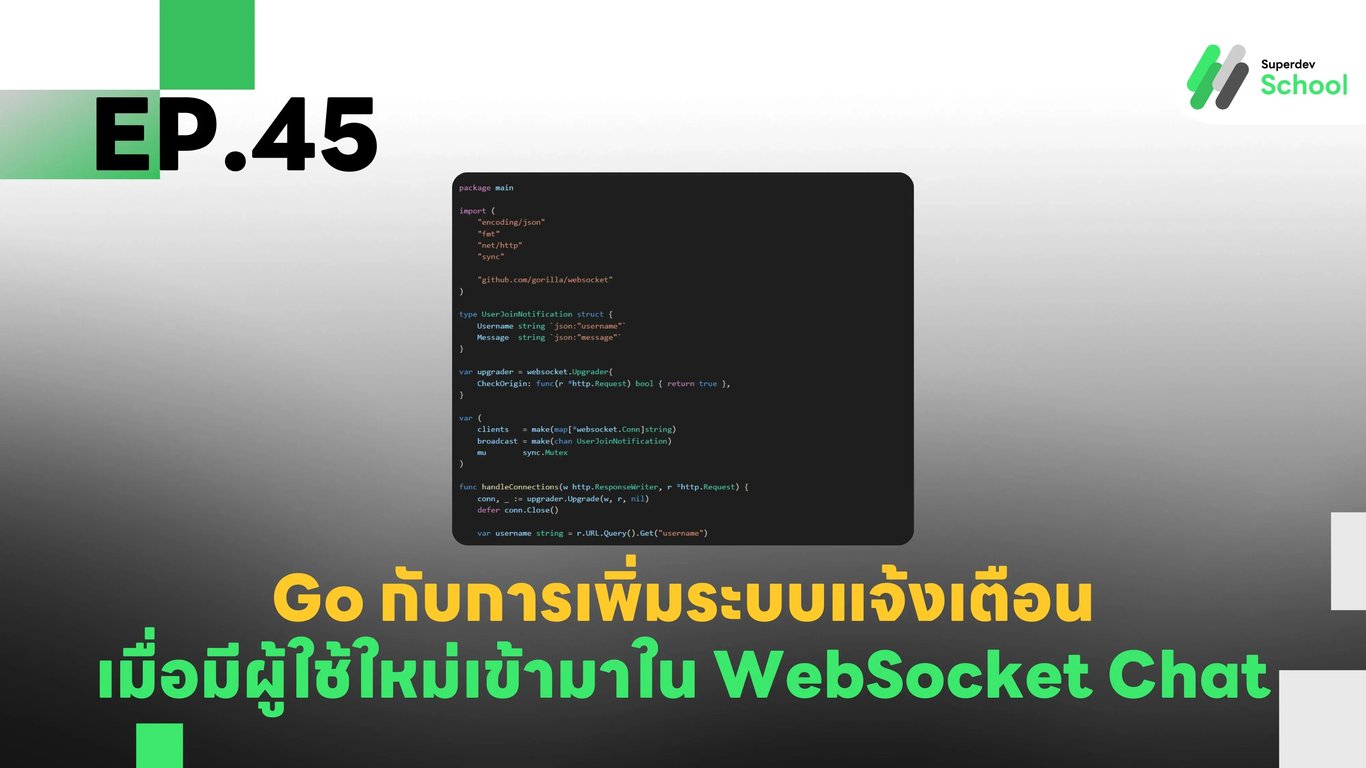
EP.45 การเพิ่มระบบแจ้งเตือนเมื่อมีผู้ใช้ใหม่เข้ามาใน WebSocket Chat
#Active Users
#Chat Notifications
#Chat UX
#WebSocket API
#Real-Time Chat
#Go
#Golang
#WebSocket
#User Join Notification
ทำไมต้องมีระบบแจ้งเตือนเมื่อมีผู้ใช้ใหม่เข้ามา?
ระบบแจ้งเตือนเมื่อมีผู้ใช้ใหม่เข้ามาช่วยให้:
- ผู้ใช้ในห้องสามารถรับรู้ได้ว่ามีสมาชิกใหม่เข้าร่วม
- สร้างปฏิสัมพันธ์ระหว่างผู้ใช้ ทำให้รู้สึกว่าเป็นระบบแชทที่มีชีวิตชีวา
- เหมาะสำหรับ Community Chat หรือ Group Chat ที่ต้องการให้สมาชิกสามารถทักทายกันได้ง่ายขึ้น
โครงสร้างของระบบแจ้งเตือนผู้ใช้ใหม่ใน WebSocket Chat
- WebSocket Server - ตรวจจับเมื่อมีการเชื่อมต่อใหม่และกระจายการแจ้งเตือนไปยังผู้ใช้ทุกคน
- Frontend (Client-Side) - แสดงข้อความแจ้งเตือนเมื่อมีผู้ใช้ใหม่เข้ามา
- Database (Optional) - สามารถเก็บประวัติการเข้าร่วมของผู้ใช้เพื่อใช้ในการวิเคราะห์
การเพิ่มฟีเจอร์ User Join Notification ใน WebSocket Server
1. อัปเกรด WebSocket Server ให้รองรับการแจ้งเตือนผู้ใช้ใหม่
ไฟล์ websocket_server.go
package main

import (
    "encoding/json"
    "fmt"
    "net/http"
    "sync"

    "github.com/gorilla/websocket"
)

type UserJoinNotification struct {
    Username string `json:"username"`
    Message  string `json:"message"`
}

var upgrader = websocket.Upgrader{
    CheckOrigin: func(r *http.Request) bool { return true },
}

var (
    clients   = make(map[*websocket.Conn]string)
    broadcast = make(chan UserJoinNotification)
    mu        sync.Mutex
)

func handleConnections(w http.ResponseWriter, r *http.Request) {
    conn, _ := upgrader.Upgrade(w, r, nil)
    defer conn.Close()

    var username string = r.URL.Query().Get("username")

    mu.Lock()
    clients[conn] = username
    mu.Unlock()

    broadcast <- UserJoinNotification{Username: username, Message: fmt.Sprintf("%s เข้าร่วมแชทแล้ว!", username)}

    for {
        _, _, err := conn.ReadMessage()
        if err != nil {
            mu.Lock()
            delete(clients, conn)
            mu.Unlock()
            break
        }
    }
}

func handleMessages() {
    for {
        notification := <-broadcast
        fmt.Printf("User Joined: %s\n", notification.Message)

        for client := range clients {
            err := client.WriteJSON(notification)
            if err != nil {
                client.Close()
                mu.Lock()
                delete(clients, client)
                mu.Unlock()
            }
        }
    }
}

func main() {
    http.HandleFunc("/ws", handleConnections)
    go handleMessages()
    fmt.Println("WebSocket Server Running on Port 8080")
    http.ListenAndServe(":8080", nil)
}
2. การเพิ่มฟังก์ชัน User Join Notification ใน Frontend (Client-Side)
ไฟล์ client.js
const username = prompt("Enter your username:");
const socket = new WebSocket(`ws://localhost:8080/ws?username=${username}`);
const notificationsContainer = document.getElementById("notifications");

socket.onmessage = (event) => {
    const data = JSON.parse(event.data);
    showNotification(data.message);
};

function showNotification(message) {
    const notificationElement = document.createElement("p");
    notificationElement.innerText = message;
    notificationsContainer.appendChild(notificationElement);
}
การแสดง User Join Notification บน UI
ไฟล์ index.html
<div id="notifications"></div>3. การทดสอบระบบ
- รัน WebSocket Server
go run websocket_server.go- เปิดหน้าเว็บหลายแท็บและเข้าสู่ระบบด้วยชื่อผู้ใช้ที่แตกต่างกัน
- ดูผลลัพธ์ที่ WebSocket Server และ UI
ท้าให้ลอง!
ลองเพิ่ม ระบบแจ้งเตือนเมื่อผู้ใช้ออกจากระบบ (User Leave Notification) เพื่อให้สมาชิกในแชททราบว่าใครออกจากห้องแชท
EP ถัดไป
ใน EP.46, เราจะเพิ่ม ฟีเจอร์กำหนดสถานะผู้ใช้ (Custom User Status) ใน WebSocket Chat 🚀