07/06/2026 06:43am
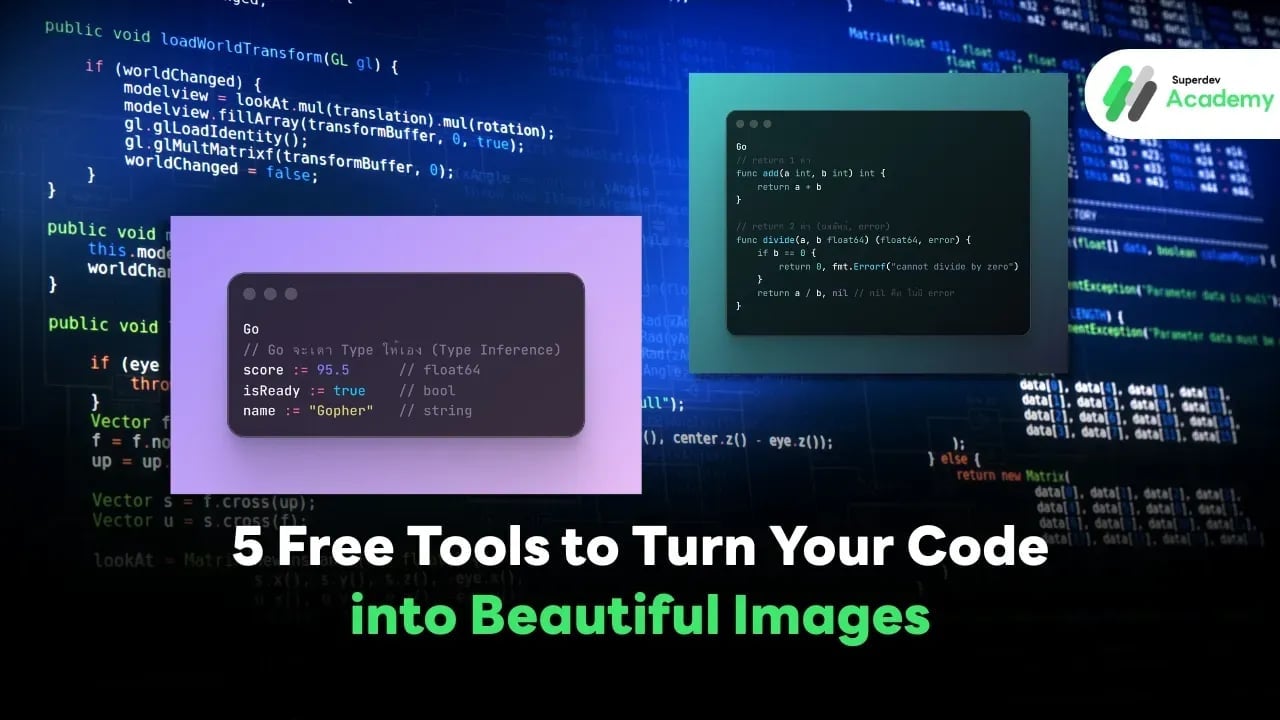
5 Free Tools to Turn Your Code into Beautiful Images
#10015.io
#Codeimg.io
#Snappify
#Ray.so
#Carbon
#developer tools
#code to image
Ever wanted to share your code and make it look cool like professional developers do? 💻
Many developers struggle with one thing their code looks dull when shared in slides, social posts, or developer blogs, even if the content itself is great.
In this article, we’ve rounded up 5 free websites that instantly turn your code into beautiful, shareable images. Perfect for posting on social media, creating presentation slides, or enhancing your next developer article. 🚀
1️⃣ Carbon (carbon.now.sh)
Let’s start with the classic Carbon, one of the most popular tools among developers worldwide. This tool has been around for years and remains a go-to choice for anyone who wants clean, professional-looking code images.
Key Features:
- Supports almost every programming language (JavaScript, Go, Python, etc.)
- Comes with dozens of themes like Dracula, Night Owl, and One Dark
- Customize fonts, background color, shadows, and window frames
- Export as PNG or SVG
Carbon is perfect for developers who want sleek, minimal, and polished code images that look professional and easy to read. 🔥
2️⃣ Ray.so
Next up is Ray.so, a minimalist web app that’s both stylish and effortless to use. Simply click “Create your image”, paste your code, and you’re done.
Key Features:
- Clean, minimal, and aesthetic design
- Toggle background on or off
- Adjust image size and color mode easily
- Download high-resolution images for free
Ray.so is ideal for developers who want eye-catching code visuals to post on X (Twitter) or Instagram — it’s modern, bold, and looks great everywhere. 😎
3️⃣ Snappify (snappify.io)
Snappify takes things to the next level it’s more than just a code-to-image tool. It’s a full-featured visual editor for developers who love creating engaging content.
Highlights:
- Add text boxes, arrows, or graphic elements to explain your code
- Design layouts and highlight logic visually
- Perfect for teachers, tech bloggers, and dev content creators
- Export in multiple formats: PNG, SVG, or even presentation slides
Snappify is a fantastic choice for anyone who creates technical tutorials or developer-focused posts and wants visuals that are both informative and visually appealing. 💪
4️⃣ Codeimg.io
If you want something simple and fast, Codeimg.io is your best friend. No signup, no setup — just paste your code and go.
How It Works (3 Easy Steps):
1️⃣ Paste your code
2️⃣ Choose a theme or font
3️⃣ Download your image instantly
It’s lightweight, quick, and supports multiple programming languages. Perfect for developers who just need something efficient and straightforward. ⚡
5️⃣ 10015.io Code to Image
Finally, for those who love customization down to the last pixel, there’s 10015.io/tools/code-to-image-converter.
Key Features:
- Supports almost every language (JavaScript, Go, Python, Rust, C#, and more)
- Fully customizable: font, background color, text size, shadow, and frame
- Free download with no watermark ✅
If you’re a developer who loves precision and wants your code image to look like it came from a design studio — this is the one for you.
⚙️ Conclusion
All five tools are completely free and can be used instantly — no registration required. Each has its own unique strengths and fits different developer needs.
| Tool | Best For |
|---|---|
| Carbon | Classic, simple, and supports multiple languages |
| Ray.so | Sleek and minimal, perfect for social media posts |
| Snappify | Feature-rich for slides and educational content |
| Codeimg.io | Lightweight, fast, and easy to use |
| 10015.io | Highly customizable, no watermark |
🎯 Pro Tip:
To make your code look professional, use a dark theme, pick a clean font, and leave just enough spacing around the code. Keep it simple, readable, and visually balanced that’s the real secret to great-looking code visuals.
✨ If you enjoy articles like this featuring dev tools and resources, follow Superdev Academy for more coding tips, free tools, and inspiration for developers.
Read more
🔵 Facebook: Superdev Academy
🔴 YouTube: Superdev Academy
📸 Instagram: Superdev Academy
🎬 TikTok: https://www.tiktok.com/@superdevacademy?lang=th-TH
🌐 Website: https://www.superdevacademy.com/en