18/08/2026 21:32pm
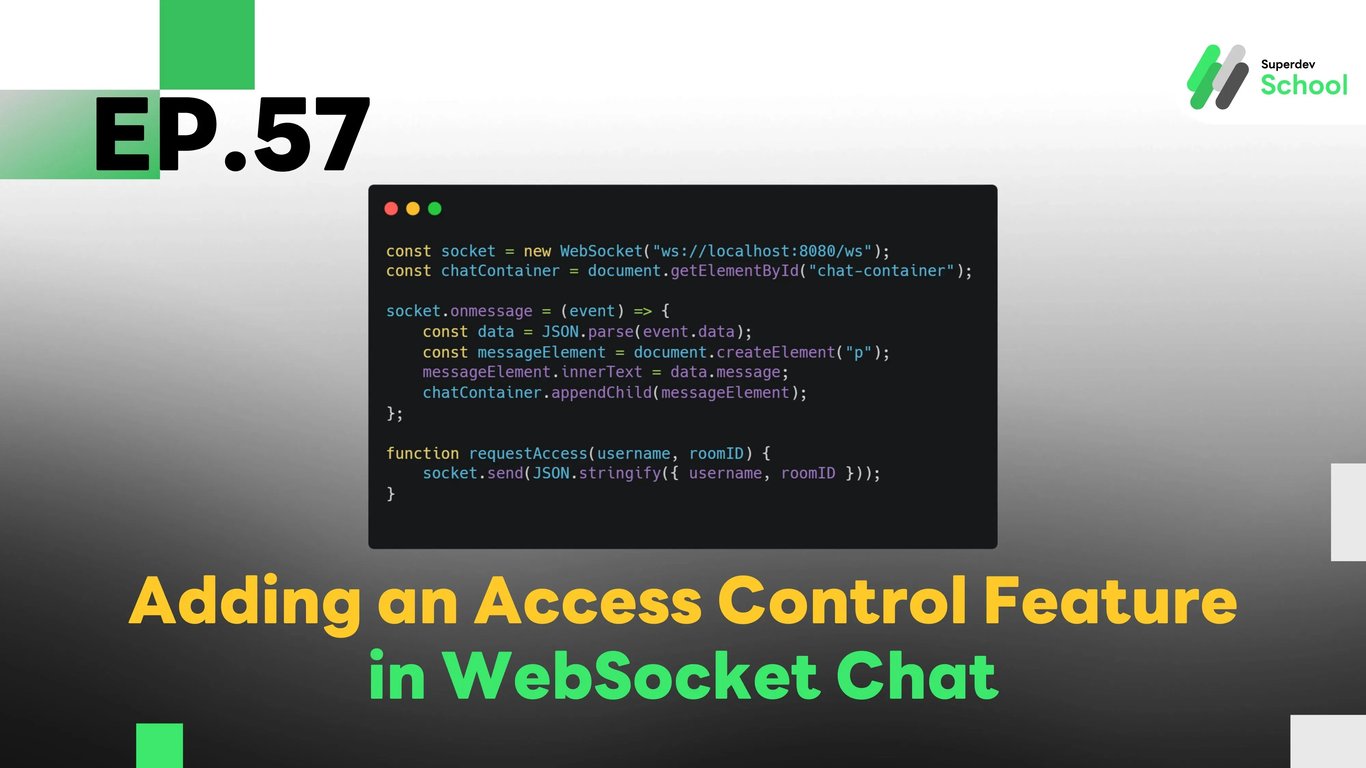
EP.57 Adding an Access Control Feature in WebSocket Chat
#Access control WebSocket
#WebSocket chat access
#chat room access control
#user management in chat rooms
#WebSocket Feature
#Chat App Development
#real-time access control
#WebSocket Server
#Go
The Access Control feature in WebSocket Chat allows administrators to manage access to chat rooms based on specific user roles and permissions. This ensures that only authorized users can join certain rooms, improving security and managing private or restricted discussions more effectively.
Why is Access Control Necessary?
The Access Control feature is important for managing chat room participation and ensuring that only authorized users are allowed to join a room. It is especially useful for creating private or restricted chat rooms where sensitive information is shared. By controlling access, admins can ensure that the chat environment remains secure and organized.
Benefits of Access Control:
- Enhance security: Ensures only authorized users can access certain chat rooms.
- Organized management: Admins can easily manage who can join and participate in rooms.
- Privacy for sensitive discussions: Great for private rooms where only specific members should have access.
Structure of the Access Control Feature in WebSocket Chat
The Access Control feature relies on validating user roles and permissions to allow or deny access to chat rooms. It involves modifying the WebSocket Server to handle permissions and updating the database to store access levels.
Key components of the access control system:
- Storing user information in the database: We will store user access levels in the database, such as "admin", "member", "guest", etc.
- Role-based permission validation: The system will check user roles to grant or deny access to specific chat rooms.
- Real-time access management: Once the system checks the permissions, it will allow or deny users in real-time.
How to Add the Access Control Feature in the WebSocket Server
To implement the Access Control feature, we need to update the WebSocket Server to manage user access to chat rooms based on their role and permissions.
Steps to implement:
- Update the WebSocket Server to validate user permissions: The server should check if the user has permission to join the chat room based on their role.
- Update the database: We need to add a new column or field (e.g.,
access_level) to track user roles and access levels. - Allow or deny access: When a user tries to join a room, the system will check if they are authorized to enter based on their access level.
Creating the UI for Access Control
To allow administrators to manage user access, we will add a UI feature that enables them to approve or deny users from entering chat rooms.
UI components:
- Add an "Approve" or "Deny" button: Admins can approve or deny users who are trying to join a chat room.
- Display user access status: The UI will show the status of users in the chat room, such as "Approved," "Pending Approval," or "Denied."
- Show pending users: The UI will display a list of users who are waiting for approval to join the room.
Testing the Access Control Feature
After implementing the feature, we need to test whether it works correctly by verifying that users can be allowed or denied access to rooms based on their role.
Testing steps:
- Test role validation: Verify that when a user tries to join a chat room, the system checks their role and allows or denies access accordingly.
- Test UI display of user status: Ensure that the UI accurately displays the access status of users in the chat room.
- Test admin management: Ensure that admins can approve and deny users as expected.
Example Code for Implementing Access Control in WebSocket Chat
Updating the Database (Database)
Add a new column access_level to store user access rights.
ALTER TABLE users ADD COLUMN access_level VARCHAR(50) DEFAULT 'guest';
WebSocket Server Code (Backend)
Update the WebSocket server to handle access control requests and manage user roles.
package main

import (
    "database/sql"
    "encoding/json"
    "fmt"
    "net/http"
    "sync"

    "github.com/gorilla/websocket"
    _ "github.com/lib/pq"
)

type AccessRequest struct {
    Username string `json:"username"`
    RoomID   string `json:"roomID"`
}

type AccessResponse struct {
    Success bool   `json:"success"`
    Message string `json:"message"`
}

var (
    clients   = make(map[*websocket.Conn]bool)
    broadcast = make(chan AccessResponse)
    mu        sync.Mutex
    db        *sql.DB
)

func handleAccessControl(w http.ResponseWriter, r *http.Request) {
    conn, _ := upgrader.Upgrade(w, r, nil)
    defer conn.Close()
    clients[conn] = true

    for {
        var request AccessRequest
        err := conn.ReadJSON(&request)
        if err != nil {
            delete(clients, conn)
            break
        }

        var accessLevel string
        err = db.QueryRow("SELECT access_level FROM users WHERE username = $1", request.Username).Scan(&accessLevel)
        if err != nil {
            broadcast <- AccessResponse{Success: false, Message: "User not found"}
            continue
        }

        if accessLevel == "admin" {
            broadcast <- AccessResponse{Success: true, Message: "Access granted"}
        } else {
            broadcast <- AccessResponse{Success: false, Message: "Access denied"}
        }
    }
}

func notifyClients() {
    for {
        msg := <-broadcast
        for client := range clients {
            err := client.WriteJSON(msg)
            if err != nil {
                client.Close()
                delete(clients, client)
            }
        }
    }
}

func main() {
    http.HandleFunc("/ws", handleAccessControl)
    go notifyClients()
    fmt.Println("WebSocket Server Running on Port 8080")
    http.ListenAndServe(":8080", nil)
}
Frontend Code (Client)
Add UI features for managing access control in chat rooms.
const socket = new WebSocket("ws://localhost:8080/ws");
const chatContainer = document.getElementById("chat-container");

socket.onmessage = (event) => {
    const data = JSON.parse(event.data);
    const messageElement = document.createElement("p");
    messageElement.innerText = data.message;
    chatContainer.appendChild(messageElement);
};

function requestAccess(username, roomID) {
    socket.send(JSON.stringify({ username, roomID }));
}
Challenge for Next EP!
Try adding user status management so admins can see the status of users and manage access more efficiently!
Next EP:
In the next episode, we will explore adding push notifications to WebSocket Chat so users can be alerted in real-time when new messages arrive!