18/08/2026 21:32pm
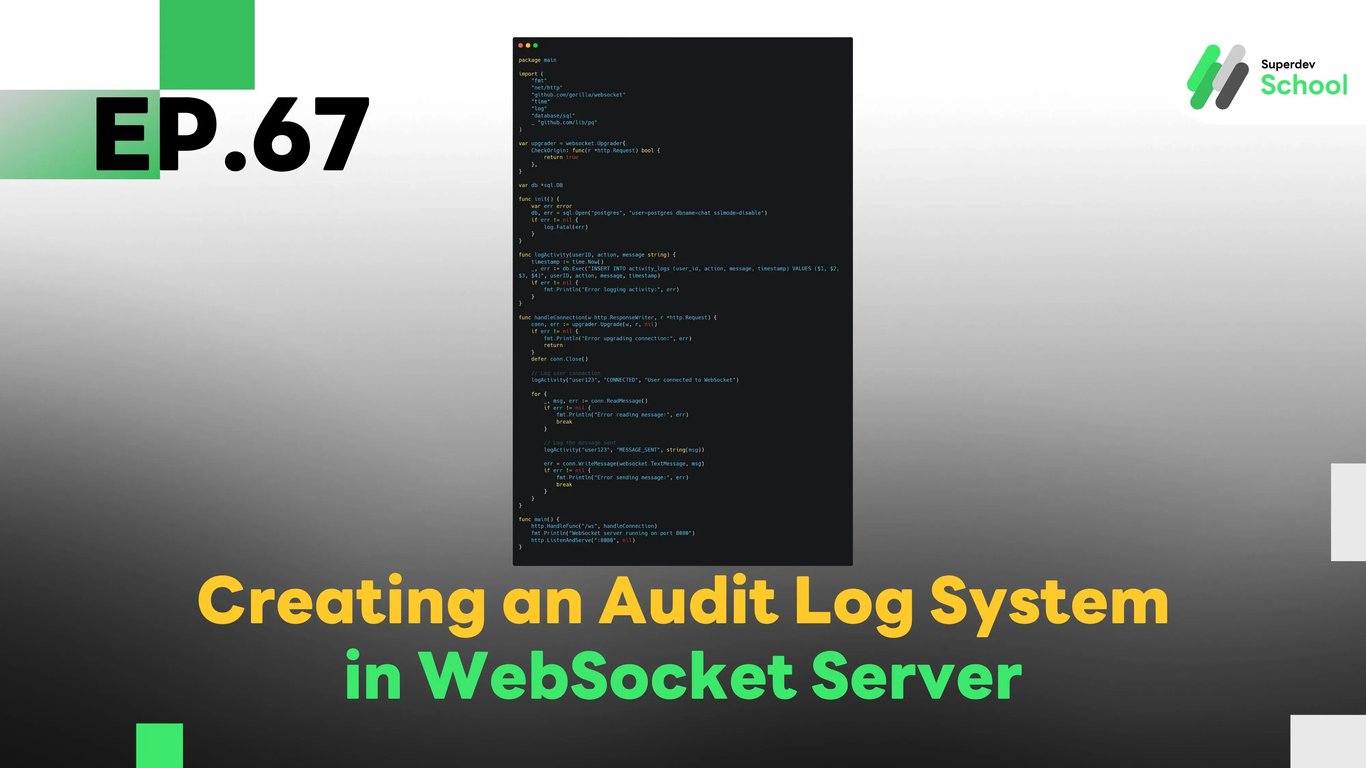
EP.67 Creating an Audit Log System in WebSocket Server
#WebSocket audit log
#WebSocket activity tracking
#Golang WebSocket logging
#User activity WebSocket
#WebSocket server logging
In EP.67, we’ll explore how to create an Audit Log system in WebSocket Server to track and monitor various actions and activities within WebSocket Chat. An audit log system helps us keep track of important events such as user connections, message sending, and other activities within the chat. This log ensures transparency, allows you to detect irregularities, and supports compliance with security policies.
An audit log plays an essential role in enhancing the security of the system and enables real-time tracking of activities. It’s a useful tool for maintaining safety, preventing malicious behavior, and ensuring the chat environment remains secure and manageable.
Why do you need an Audit Log System in WebSocket Server?
An Audit Log System helps you:
- Track user activities: It provides visibility into what users are doing in the chat, such as sending messages, joining or leaving the chat, etc.
- Enhance security: By logging activities, you can monitor for potential malicious actions or unauthorized access.
- Ensure compliance: Keeping logs allows the system to follow security and privacy standards for user data and chat interactions.
Benefits of an Audit Log System:
- Increased Transparency: Administrators can easily review user activity, improving transparency within the chat.
- Better Security Monitoring: Helps administrators identify and investigate suspicious activity quickly.
- Better Control: Administrators can manage and track the actions of users in the chat environment.
Structure of the Audit Log System in WebSocket Chat
An Audit Log system requires infrastructure that can log all actions taken within the WebSocket Server and send that data to a storage system like a database or log management system.
Core Components of the Audit Log System:
- Logging user actions:
We will store information such as user connections, messages sent, and other relevant events in a database. - Sending the logs:
The log data is sent to a storage or log management system for monitoring. - Storing and retrieving logs:
The log data will be stored securely and can be accessed whenever necessary for audits or investigations.
Implementing Audit Log System in WebSocket Server
Steps to Implement:
- Store Log Data in the Database:
- Add columns to the database to store data about the actions taken by users, such as
user_id,action,message, andtimestamp.
- Add columns to the database to store data about the actions taken by users, such as
- Log Activities:
- Whenever an activity takes place in the WebSocket Server (such as sending a message, joining, or disconnecting), the action will be logged.
- Send the Log Data to Storage:
- The log data is then sent to a log storage system, whether it’s a database or a dedicated log system for analysis and auditing.
Example Code for Implementing Audit Log in WebSocket Server
Logging User Activities in the Database
package main

import (
    "fmt"
    "github.com/gorilla/websocket"
    "time"
    "log"
    "database/sql"
    _ "github.com/lib/pq"
)

var upgrader = websocket.Upgrader{
    CheckOrigin: func(r *http.Request) bool {
        return true
    },
}

var db *sql.DB

func init() {
    var err error
    db, err = sql.Open("postgres", "user=postgres dbname=chat sslmode=disable")
    if err != nil {
        log.Fatal(err)
    }
}

func logActivity(userID, action, message string) {
    timestamp := time.Now()
    _, err := db.Exec("INSERT INTO activity_logs (user_id, action, message, timestamp) VALUES ($1, $2, $3, $4)", userID, action, message, timestamp)
    if err != nil {
        fmt.Println("Error logging activity:", err)
    }
}

func handleConnection(w http.ResponseWriter, r *http.Request) {
    conn, err := upgrader.Upgrade(w, r, nil)
    if err != nil {
        fmt.Println("Error upgrading connection:", err)
        return
    }
    defer conn.Close()

    // Log user connection
    logActivity("user123", "CONNECTED", "User connected to WebSocket")

    for {
        _, msg, err := conn.ReadMessage()
        if err != nil {
            fmt.Println("Error reading message:", err)
            break
        }

        // Log the message sent
        logActivity("user123", "MESSAGE_SENT", string(msg))

        err = conn.WriteMessage(websocket.TextMessage, msg)
        if err != nil {
            fmt.Println("Error sending message:", err)
            break
        }
    }
}

func main() {
    http.HandleFunc("/ws", handleConnection)
    fmt.Println("WebSocket server running on port 8080")
    http.ListenAndServe(":8080", nil)
}
In this example, we log user activities such as user connections and messages sent to a PostgreSQL database using the logActivity function. Each action is recorded with details such as the user ID, action type, message, and timestamp.
Testing the Audit Log System
Once the Audit Log System is implemented, it's important to test its functionality to ensure the logs are being recorded and retrieved correctly.
Tests to perform:
- Test logging user actions:
Ensure that the system logs user activities like message sending, joining, and disconnecting. - Test retrieving logs:
Verify that logs are being stored in the database and can be accessed when needed. - Test the log storage:
Check that logs are being stored securely and are available for audit purposes.
Challenge!
Try adding real-time log filtering to allow administrators to easily search and filter logs based on action types, users, or timestamps.
Next EP:
In EP.68, we will explore Adding Security Enhancements and Attack Prevention Features in WebSocket Chat to make sure users are notified when there are important messages or activities happening in the chat room!