14/10/2026 10:53am

5 Best MacBook External Monitors for Programmers (2026 Update)
#MacBook external monitor
#best monitor for programming 2026
#ARZOPA Z1RC
#BenQ RD280U
#programmer setup
#developer gadgets
The biggest struggle for MacBook users looking for an external monitor is that we’ve been "spoiled" by the Retina display. Once you’re used to that level of clarity, connecting to a standard monitor often results in "fuzzy" text, pixelated code, and frustrating color mismatches that cause serious eye strain.
Today, I’ve handpicked 5 external monitors that truly "pass the test" in terms of productivity, syntax clarity, and value for money in 2026.
1. ARZOPA Z1RC – The 2.5K Portable Powerhouse (The Mobile Dev Choice)
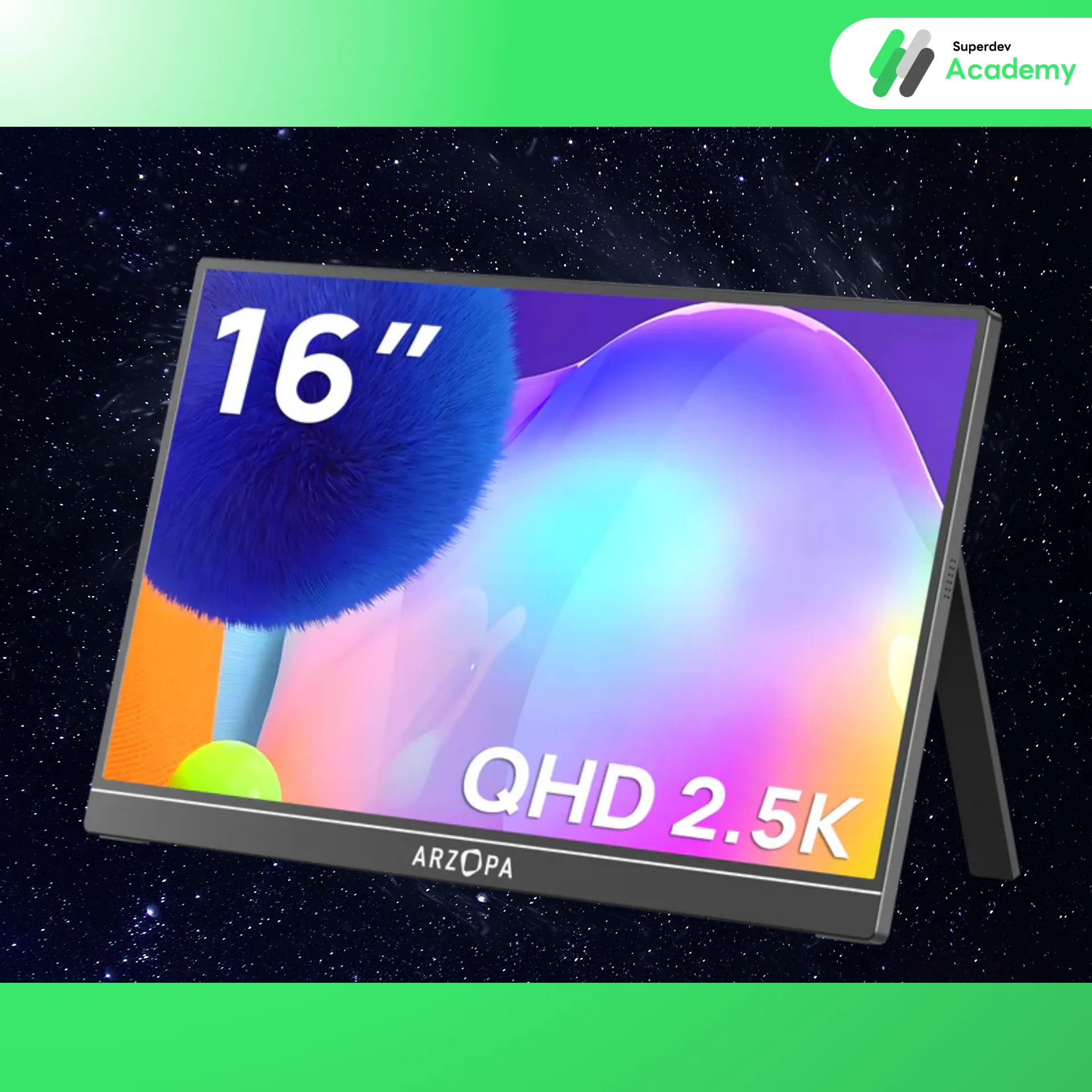
Why this one: If you’re a Remote Work enthusiast who jumps between cafes or co-working spaces but hates being cramped on a 13-14” laptop screen, this is a game-changer.
Dev’s Perspective: The fatal flaw of most portable monitors is their 1080p resolution, which looks terrible next to a MacBook. The Arzopa Z1RC delivers 2.5K (QHD) on a 16-inch panel, providing high pixel density that keeps your code looking almost as sharp as your native display.
Highlight: It features a 16:10 aspect ratio, which is a developer's best friend. That extra vertical space means seeing more lines of a function without constant scrolling.
Estimated Price: 4,200 – 5,900 THB
Where to Buy: Lazada (Arzopa Official), Shopee
Check out the review by Superdev here.
2. BenQ RD280U – Born for "Coding" (The Specialist)
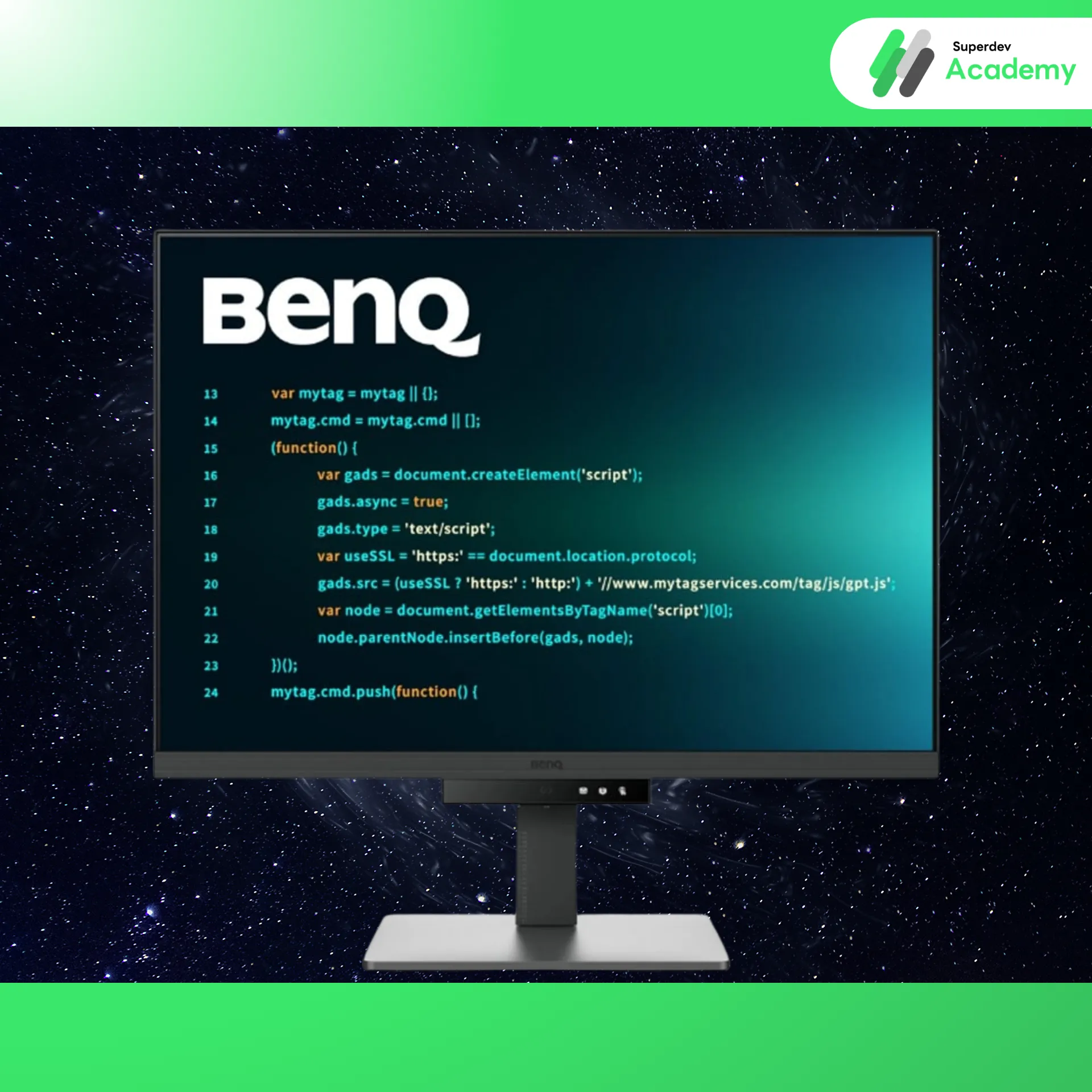
Why this one: This isn't just a monitor; it’s a "dev tool." The BenQ RD series is specifically engineered to reduce eye fatigue during those deep-work logic sessions.
Dev’s Perspective: The star feature is the Programming Mode, which optimizes the contrast of syntax highlighting to make code pop. Plus, the 3:2 aspect ratio is absolute heaven—it offers significantly more vertical real estate than a standard 16:9 screen.
Highlight: Includes a MoonHalo backlight that provides ambient lighting to reduce eye strain when you’re grinding through a night shift.
Estimated Price: 17,900 – 20,900 THB
Where to Buy: BaNANA Online, JIB Online, BenQ Official Store in Shopee
3. Dell UltraSharp U2723QE – The Reliable Standard (The Productivity Hub)
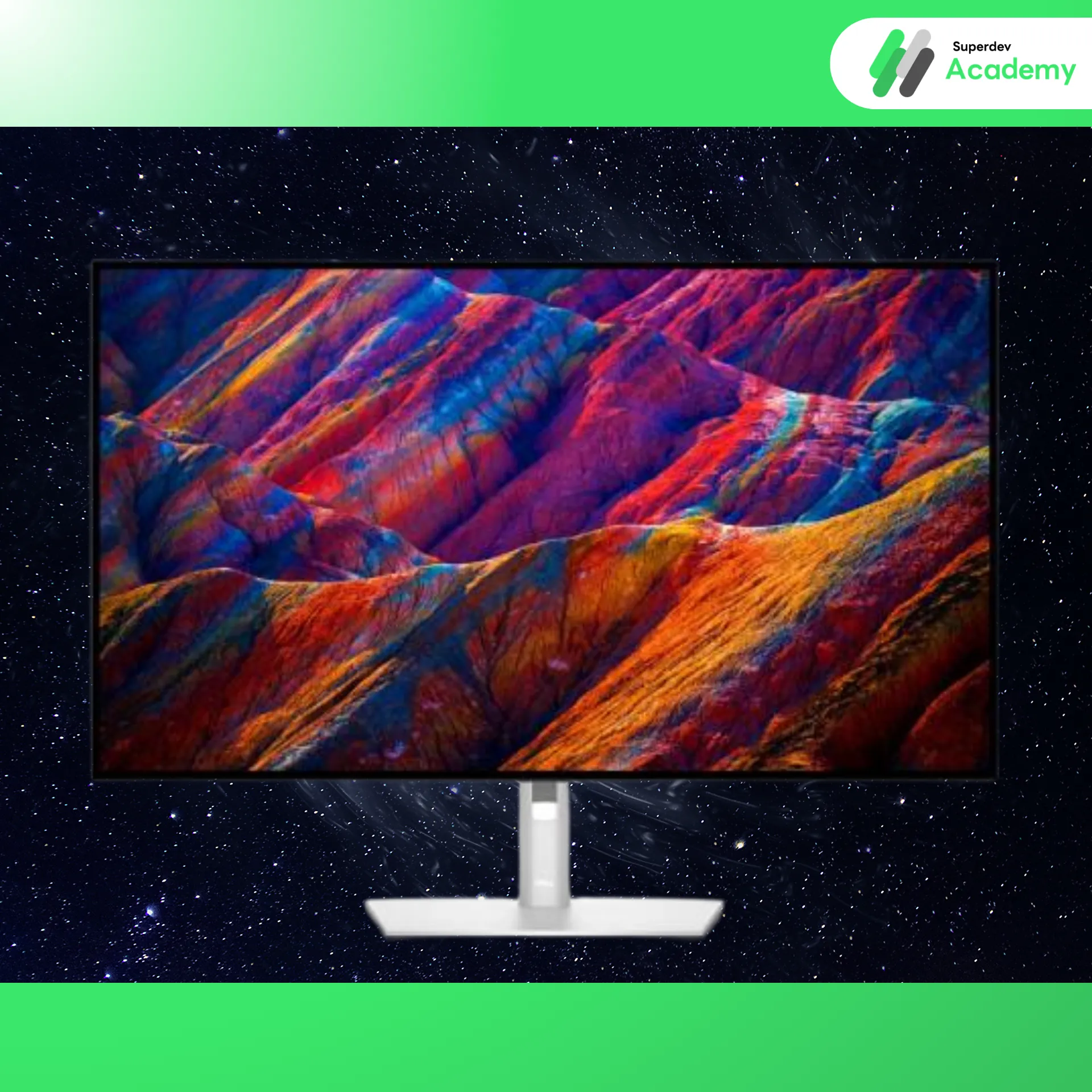
Why this one: If you ask the dev community for a recommendation, the Dell UltraSharp is almost always in the Top 3. This model features the revolutionary IPS Black technology.
Dev’s Perspective: IPS Black makes blacks "twice as deep" as standard IPS panels. For those of us who live in Dark Mode, this makes your syntax stand out with incredible contrast while remaining easy on the eyes.
Highlight: It’s a beast of a Hub. With a built-in LAN (RJ45) port, one USB-C cable handles everything: 90W charging, high-speed internet, and 4K video.
Estimated Price: 16,500 – 18,500 THB
Where to Buy: JIB, Nextplay, Dell Thailand Website
4. BenQ MA270U – The Best Friend for Mac (The Seamless Experience)
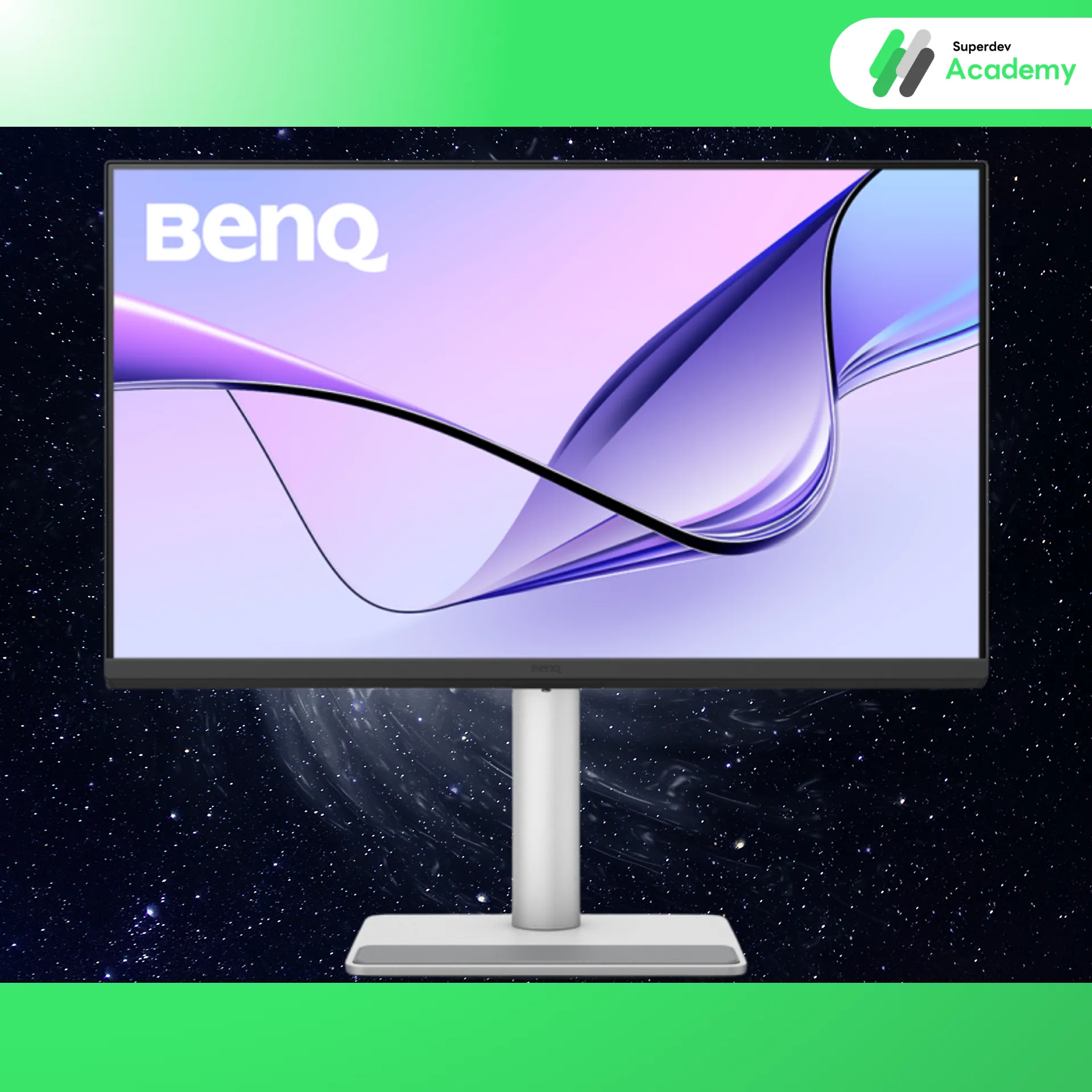
Why this one: The most annoying thing about external monitors is color mismatch and fumbling with physical buttons to change brightness. The MA270U was built specifically to solve these "Mac problems."
Dev’s Perspective: The colors are tuned to "Mac Color" (P3 Color Gamut). Dragging your IDE or browser windows between screens feels seamless because the colors don't shift. No manual calibration required.
Highlight: Supports Display Pilot 2 software, allowing you to sync and control monitor brightness and volume directly from your MacBook keyboard—just like an Apple Studio Display but at a fraction of the cost.
Estimated Price: 18,490 THB
Where to Buy: BaNANA Online, BenQ Official Store
5. Apple Studio Display – Absolute Perfection (The End-Game)
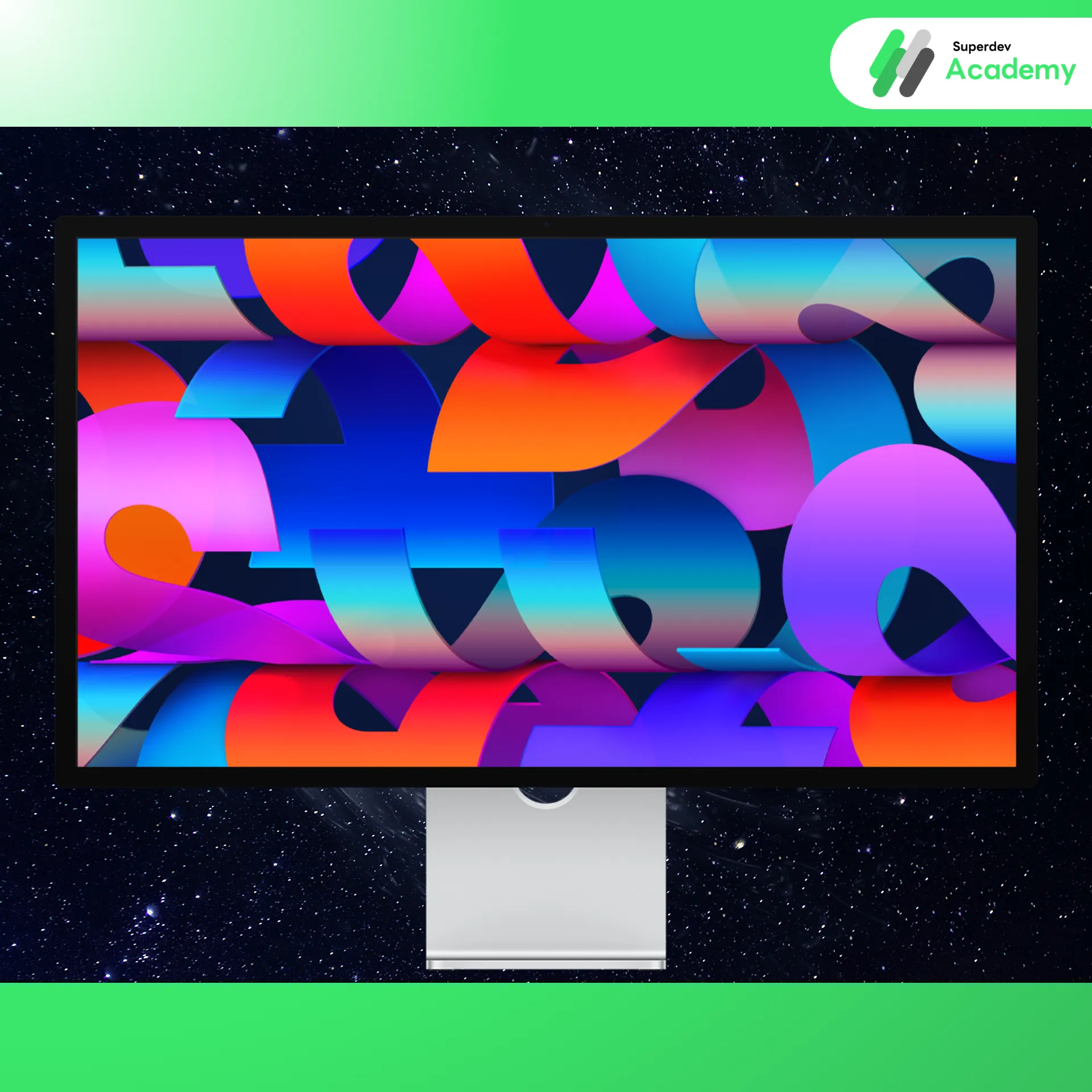
Why this one: For those where budget isn't the primary concern and "perfect" is the only option. This 5K display is what macOS was literally designed for.
Dev’s Perspective: At 5K resolution (218 PPI), it hits the "Retina sweet spot." macOS scaling is perfect—text is crisp with zero jagged edges, appearing as sharp as a printed page. It’s ideal for Senior Devs or Tech Leads who spend hours auditing code.
Highlight: The integrated speakers and mic array are studio-quality. It’s perfect for Stand-up meetings or Zoom calls without needing a headset.
Estimated Price: Starting at 52,900 THB (Education pricing starts at 49,600 THB)
Where to Buy: Apple Store Online (TH)
Comparison Summary
Model | Key Feature | Approx. Price | Best For |
Arzopa Z1RC | Portable, Sharp 2.5K | 4,xxx - 5,xxx | Travelers, Budget-conscious |
BenQ RD280U | 3:2 Ratio, Coding Mode | 18,xxx - 20,xxx | Hardcore Developers |
Dell U2723QE | IPS Black, Full Hub | 17,xxx - 18,xxx | Office setups, Dark Mode users |
BenQ MA270U | Mac-sync, Keyboard control | 18,xxx | Seamless Apple experience |
Studio Display | Ultimate 5K, Top-tier Audio | 5x,xxx | The "No-Compromise" Setup |
💬 Final Thoughts from the Superdev Team
Choosing the right monitor isn't about buying the most expensive one—it’s about "Your Workflow." If you’re constantly on the move, the ARZOPA Z1RC is a phenomenal entry point. But if you’re at your desk all day, investing in a display like the BenQ RD280U will pay dividends for your productivity and eye health in the long run.
👉 Don't want to miss more setup tips and coding insights?
Follow Superdev Academy on all platforms:
🔵 Facebook: Superdev Academy Thailand
🎬 YouTube: Superdev Academy Channel
📸 Instagram: @superdevacademy
🎬 TikTok: @superdevacademy