18/08/2026 21:32pm
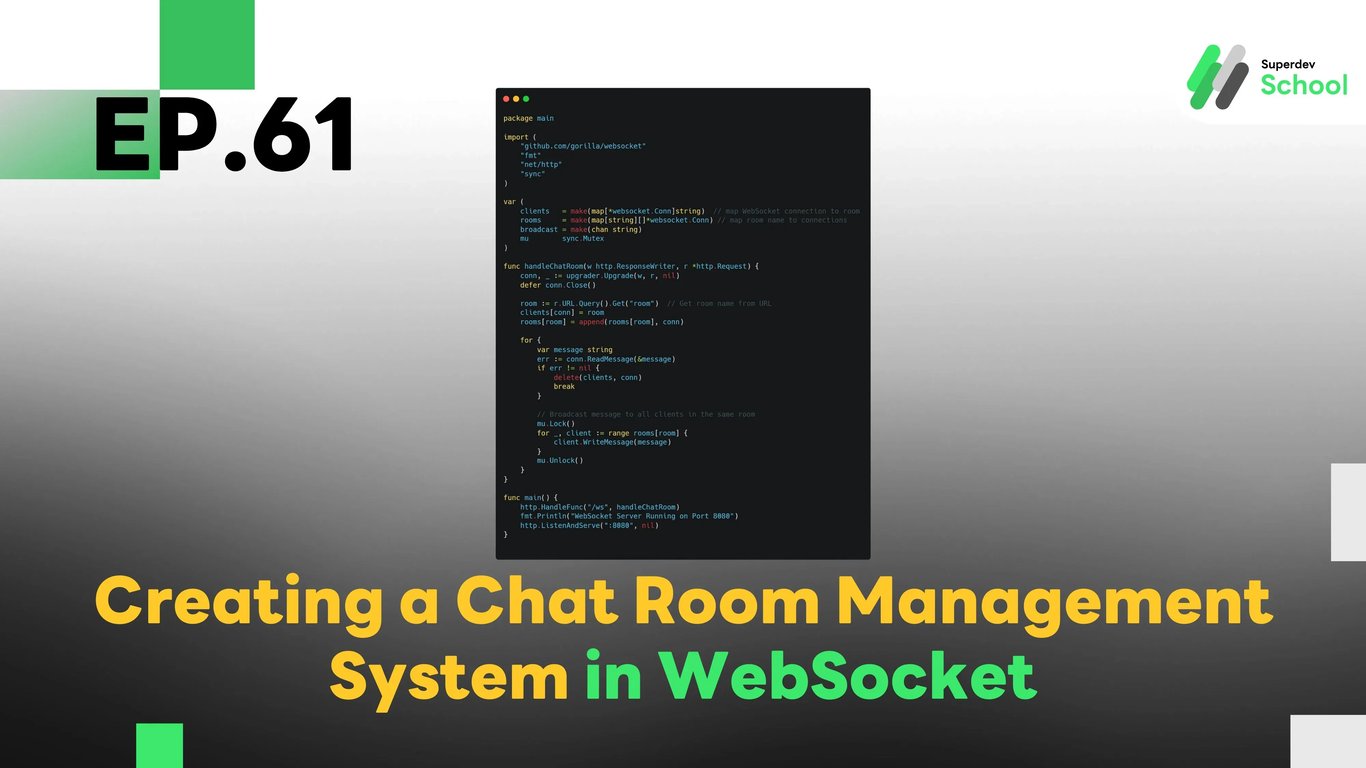
EP.61 Creating a Chat Room Management System in WebSocket
#WebSocket app development
#Real-time group messaging
#Multi-user WebSocket chat
#Chat room management WebSocket
#WebSocket chat rooms
The Chat Room Management system in WebSocket enables users to create, join, and manage chat rooms in real-time. This feature is essential for organizing conversations into different groups and ensuring effective management of users and their interactions within each room. With this system, users can have complete control over their chat rooms, including adding and removing participants, moderating messages, and organizing conversations.
Why Do We Need a Chat Room Management System?
A Chat Room Management system is essential for any application that requires organizing conversations into rooms or groups. This allows users to:
- Create and manage chat rooms: Users can create a room based on their needs and manage who can join.
- Organize conversations: Chat rooms help keep conversations relevant and focused on specific topics or groups.
- Control access and memberships: Admins can manage who is in the room and control membership.
- Moderate content and users: Chat room admins can regulate who posts, remove offensive content, or even ban users from a room.
Benefits of Chat Room Management:
- Improved organization: Conversations are organized into rooms based on topics or groups, making it easier for users to follow.
- Enhanced user control: Admins and users can manage access and membership for better moderation.
- Efficient communication: Real-time messaging in structured rooms ensures relevant and focused communication.
Structure of the Chat Room Management System
The Chat Room Management system will be responsible for creating, managing, and moderating chat rooms. It will ensure that rooms can accommodate multiple users, and messages are delivered efficiently to all room members.
Key Components of the Chat Room Management System:
- Creating Chat Rooms: Users can create new chat rooms, which will be unique and organized based on topics, teams, or groups.
- Joining and Leaving Rooms: Users can join and leave rooms at any time. Once they join, they can interact with others in the room in real time.
- Managing Membership: Room admins or creators can control who joins the room and who is removed.
- Moderating Content: Admins can moderate content in the chat room, including banning users or removing offensive messages.
- Room Privacy: Set room types such as public, private, or restricted access.
How to Implement Chat Room Management in WebSocket
To implement this feature in WebSocket, we need to modify the WebSocket Server to handle room creation, membership, and management. This includes handling connections, broadcasting messages to specific rooms, and managing users within those rooms.
Steps to Implement:
- Creating Chat Rooms:
- Allow users to create new chat rooms by sending a request to the WebSocket Server.
- Each room should have a unique identifier and a set of properties (e.g., room name, room type, max users).
- Joining and Leaving Rooms:
- Users can join a room by sending a message to the server.
- When they join, they are added to the room's user list, and when they leave, their connection will be removed.
- Managing Membership:
- Room creators or admins can add or remove users from rooms.
- Admins can mute users, ban them, or even delete entire rooms if necessary.
- Broadcasting Messages:
- Messages sent in the room should be broadcast to all users in the room in real time.
Creating the UI for Chat Room Management
The UI will be responsible for allowing users to manage and navigate through their chat rooms. The UI will show the list of rooms, enable users to create new rooms, and allow them to view and participate in existing rooms.
UI Components:
- Room List: Display the list of available chat rooms.
- Create Room Button: Allow users to create new rooms.
- Join/Leave Room Button: Allow users to join or leave rooms.
- Room Settings: Provide options for room admins to manage the room (e.g., ban users, delete room).
- Message Display: Show messages sent in the chat room.
Testing the Chat Room Management System
After implementing the Chat Room Management system, it is crucial to test whether it works as expected.
Tests to Perform:
- Test room creation: Verify that users can create rooms and join them successfully.
- Test message broadcasting in rooms: Ensure that messages sent in a room are received by all members of the group.
- Test joining and leaving rooms: Confirm that users can join and leave rooms without issues.
- Test room management: Ensure that admins can add and remove members, mute users, and manage room settings effectively.
Example Code for Chat Room Management in WebSocket
WebSocket Server Code (Backend)
This server code will allow creating rooms, adding users, and broadcasting messages.
package main

import (
    "github.com/gorilla/websocket"
    "fmt"
    "net/http"
    "sync"
)

var (
    clients   = make(map[*websocket.Conn]string)  // map WebSocket connection to room
    rooms     = make(map[string][]*websocket.Conn) // map room name to connections
    broadcast = make(chan string)
    mu        sync.Mutex
)

func handleChatRoom(w http.ResponseWriter, r *http.Request) {
    conn, _ := upgrader.Upgrade(w, r, nil)
    defer conn.Close()

    room := r.URL.Query().Get("room")  // Get room name from URL
    clients[conn] = room
    rooms[room] = append(rooms[room], conn)

    for {
        var message string
        err := conn.ReadMessage(&message)
        if err != nil {
            delete(clients, conn)
            break
        }

        // Broadcast message to all clients in the same room
        mu.Lock()
        for _, client := range rooms[room] {
            client.WriteMessage(message)
        }
        mu.Unlock()
    }
}

func main() {
    http.HandleFunc("/ws", handleChatRoom)
    fmt.Println("WebSocket Server Running on Port 8080")
    http.ListenAndServe(":8080", nil)
}
Frontend Code (Client)
The client-side code will manage joining and leaving rooms and displaying messages.
const socket = new WebSocket("ws://localhost:8080/ws?room=group1");
const chatContainer = document.getElementById("chat-container");

socket.onmessage = (event) => {
    const messageElement = document.createElement("p");
    messageElement.innerText = event.data;
    chatContainer.appendChild(messageElement);
};

function sendMessage(message) {
    socket.send(message);
}
Challenge for Next EP!
Try implementing room moderation tools to allow admins to mute, kick users, or remove messages in their chat rooms!
Next EP:
In EP.62, we will explore Using Context in Golang to manage tasks with waiting periods, enabling efficient control and management of concurrent tasks in Golang!