18/08/2026 21:32pm
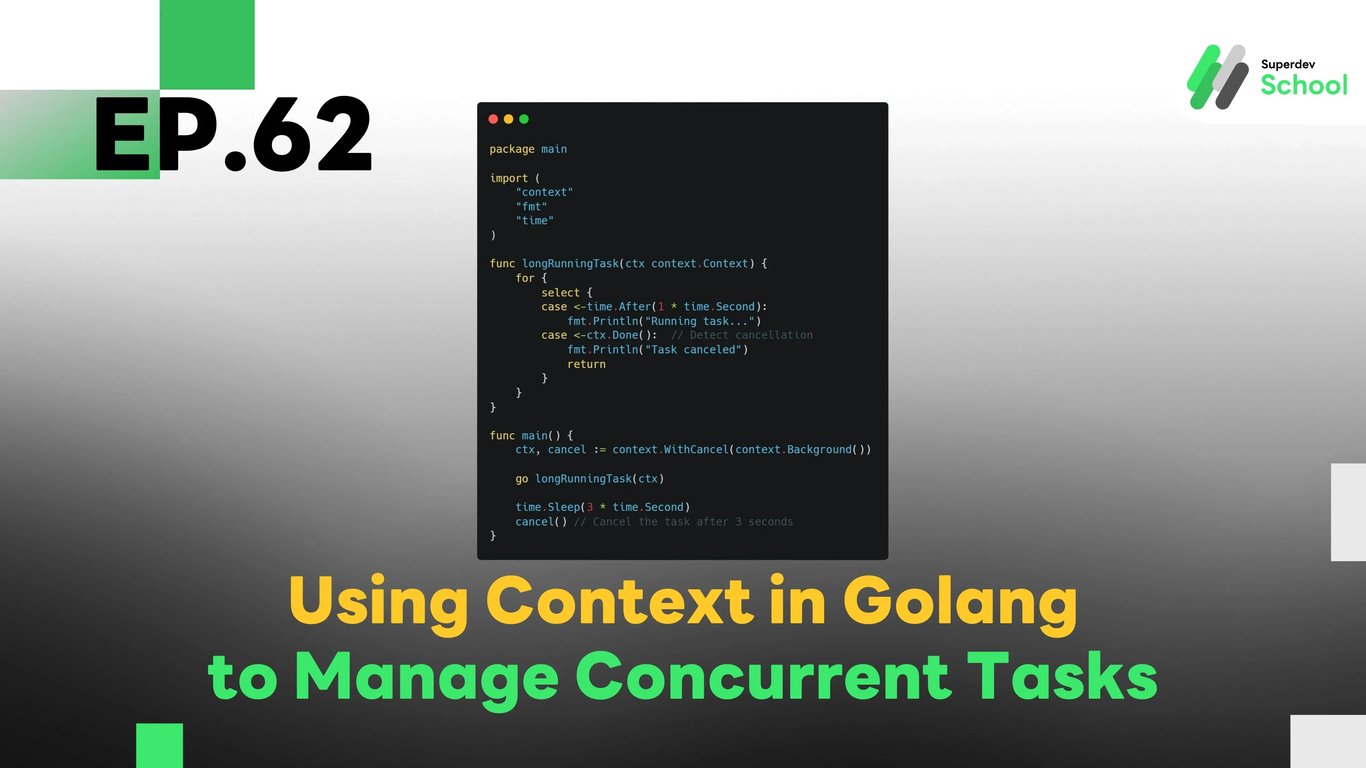
EP.62 Using Context in Golang to Manage Concurrent Tasks
#Golang context
#Concurrent tasks Golang
#Goroutines management
#Golang task cancellation
#Golang timeouts
The Context package in Golang is crucial when working with concurrent tasks. It allows you to manage tasks, handle cancellations, and set timeouts for operations that may take an unknown or long period to complete. In this episode, we will learn how to use context to control multiple concurrent tasks and ensure they work together efficiently while giving us the ability to cancel or timeout tasks if needed. The use of context ensures that resources are freed properly and helps in building more scalable and manageable applications.
Why is the Context Package Important?
The Context package provides a way to manage long-running operations, particularly when dealing with multiple concurrent tasks. Here’s why it’s essential:
- Cancellation of tasks: You can cancel tasks when they're no longer needed, such as when a user cancels an operation or when the server shuts down.
- Timeouts: Set time limits for operations to prevent them from running indefinitely.
- Passing information across goroutines: It allows you to pass metadata (e.g., deadlines or cancellation signals) between goroutines, making it easier to handle large and complex applications.
Key Benefits:
- Improved resource management: Efficiently manages resources by ensuring timely cancellation and preventing memory leaks.
- Simplifies concurrency handling: Makes it easier to coordinate and control multiple goroutines in parallel operations.
- Easy cancellation and timeouts: It allows tasks to be canceled or timed out efficiently, preventing blocking and improving app performance.
How the Context Package Works
The context package in Golang is designed to pass context information (like deadlines, cancellation signals, etc.) across multiple goroutines, making it an essential tool for managing concurrency.
Components of the Context Package:
- Context Objects:
context.Background()– The root context.context.TODO()– Used when it's unclear which context to use.context.WithCancel()– Creates a context with the ability to cancel it.context.WithTimeout()– Creates a context with a time limit.context.WithDeadline()– Creates a context with a specific deadline.
- Cancellation:
- You can cancel a context manually with
cancel(), which will propagate the cancellation to any goroutine using that context.
- You can cancel a context manually with
- Timeouts and Deadlines:
- You can set a timeout for operations to prevent them from running indefinitely.
How to Use Context for Concurrent Tasks in Golang
To use context with multiple concurrent tasks, you need to pass the context object to each goroutine you create so they can share cancellation signals and timeouts.
Steps to Implement Context in Concurrent Tasks:
- Creating a Context:
Usecontext.Background()orcontext.TODO()as the root context. - Running Concurrent Tasks:
When launching goroutines, pass the context object to them so they can observe cancellation signals. - Handling Cancellation:
Usecontext.WithCancel()to create a context that can be canceled. When canceling, all associated goroutines will also receive the cancellation signal. - Timeouts:
Usecontext.WithTimeout()to set a time limit for tasks. This prevents tasks from running indefinitely.
Building the Code for Managing Concurrent Tasks Using Context
Let's see how we can use context to manage concurrent tasks efficiently.
Example Code:
Using
contextto Cancel Concurrent Tasks
package main

import (
    "context"
    "fmt"
    "time"
)

func task(ctx context.Context, id int) {
    select {
    case <-time.After(2 * time.Second):  // Simulate work
        fmt.Printf("Task %d completed\n", id)
    case <-ctx.Done():  // If the context is canceled
        fmt.Printf("Task %d canceled\n", id)
    }
}

func main() {
    ctx, cancel := context.WithTimeout(context.Background(), 3*time.Second)
    defer cancel()

    for i := 1; i <= 5; i++ {
        go task(ctx, i)
    }

    time.Sleep(4 * time.Second) // Wait for the tasks to finish or get canceled
}
In this code, we create a context with a timeout of 3 seconds. The tasks will be canceled if they take longer than 3 seconds.
Using Context with Cancellation for Long-Running Tasks
package main

import (
    "context"
    "fmt"
    "time"
)

func longRunningTask(ctx context.Context) {
    for {
        select {
        case <-time.After(1 * time.Second):
            fmt.Println("Running task...")
        case <-ctx.Done():  // Detect cancellation
            fmt.Println("Task canceled")
            return
        }
    }
}

func main() {
    ctx, cancel := context.WithCancel(context.Background())

    go longRunningTask(ctx)

    time.Sleep(3 * time.Second)
    cancel() // Cancel the task after 3 seconds
}
This example shows how to cancel a long-running task after 3 seconds using context.WithCancel().
Testing Concurrent Tasks with Context
After implementing context, it's crucial to test that tasks are properly managed and canceled when needed.
Tests to Perform:
- Test task cancellation: Ensure that tasks are canceled when the context is canceled.
- Test timeout behavior: Ensure that tasks respect the timeouts set by the context.
- Test goroutine synchronization: Ensure that the goroutines are properly synchronized and behave as expected when canceled.
Challenge for Next EP!
Try implementing the use of context in HTTP request handling to manage timeouts and cancellations in web requests!
Next EP:
In the next episode, we will dive into Creating a User Authentication System for WebSocket to allow users to authenticate before accessing the chat rooms!