View : 252
18/08/2026 21:21pm
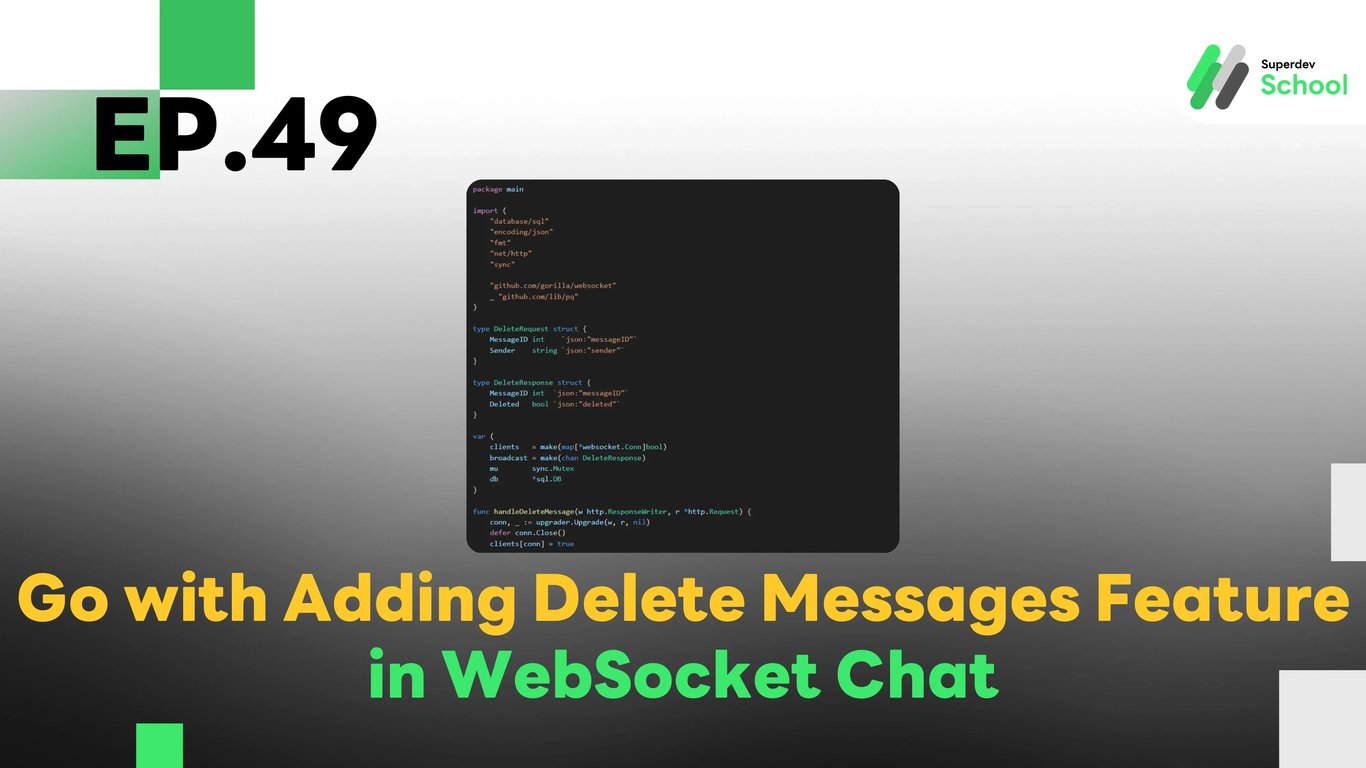
EP.49 Adding Delete Messages Feature in WebSocket Chat
#Chat UX
#Persistent Chat
#Remove Messages
#WebSocket API
#Real-Time Chat
#Golang
#Go
#WebSocket
#Delete Messages
Why Have a Delete Messages Feature in WebSocket Chat?
The Delete Messages feature allows users to remove messages they have sent, offering several benefits:
- Correct Mistakes: Users can rectify errors by deleting incorrectly sent messages.
- Enhanced Flexibility: Provides greater control over chat content.
- Increased Privacy: Allows users to remove messages they do not want others to see.
Structure of the Message Deletion System in WebSocket Chat
- WebSocket Server: Manages the deletion of messages from the database and notifies all clients.
- Database (PostgreSQL / MongoDB): Stores the status of deleted messages.
- Frontend (Client-Side): Displays the delete message button in the UI and updates results in real-time.
Adding the Delete Messages Feature to the WebSocket Server
1. Updating the Database to Support Message Deletion
File: schema.sql
ALTER TABLE chat_messages ADD COLUMN deleted BOOLEAN DEFAULT FALSE;2. Adding Code to Delete Messages in the WebSocket Server
File: websocket_server.go
package main

import (
    "database/sql"
    "encoding/json"
    "fmt"
    "net/http"
    "sync"

    "github.com/gorilla/websocket"
    _ "github.com/lib/pq"
)

type DeleteRequest struct {
    MessageID int    `json:"messageID"`
    Sender    string `json:"sender"`
}

type DeleteResponse struct {
    MessageID int  `json:"messageID"`
    Deleted   bool `json:"deleted"`
}

var (
    clients   = make(map[*websocket.Conn]bool)
    broadcast = make(chan DeleteResponse)
    mu        sync.Mutex
    db        *sql.DB
)

func handleDeleteMessage(w http.ResponseWriter, r *http.Request) {
    conn, _ := upgrader.Upgrade(w, r, nil)
    defer conn.Close()
    clients[conn] = true

    for {
        var request DeleteRequest
        err := conn.ReadJSON(&request)
        if err != nil {
            delete(clients, conn)
            break
        }

        _, err = db.Exec("UPDATE chat_messages SET deleted = TRUE WHERE id = $1 AND sender = $2", request.MessageID, request.Sender)
        if err == nil {
            broadcast <- DeleteResponse{MessageID: request.MessageID, Deleted: true}
        }
    }
}

func notifyClients() {
    for {
        msg := <-broadcast
        for client := range clients {
            err := client.WriteJSON(msg)
            if err != nil {
                client.Close()
                delete(clients, client)
            }
        }
    }
}

func main() {
    http.HandleFunc("/ws", handleDeleteMessage)
    go notifyClients()
    fmt.Println("WebSocket Server Running on Port 8080")
    http.ListenAndServe(":8080", nil)
}
3. Adding a Delete Message Button in the Frontend (Client-Side)
File: client.js
const socket = new WebSocket("ws://localhost:8080/ws");
const chatContainer = document.getElementById("chat-container");

socket.onmessage = (event) => {
    const data = JSON.parse(event.data);
    if (data.deleted) {
        document.getElementById(`msg-${data.messageID}`).innerText = "(Message Deleted)";
    }
};

function sendDeleteRequest(messageID) {
    socket.send(JSON.stringify({ messageID, sender: "JohnDoe" }));
}

function displayMessage(id, sender, content) {
    const msgElement = document.createElement("p");
    msgElement.id = `msg-${id}`;
    msgElement.innerText = `${sender}: ${content}`;

    const deleteButton = document.createElement("button");
    deleteButton.innerText = "Delete";
    deleteButton.onclick = () => sendDeleteRequest(id);

    msgElement.appendChild(deleteButton);
    chatContainer.appendChild(msgElement);
}
Displaying the Delete Message Button on the UI
File: index.html
<div id="chat-container"></div>4. Testing the System
- Running the WebSocket Server
go run websocket_server.go- Open the Web Page and Try Typing a Message
- Click the Delete Message Button and Observe the Results on the UI
Challenge!
Try adding a feature that notifies users when a message is deleted, or display the message “This message was deleted” instead of removing it from the UI.
Next EP
In EP.50, we will add a Feature to Edit Sent Messages in the WebSocket Chat! 🚀