07/06/2026 06:44am
EP.3 Enhance Your Program's Intelligence with If-Else in Go
#else if
#control flow
#programming
#Go
#If-Else
Enhance Your Program's Intelligence with If-Else in Go
Have you ever wondered how programs make decisions? For instance, if the data is correct, they proceed; if not, they send an alert. This is the role of If-Else, which helps programs make intelligent decisions.
What is If-Else? In every program, we need decision-making. For example, if the user enters the correct information, they can log in; if it's incorrect, an error notification is displayed. Using If-Else allows the program to function based on conditions.
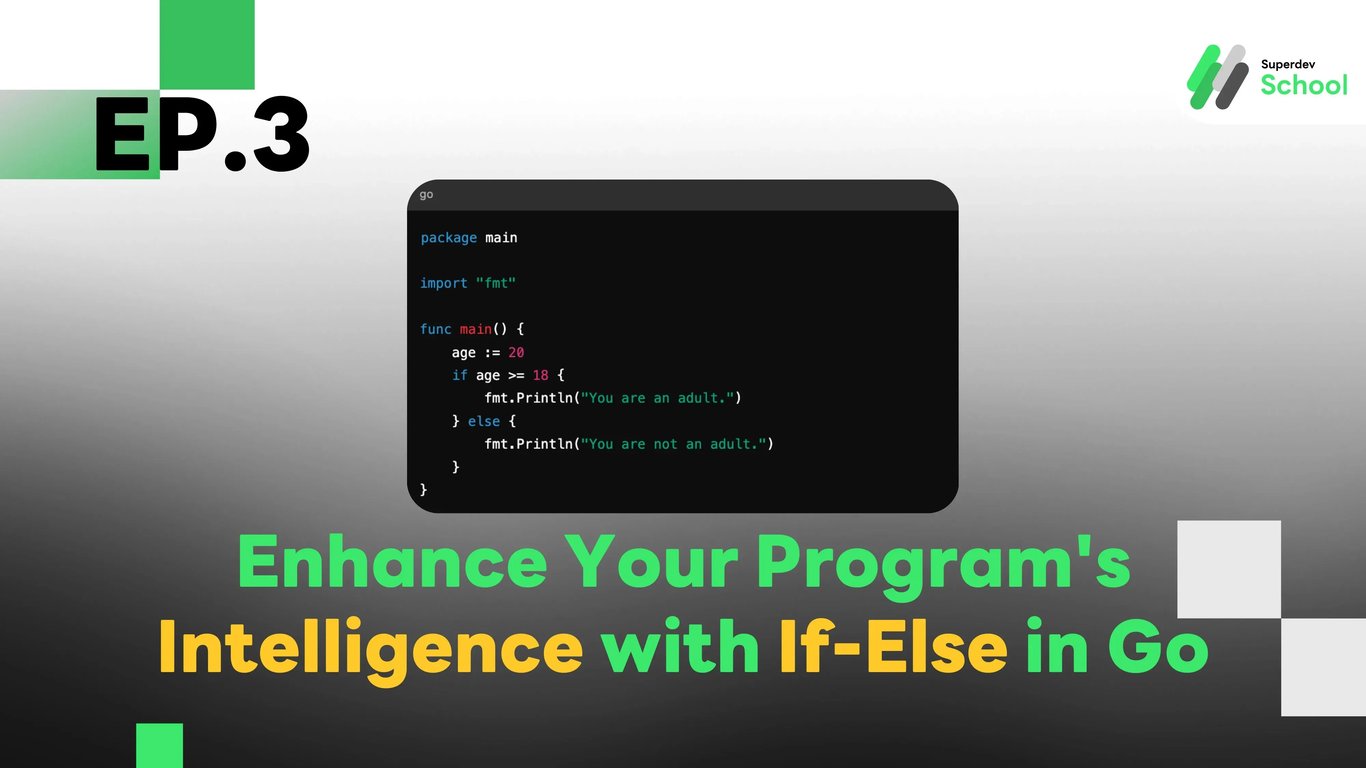
package main

import "fmt"

func main() {
    age := 20
    if age >= 18 {
        fmt.Println("You are an adult.")
    } else {
        fmt.Println("You are not an adult.")
    }
}
Structure of If-Else in Go
- if condition {}: If the condition is true, this block will execute.
- else {}: If the condition is false, this block will execute.
You can add multiple conditions using else if, for example:
score := 85
if score >= 90 {
    fmt.Println("Grade A")
} else if score >= 80 {
    fmt.Println("Grade B")
} else {
    fmt.Println("Grade C")
}
Using Comparison Operators
When writing conditions in If-Else, we use comparison operators such as:
- == equals
- != not equals
- > greater than
- < less than
- >= greater than or equal to
- <= less than or equal to
Example:
number := 10
if number % 2 == 0 {
    fmt.Println("Even number")
} else {
    fmt.Println("Odd number")
}
All of this will help learners understand how to control program execution with If-Else, which is a fundamental aspect of creating smarter programs.