07/06/2026 06:43am
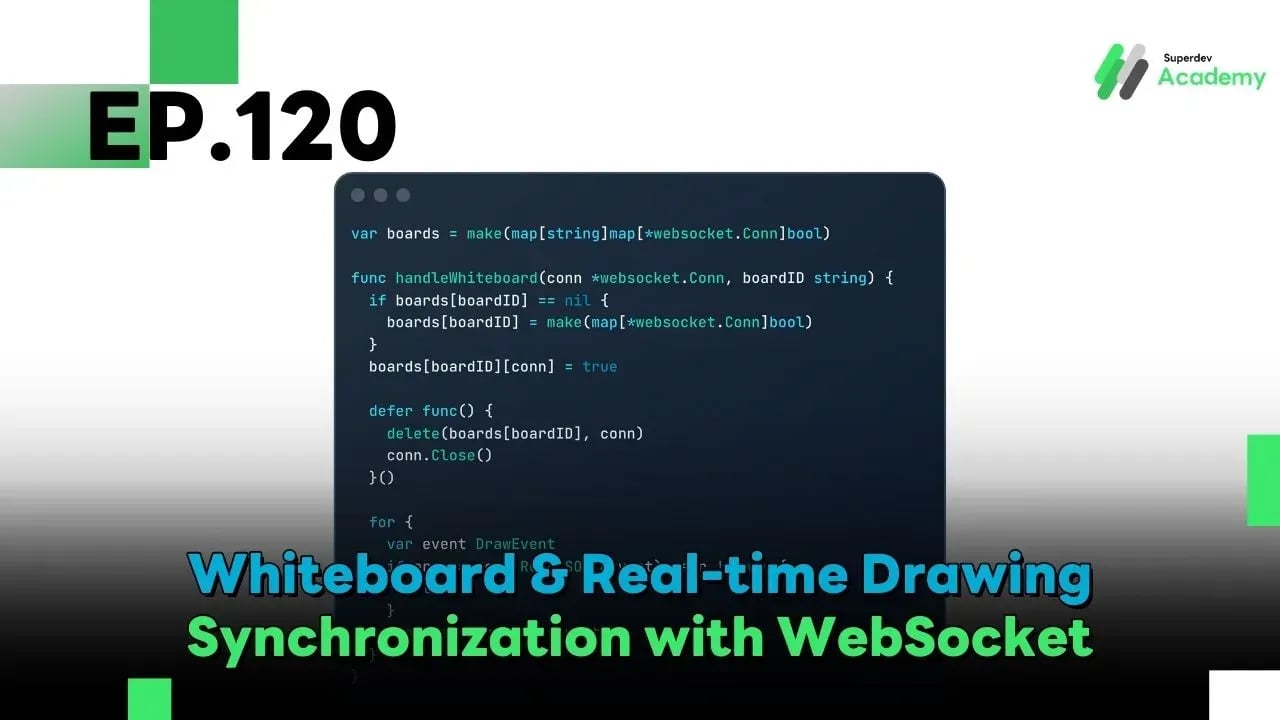
EP.120 Whiteboard & Real-time Drawing Synchronization with WebSocket
#Golang The Series
#WebSocket
#Golang
#Go
#whiteboard
After building a collaborative document editor using text sync, it’s time to move toward something even more challenging real-time drawing.
Apps like Miro, FigJam, and Excalidraw must support highly interactive features such as:
Multiple users drawing at the same time
Real-time shape, stroke, and cursor movement
Shared canvas state that stays perfectly in sync
Instant Undo/Redo
Ultra-low latency
In this article, you'll learn how to build a real-time Whiteboard System using Go + WebSocket, with architecture and code that’s ready for production use.
🧠 System Architecture Overview
Key Components
Canvas State – Current state of the board
Draw Events – Stroke or shape actions
Cursor Position – Each user's real-time pointer
History Stack – For Undo/Redo functionality
Room (Board) – Scoped by
board_idfor isolated sessions
✏️ 1. Drawing Event Data Format
Rather than syncing the whole canvas, we only send draw events:
Supported event types include:
draw(pen, brush)shape(rectangle, circle, arrow)cursorundo,redoclear
⚙️ 2. Server-side Data Structures (Go)
Each whiteboard session is managed via board_id to broadcast only within its own room.
🔄 3. Real-time WebSocket Sync
Result: User A draws something → all users see it instantly
Latency: Millisecond-level performance
🖱️ 4. Real-time Mouse / Cursor Sync
To show what others are doing on the canvas:
Clients send cursor position every ~50ms
Server broadcasts to all clients in the same room
↩️ 5. Real-time Undo / Redo
Concept:
Each draw event = one action
Maintain a history stack per board
Undo:
Pop from
undo, push toredoBroadcast to all clients to remove the last action
⚡ 6. Performance Optimization
Important when scaling to many users:
Send only deltas, not entire strokes
Throttle cursor updates (30–60 fps)
Batch frequent events
Use binary protocol for large boards
Split canvas into layers: background / drawing / cursor
🔐 7. Security & Access Control
Your system should include:
Board permissions (read / write access)
Rate limits per user
Shape validation to avoid malformed payloads
Protection against spam/flooding
🚀 Mini Project Challenge
Try building a real demo that supports:
2–3 users drawing in real-time
Cursor sync
Instant Undo/Redo
Open multiple tabs they must stay 100% synced
✅ If you can build all this, you’ve truly mastered real-time drawing synchronization 🎯
🔮 Coming Next: EP.121 Deploying WebSocket Server on Kubernetes
In the next episode, we’ll go full production.
You’ll learn how to:
Deploy your WebSocket Server with Kubernetes
Set up Load Balancer with Sticky Sessions
Implement Auto-Scaling to support thousands of connections
Stay tuned! 🚀