07/06/2026 06:43am
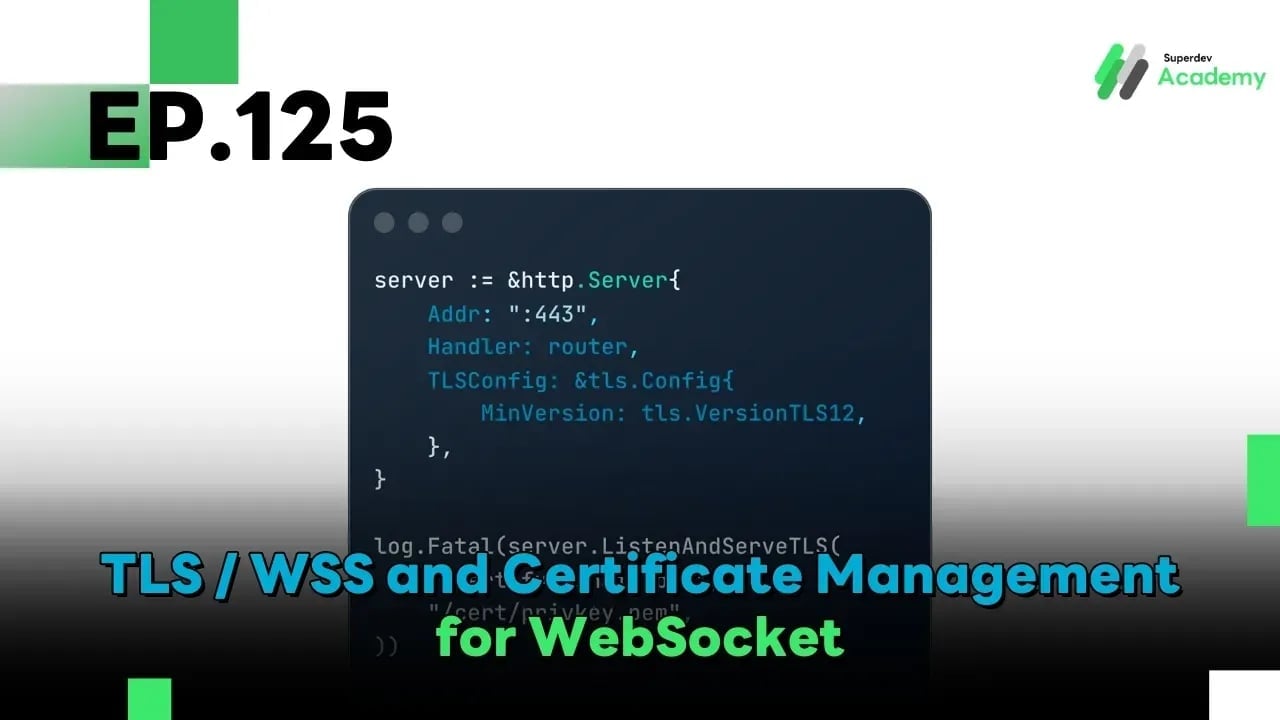
EP.125 TLS / WSS and Certificate Management for WebSocket (Production & Enterprise Guide)
#Go
#WebSocket
#WSS WebSocket
#WebSocket TLS
If EP.124 was about “locking the door with proper authentication,”
then EP.125 is about “reinforcing the entire building” with correct TLS and certificate management.
Because a WebSocket connection without WSS can be intercepted, modified, or spoofed far more easily than most teams expect no matter how strong your authentication layer is.
🎯 Goals of This Article
After reading this article, you will understand:
- The difference between HTTPS and WSS
- How TLS handshake works with WebSocket
- How to manage certificates in production systems
- How to implement zero-downtime certificate renewal
- Enterprise-grade best practices for securing WebSocket connections
🔍 HTTPS vs WSS: What’s the Difference?
| Protocol | Used for | Security |
|---|---|---|
| HTTP | Traditional web | ❌ Not encrypted |
| HTTPS | REST / Web | ✅ TLS |
| WS | WebSocket | ❌ Not encrypted |
| WSS | WebSocket | ✅ TLS |
❗ A WebSocket connection using ws:// is not secure, even if the main website is served over https://.
🧠 A Common Misunderstanding
HTTPS ≠ WSS
TLS is not automatically shared between HTTP and WebSocket.
If your WebSocket endpoint uses ws://, your data travels in plain text, regardless of HTTPS elsewhere.
Additional critical facts:
- Browsers will block
ws://when the page is loaded overhttps:// - Every production system must use
wss://only
👉 There are no exceptions in real-world production systems.
🔐 How TLS Handshake Works with WebSocket
Real connection flow:
Client
  ↓ TLS Handshake
Server
  ↓ Certificate Verification
Secure Channel Established
  ↓ HTTP Upgrade (101 Switching Protocols)
WebSocket Connected (Encrypted)
📌 TLS always happens before WebSocket
A WebSocket connection is established only after a secure TLS channel exists.
📜 What Is a Certificate (from a WebSocket Perspective)?
A TLS certificate serves three critical purposes:
- Authenticates the server
- Encrypts all data
- Prevents Man-in-the-Middle attacks
Important note:
- WebSocket uses the same certificate as HTTPS
- There is no separate certificate specifically for WebSocket
🧩 Basic Production-Ready WSS Setup in Go
server := &http.Server{
    Addr: ":443",
    Handler: router,
    TLSConfig: &tls.Config{
        MinVersion: tls.VersionTLS12,
    },
}

log.Fatal(server.ListenAndServeTLS(
    "/cert/fullchain.pem",
    "/cert/privkey.pem",
))
✅ Recommendations:
- Use TLS 1.2+ only
- Enable TLS 1.3 for new systems
🔄 What Is Certificate Rotation?
The common problem:
- Certificates expire
- Restarting the server disconnects all WebSocket clients ❌
- Clients reconnect simultaneously → load spikes
The goal of a well-designed system:
Rotate certificates without breaking active WebSocket connections
♻️ Zero-Downtime Certificate Renewal (Production Approach)
Production-grade strategies:
- Perform TLS termination at a Load Balancer or Reverse Proxy
- Reload certificates at runtime
- Use rolling updates only if necessary
🏗️ Recommended Architecture
Client
  ↓ WSS
Load Balancer / Reverse Proxy (TLS Termination)
  ↓ WS (Internal)
WebSocket Servers
Benefits:
- Certificate rotation happens at the Load Balancer
- WebSocket servers do not need restarts
- Easier scaling
- Simpler certificate management
🌱 Using Let’s Encrypt with WebSocket
Let’s Encrypt provides:
- Free certificates
- Browser-trusted CA
- Automatic renewal
- Works for both HTTPS and WSS
Common tools:
- Certbot
- acme.sh
- Kubernetes
cert-manager
🔧 Certbot Renewal (Concept Example)
certbot renew --quiet
systemctl reload nginx
📌 Reload ≠ Restart
Existing WebSocket connections remain intact.
☁️ Kubernetes + cert-manager (Production Grade)
Widely used production setup:
cert-manager+ Let’s Encrypt- Automatic renewal
- Zero downtime
Example Certificate resource:
apiVersion: cert-manager.io/v1
kind: Certificate
spec:
  secretName: ws-tls
  dnsNames:
    - ws.example.com
Ingress controllers or gateways automatically reload certificates.
🛑 Common Mistakes to Avoid
❌ Using self-signed certificates in production
❌ Allowing outdated TLS versions
❌ Hard-coding certificate paths
❌ Restarting servers during renewal
❌ Never testing renewal before expiration
🧪 Production Readiness Checklist
✅ Use wss:// only
✅ TLS 1.2+ (TLS 1.3 recommended)
✅ Automatic certificate renewal
✅ No server restart on renewal
✅ Load Balancer or Reverse Proxy in front
✅ Test renewal before certificates expire
🚀 Challenge: Audit Your WebSocket System
Try auditing your current setup:
- Connect using
wss:// - Verify the actual TLS version in use
- Simulate an expiring certificate
- Renew the certificate without restarting the server
If you can do all of the above 👉 your WebSocket system is truly production-ready 🔥
🔮 Coming Next EP.126 DDoS Protection & Rate Limiting for WebSocket
We’ll dive into:
- Connection floods
- Rate limiting per IP / user
- Bot & abuse protection
- WebSocket security under real-world attack scenarios