18/08/2026 21:32pm
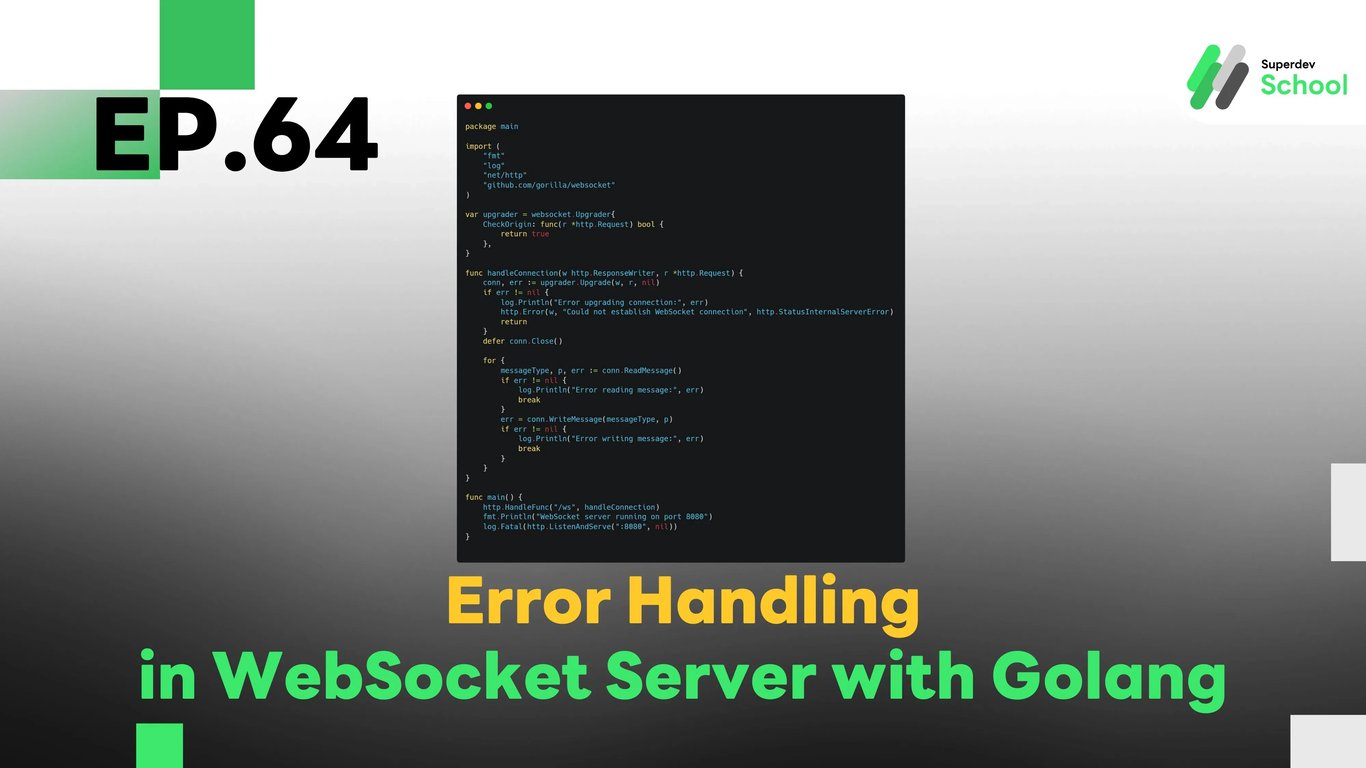
EP.64 Error Handling in WebSocket Server with Golang
#WebSocket error handling
#WebSocket server error
#Golang error management
#WebSocket connection error
#Error handling Golang WebSocket
In EP.64, we will discuss how to implement Error Handling in the WebSocket Server using Golang. This will help you build a robust WebSocket system that can efficiently handle errors when they occur during communication between the WebSocket server and clients.
Error handling in WebSocket servers is crucial for maintaining smooth communication in real-time chat applications. By handling errors correctly, you can ensure that the server doesn’t crash and can respond to issues such as connection failures or data transmission errors.
Why is Error Handling Important in WebSocket Server?
Error handling in WebSocket servers is essential because it:
- Improves system stability: When errors occur, the server can handle them gracefully without crashing, allowing the system to keep functioning.
- Prevents downtime: Proper error management ensures the server can recover from connection issues and continue to serve clients.
- Enhances user experience: Users will not experience disruptions when errors are managed well. They will be informed of issues without affecting their session.
Error handling also makes debugging easier by logging errors and providing useful feedback to developers.
Benefits of Error Handling in WebSocket Server:
- Better connection handling: When issues like connection timeouts or disruptions occur, the server can take corrective action.
- Improved security: Proper error handling helps prevent data corruption or loss and ensures sensitive information isn't exposed.
- Easy debugging: Proper logging of errors enables developers to identify and resolve issues more effectively.
- Fault tolerance: By managing errors efficiently, WebSocket servers can continue to operate smoothly even when issues arise.
Structure of Error Handling in WebSocket Server
Error handling in WebSocket servers requires mechanisms to catch errors, process them, and ensure the system continues functioning.
Key components of the error handling system:
- Catching connection errors:
- Errors related to failed WebSocket connections need to be captured and handled appropriately.
- Handling read/write errors:
- Errors that occur during the reading or writing of messages need to be addressed to avoid data loss or crashes.
- Error reporting:
- Proper error reporting should notify developers and users about what went wrong, helping them take necessary actions.
Implementing Error Handling in WebSocket Server
To implement error handling in the WebSocket Server, we need to update the code to catch and respond to errors during the connection and communication processes.
Steps to implement:
- Update WebSocket Server:
- Add functions to catch connection and communication errors and handle them gracefully.
- Log errors:
- Use proper logging to track and report errors for troubleshooting.
- Respond to errors:
- Provide meaningful feedback to users when errors occur, such as attempting to reconnect or sending error messages.
Example Code for Error Handling in WebSocket Server
Handling Errors in WebSocket Server
package main

import (
    "fmt"
    "log"
    "net/http"
    "github.com/gorilla/websocket"
)

var upgrader = websocket.Upgrader{
    CheckOrigin: func(r *http.Request) bool {
        return true
    },
}

func handleConnection(w http.ResponseWriter, r *http.Request) {
    conn, err := upgrader.Upgrade(w, r, nil)
    if err != nil {
        log.Println("Error upgrading connection:", err)
        http.Error(w, "Could not establish WebSocket connection", http.StatusInternalServerError)
        return
    }
    defer conn.Close()

    for {
        messageType, p, err := conn.ReadMessage()
        if err != nil {
            log.Println("Error reading message:", err)
            break
        }
        err = conn.WriteMessage(messageType, p)
        if err != nil {
            log.Println("Error writing message:", err)
            break
        }
    }
}

func main() {
    http.HandleFunc("/ws", handleConnection)
    fmt.Println("WebSocket server running on port 8080")
    log.Fatal(http.ListenAndServe(":8080", nil))
}
In this example, we log any errors that occur during the connection upgrade or while reading/writing messages in WebSocket communication.
Testing the Error Handling System
After implementing error handling, it’s important to test the system to ensure it works as expected.
Tests to conduct:
- Test connection errors:
- Simulate connection timeouts and test if the system handles these scenarios properly.
- Test read/write errors:
- Ensure that errors during data transmission are caught and reported correctly.
- Test error reporting:
- Verify that proper error messages are displayed to users and logged for developers.
Challenge!
Try adding an auto-reconnect feature for WebSocket connections to ensure that the system automatically reconnects when a connection is lost or interrupted.
Next EP:
In EP.65, we will explore Message Filtering in WebSocket Chat, where we will learn how to filter inappropriate messages and control the content in real-time chat environments!