View : 323
18/08/2026 21:20pm
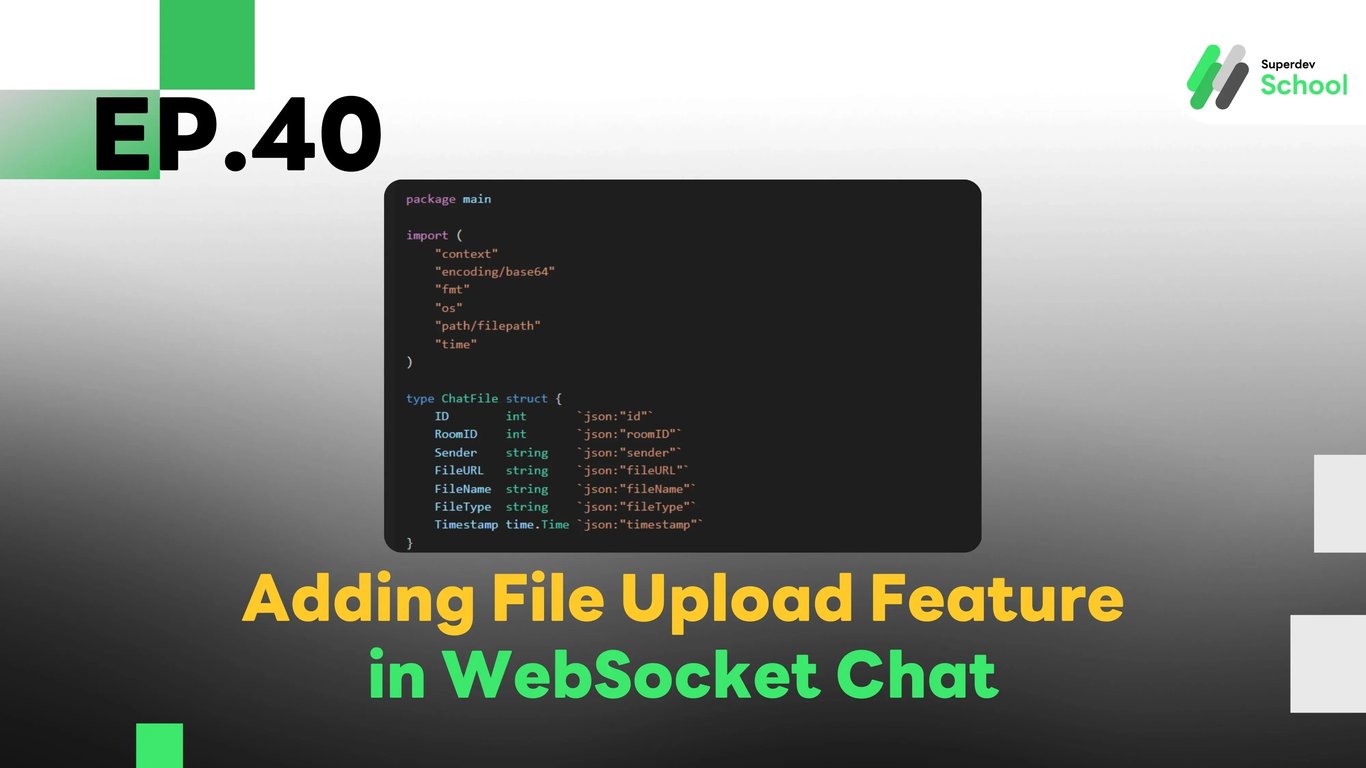
EP.40 Adding File Upload Feature in WebSocket Chat
#Chat Media Upload
#Firebase Storage
#AWS S3
#GraphQL File Upload
#WebSocket File Sharing
#Real-Time Chat
#Golang
#Go
#WebSocket
#File Upload
Why Have a File Upload Feature in WebSocket Chat?
In modern chat systems, users want to share files, images, and documents with one another. Adding a file upload feature via WebSocket allows users to send files in real-time without reloading the page, making it ideal for:
- Internal Corporate Chats: Where documents and work files need to be shared.
- Social Media Platforms: Allowing users to send images and videos.
- Customer Support Services: Where agents may need to send attachments or photos regarding various issues.
Structure of the File Upload System in WebSocket Chat
- WebSocket Server: Receives files from users and distributes them to relevant users.
- GraphQL API: Manages file uploads and stores metadata.
- File Storage: Stores files on a server or in Cloud Storage (e.g., AWS S3 or Firebase Storage).
- Database (PostgreSQL / MongoDB): Stores file data, such as URLs and sender information.
Install Necessary Libraries
go get github.com/gorilla/websocket
go get github.com/minio/minio-go/v7
Database Setup for File Data
File: schema.sql
CREATE TABLE chat_files (
    id SERIAL PRIMARY KEY,
    room_id INTEGER NOT NULL,
    sender TEXT NOT NULL,
    file_url TEXT NOT NULL,
    file_name TEXT NOT NULL,
    file_type TEXT NOT NULL,
    timestamp TIMESTAMP DEFAULT CURRENT_TIMESTAMP
);
Creating GraphQL Schema for File Upload
File: schema.graphql
type Mutation {
  uploadFile(roomID: ID!, sender: String!, fileName: String!, fileType: String!, fileContent: String!): ChatFile!
}

type ChatFile {
  id: ID!
  roomID: ID!
  sender: String!
  fileURL: String!
  fileName: String!
  fileType: String!
  timestamp: String!
}
Creating Resolver for File Upload
File: resolver.go
package main

import (
    "context"
    "encoding/base64"
    "fmt"
    "os"
    "path/filepath"
    "time"
)

type ChatFile struct {
    ID        int       `json:"id"`
    RoomID    int       `json:"roomID"`
    Sender    string    `json:"sender"`
    FileURL   string    `json:"fileURL"`
    FileName  string    `json:"fileName"`
    FileType  string    `json:"fileType"`
    Timestamp time.Time `json:"timestamp"`
}

func (r *Resolver) Mutation_uploadFile(ctx context.Context, roomID int, sender string, fileName string, fileType string, fileContent string) (ChatFile, error) {
    decoded, err := base64.StdEncoding.DecodeString(fileContent)
    if err != nil {
        return ChatFile{}, err
    }

    savePath := filepath.Join("uploads", fileName)
    err = os.WriteFile(savePath, decoded, 0644)
    if err != nil {
        return ChatFile{}, err
    }

    fileURL := fmt.Sprintf("/uploads/%s", fileName)
    file := ChatFile{RoomID: roomID, Sender: sender, FileURL: fileURL, FileName: fileName, FileType: fileType, Timestamp: time.Now()}
    return file, nil
}
Sending Files via WebSocket
File: websocket_server.go
package main

import (
    "encoding/json"
    "fmt"
    "net/http"
    "github.com/gorilla/websocket"
)

type FileMessage struct {
    RoomID    int    `json:"roomID"`
    Sender    string `json:"sender"`
    FileName  string `json:"fileName"`
    FileType  string `json:"fileType"`
    FileURL   string `json:"fileURL"`
}

var upgrader = websocket.Upgrader{
    CheckOrigin: func(r *http.Request) bool { return true },
}

func handleWebSocket(w http.ResponseWriter, r *http.Request) {
    conn, _ := upgrader.Upgrade(w, r, nil)
    defer conn.Close()
    fmt.Println("Client connected")

    for {
        _, msg, err := conn.ReadMessage()
        if err != nil {
            break
        }
        var fileMsg FileMessage
        json.Unmarshal(msg, &fileMsg)
        fmt.Printf("Received file: %s from %s\n", fileMsg.FileName, fileMsg.Sender)
    }
}

func main() {
    http.HandleFunc("/ws", handleWebSocket)
    fmt.Println("WebSocket Server Running on Port 8080")
    http.ListenAndServe(":8080", nil)
}
Uploading Files from the Client Side
File: client.js
async function uploadFile(file) {
    const reader = new FileReader();
    reader.readAsDataURL(file);
    reader.onload = async () => {
        const base64Content = reader.result.split(",")[1];
        const response = await fetch("/graphql", {
            method: "POST",
            headers: { "Content-Type": "application/json" },
            body: JSON.stringify({
                query: `mutation { uploadFile(roomID: 1, sender: "JohnDoe", fileName: "${file.name}", fileType: "${file.type}", fileContent: "${base64Content}" ) { fileURL } }`
            })
        });
        console.log(await response.json());
    };
}
Challenge!
Try adding a file preview feature before upload, allowing users to review the file before sending it to the chat room.
Next EP
In EP.41, we will add a typing indicator feature in the WebSocket Chat! 🚀