18/08/2026 21:31pm
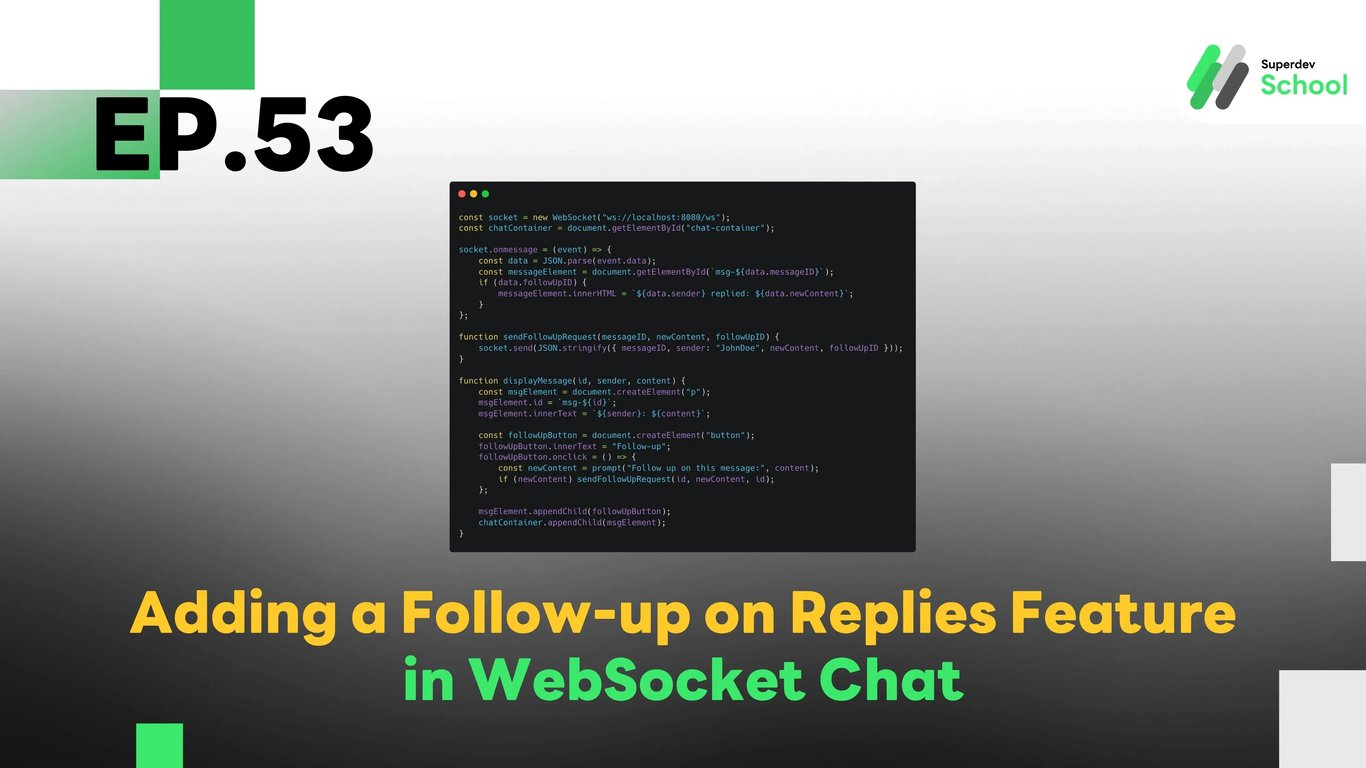
EP.53 Adding a Follow-up on Replies Feature in WebSocket Chat
#Frontend
#Backend
#Go
#programming
#WebSocket Feature
#Chat App Development
#Follow-up on Replies
#WebSocket Chat
#WebSocket
The "Follow-up on Replies" feature allows users to track replies to their messages, making it easier to follow ongoing conversations. By adding this feature, the chat becomes more organized, and users can directly view the replies connected to their original messages.
Follow-up on Replies Feature in WebSocket Chat
The Follow-up on Replies feature in WebSocket Chat allows users to easily track the replies to their messages. This enhances the conversation flow in the chat room, making it more continuous and organized.
Why is the Follow-up on Replies Feature Necessary?
The Follow-up on Replies feature is crucial in WebSocket Chat because it allows users to track replies to the messages they’ve already sent, without needing to search through past messages or spend time looking for responses. This feature helps organize the conversation and creates a better connection between replies and the original messages. It also allows users to view replies in the correct order, ensuring they don’t miss important messages relevant to the conversation.
Being able to clearly see the replies helps make communication in the app smoother and more coherent. By tracking replies, users can make more informed decisions or respond accurately.
Adding the Follow-up on Replies Feature in WebSocket Server
Updating the WebSocket Server will enable us to support the tracking of replies. We will add a function to link replies to their original messages using the follow_up_message_id in the database, which helps track replies in every conversation.
With this feature, when a user replies to a message, the reply is stored in the database along with a reference to the original message it is replying to. The system then broadcasts the reply to all other users connected to the chat room in real-time.
Creating the UI for Users to Track Replies
To make it easier for users to track replies, we will add a "Follow-up" button in the UI of the application. When users click on this button, they will be able to see the original message that was replied to and view the reply in one place. This makes tracking replies more convenient.
Additionally, displaying the reply in the UI will help users understand the connection between the reply and the original message. For example, the reply will be shown under the original message with a label such as "Replied to" or "Follow-up" to indicate which message the reply is related to.
Testing the Follow-up on Replies Feature
Once the feature has been added, testing is essential to ensure it works correctly. The tests will focus on tracking replies in real-time.
Test sending and replying to messages within the chat room.
Check that when a user replies to a message, the reply is displayed in the correct order.
Test updating the UI to properly display replies and link them to the original messages.
These tests will help ensure that the Follow-up on Replies feature functions as expected, and that users can easily track replies without missing important messages in the app.
Code Example for Follow-up on Replies in WebSocket Chat
Database Update (Database)
First, we'll update the database to support message replies by adding a follow_up_message_id column to link replies to their original messages.
ALTER TABLE chat_messages ADD COLUMN follow_up_message_id INT REFERENCES chat_messages(id);
WebSocket Server Code (Backend)
Next, we will modify the WebSocket Server to handle replies. This will involve linking the reply to the original message and broadcasting it to all connected clients.
package main

import (
    "database/sql"
    "encoding/json"
    "fmt"
    "net/http"
    "sync"

    "github.com/gorilla/websocket"
    _ "github.com/lib/pq"
)

type FollowUpRequest struct {
    MessageID   int    `json:"messageID"`
    Sender      string `json:"sender"`
    NewContent  string `json:"newContent"`
    FollowUpID  int    `json:"followUpID"`
}

type FollowUpResponse struct {
    MessageID   int    `json:"messageID"`
    NewContent  string `json:"newContent"`
    Sender      string `json:"sender"`
    FollowUpID  int    `json:"followUpID"`
}

var (
    clients   = make(map[*websocket.Conn]bool)
    broadcast = make(chan FollowUpResponse)
    mu        sync.Mutex
    db        *sql.DB
)

func handleFollowUpMessage(w http.ResponseWriter, r *http.Request) {
    conn, _ := upgrader.Upgrade(w, r, nil)
    defer conn.Close()
    clients[conn] = true

    for {
        var request FollowUpRequest
        err := conn.ReadJSON(&request)
        if err != nil {
            delete(clients, conn)
            break
        }

        // Insert the follow-up message into the database
        _, err = db.Exec("INSERT INTO chat_messages (content, sender, follow_up_message_id) VALUES ($1, $2, $3)", request.NewContent, request.Sender, request.FollowUpID)
        if err == nil {
            broadcast <- FollowUpResponse{MessageID: request.MessageID, NewContent: request.NewContent, Sender: request.Sender, FollowUpID: request.FollowUpID}
        }
    }
}

func notifyClients() {
    for {
        msg := <-broadcast
        for client := range clients {
            err := client.WriteJSON(msg)
            if err != nil {
                client.Close()
                delete(clients, client)
            }
        }
    }
}

func main() {
    http.HandleFunc("/ws", handleFollowUpMessage)
    go notifyClients()
    fmt.Println("WebSocket Server Running on Port 8080")
    http.ListenAndServe(":8080", nil)
}
Frontend Code (Client)
We will add a "Follow-up" button to the UI, enabling users to view the replies to their messages.
const socket = new WebSocket("ws://localhost:8080/ws");
const chatContainer = document.getElementById("chat-container");

socket.onmessage = (event) => {
    const data = JSON.parse(event.data);
    const messageElement = document.getElementById(`msg-${data.messageID}`);
    if (data.followUpID) {
        messageElement.innerHTML = `${data.sender} replied: ${data.newContent}`;
    }
};

function sendFollowUpRequest(messageID, newContent, followUpID) {
    socket.send(JSON.stringify({ messageID, sender: "JohnDoe", newContent, followUpID }));
}

function displayMessage(id, sender, content) {
    const msgElement = document.createElement("p");
    msgElement.id = `msg-${id}`;
    msgElement.innerText = `${sender}: ${content}`;

    const followUpButton = document.createElement("button");
    followUpButton.innerText = "Follow-up";
    followUpButton.onclick = () => {
        const newContent = prompt("Follow up on this message:", content);
        if (newContent) sendFollowUpRequest(id, newContent, id);
    };

    msgElement.appendChild(followUpButton);
    chatContainer.appendChild(msgElement);
}
Challenge:
Try adding the Show Replied Message feature, which allows users to view the original message that was replied to when displaying the reply results in the UI!
Next EP:
In the next episode, we will explore adding a Pin Messages feature, allowing users to pin important messages in the chat room!