07/06/2026 06:43am
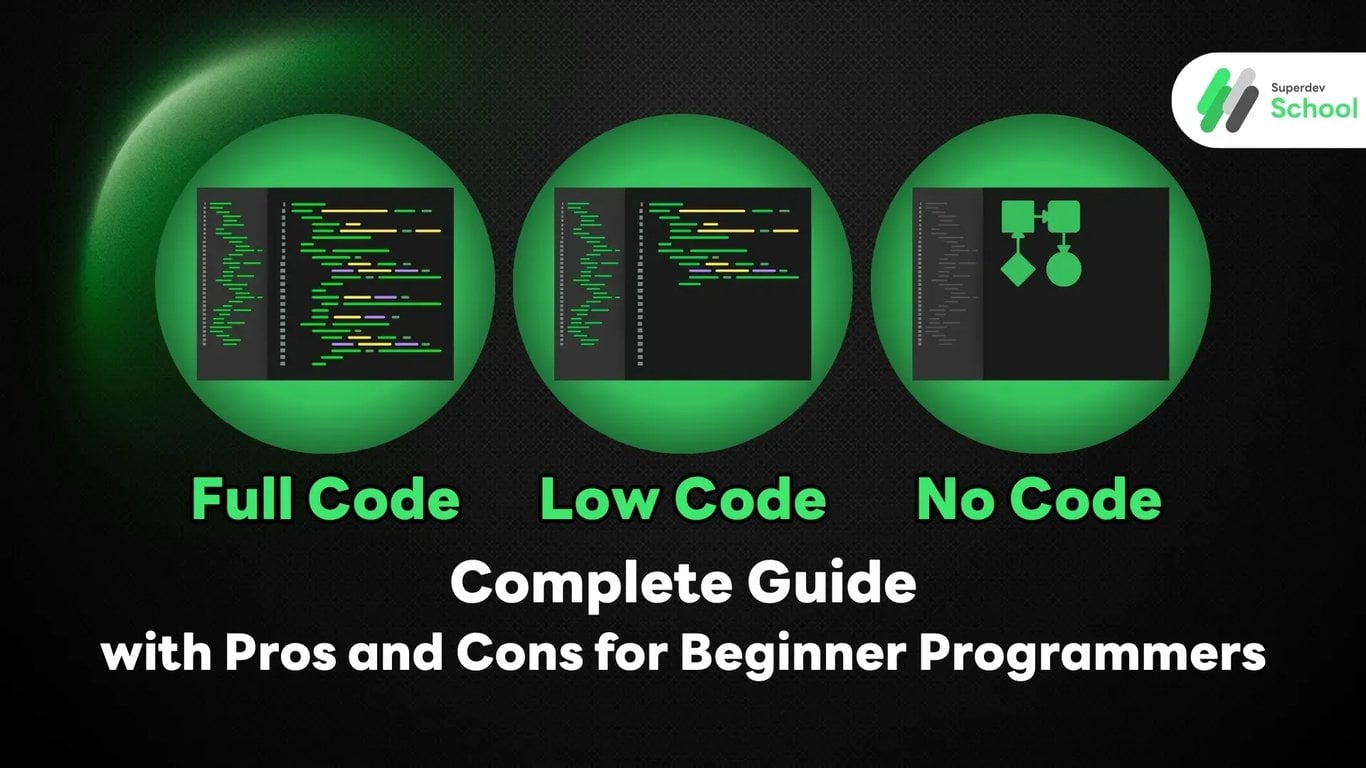
Full Code vs Low Code vs No Code: Complete Guide with Pros and Cons for Beginner Programmers
#code
#Programmer
#Low Code
#Full Code
#No Code
In an era where technology is rapidly evolving, programming comes in many different forms. Many people may have heard terms like "Full Code," "Low Code," or "No Code," but still don't understand the differences and which approach suits whom. Today, we'll explore the fundamentals of these three software development approaches to help you choose the learning path that's right for you.
What is Full Code? Traditional Full-Scale Coding
Full Code, also known as Traditional Coding, is the conventional software development approach where programmers must write every line of code manually using various programming languages such as Python, JavaScript, Java, C++, PHP, C#, or Go. In this process, developers need deep understanding of data structures, algorithms, and computer science principles.
Full Code development begins with Requirements Analysis, System Design, Coding, Testing, and Maintenance. Programmers must build every component of the application from User Interface, Business Logic, Database Layer, to APIs and Security Layer.
In the Full Code world, developers use various tools such as Integrated Development Environments (IDEs) like Visual Studio Code, IntelliJ IDEA, Eclipse, or Vim for coding, along with Version Control systems like Git, Automated Testing, and various Deployment tools.
Full Code development requires knowledge in multiple areas such as Database Management (SQL, NoSQL), Web Technologies (HTML, CSS, JavaScript), Backend Technologies (REST API, GraphQL), Cloud Services (AWS, Google Cloud, Azure), and DevOps practices (CI/CD, Docker, Kubernetes). Developers must deeply understand operating systems, network protocols, and security principles.
For real-world example, when a programmer needs to create an E-commerce system, they must write code for inventory management system, shopping cart system, payment system, user management system, and various reporting systems by themselves. Every feature must be designed, coded, and thoroughly tested.
What makes Full Code special is the level of control and flexibility. Programmers can customize every detail according to requirements, create unique features, and optimize system performance completely. This is why large-scale systems like Google, Facebook, Netflix, or Amazon still primarily use Full Code development.
Key Characteristics of Full Code:
- Write code from scratch
- Control every detail of the system
- Requires deep programming knowledge
- Uses development tools (IDEs) such as Visual Studio Code, IntelliJ
Advantages of Full Code:
- Maximum Flexibility: Can customize and create any features as needed
- High Performance: Self-written code is often faster and uses fewer resources
- Deep Learning: Truly understand how systems work
- Complete Control: Can modify and maintain systems comprehensively
- Job Market Opportunities: High demand for skilled programmers
Disadvantages of Full Code:
- Long Development Time: Must write every part of code manually
- Requires High Knowledge: Need to study programming languages and concepts deeply
- Maintenance Complexity: Must handle bugs and security independently
- High Team Costs: Requires experienced programmers
What is Low Code? Application Development with Minimal Coding
Low Code is a revolutionary software development approach in the IT industry that reduces programming complexity through the use of visual tools and pre-built components. The core concept is to enable developers to create applications using drag-and-drop functionality, GUI-based configuration, and additional coding only where necessary.
Low Code systems consist of several key components including Visual Development Environment that allows users to design UI through drag-and-drop, ready-to-use Pre-built Components and Templates, Workflow Engine for managing Business Logic, Database Integration that easily connects to various databases, and API Management for connecting with external systems.
Popular Low Code platforms in today's market include Microsoft Power Platform (Power Apps, Power Automate) offering comprehensive services, OutSystems focusing on Enterprise Applications development, Mendix for complex application development, ServiceNow App Engine for Workflow Management, and Salesforce Lightning Platform for CRM Applications.
Low Code development begins with selecting a template or starting from scratch, then using Visual Designer to design screens and User Flow by dragging and dropping various components such as Forms, Tables, Charts, Buttons, and Menus. Developers can define Business Rules through Visual Workflow Designer and write additional code in parts that require complex logic.
A key advantage of Low Code is significantly reducing development time. Research from Forrester found that development time can be reduced by 50-90% compared to traditional coding. Additionally, it enables Business Analysts and Power Users who are not programmers to participate more in application development.
Low Code is suitable for creating Business Applications such as CRM Systems, Inventory Management, HR Management, Workflow Automation, Dashboard and Reporting Systems, developing Mobile Apps for Internal Use, and creating Prototypes to quickly test new concepts.
However, Low Code also has limitations such as dependency on service provider platforms, less flexibility in customization compared to Full Code, potential for Vendor Lock-in, and license costs that may be high for large-scale projects.
Key Characteristics of Low Code:
- Uses drag-and-drop functionality for app creation
- Provides templates and components to choose from
- Still allows additional coding when necessary
- Popular tools: Microsoft Power Platform, OutSystems, Mendix
Advantages of Low Code:
- Faster Development: Reduces development time by up to 70%
- Easy Accessibility: Non-programmers can learn to use it
- Cost-Effective: Uses fewer resources than full-scale coding
- Easy Collaboration: Business and IT can work together effectively
- Easy Maintenance: Has tools to help manage systems
Disadvantages of Low Code:
- Customization Limitations: Cannot create highly complex features
- Platform Dependency: Tied to service provider's tools
- Long-term Costs: License fees may be high for large projects
- Potentially Lower Performance: Compared to self-written code
What is No Code? Creating Apps Without Writing Code
No Code is revolutionizing the software development world by enabling ordinary people without programming knowledge to create applications, websites, and automated systems on their own. It uses visual tools that focus on drag-and-drop functionality, configuration, and ready-made templates without writing a single line of code.
The working principle of No Code relies on Visual Programming technology that automatically converts user actions into code. When users drag and drop components or configure various settings, the system automatically generates the necessary HTML, CSS, JavaScript, and Database Queries, allowing users to see real-time results without understanding the underlying code structure.
No Code platforms are divided into several categories based on usage. For website creation, there are WordPress, Wix, Squarespace, and Webflow that allow beautiful website creation without coding. For E-commerce, there are Shopify and BigCommerce that help create online stores. For Mobile Apps, there are Bubble, Adalo, and Glide that help create mobile applications. For Automation, there are Zapier, Microsoft Power Automate, and IFTTT that connect various systems to work together.
No Code development starts very simply. Users select a template that fits their needs or start from scratch, then use a Drag & Drop Interface to place various elements such as Text, Images, Buttons, Forms, and Tables on the webpage. Users can customize colors, fonts, sizes, and positions as desired through the Property Panel.
What makes No Code special is allowing non-technical users to create their own ideas without relying on IT teams, which helps bridge the gap between Business Requirements and Technical Implementation. It also significantly reduces development time and costs.
No Code is suitable for creating Landing Pages, Corporate Websites, Portfolio Sites, small to medium Online Stores, Simple Mobile Apps, Internal Tools, Workflows and Automation, Surveys and Forms, Blogs and Content Management Systems, creating MVP (Minimum Viable Product) for market testing, and Prototypes for presenting concepts.
Although No Code has many advantages, it also has significant limitations such as very limited customization flexibility, unsuitability for systems with complex Business Logic, high dependency on service provider platforms, performance that may not match self-coded apps, and difficulty in migrating data to other platforms.
Interestingly, No Code is evolving to support AI and Machine Learning such as creating Chatbots, Image Recognition, and Predictive Analytics without coding, making the future of No Code very promising, especially in an era where AI is helping in automatic code generation.
Key Characteristics of No Code:
- Uses entirely drag-and-drop interface
- Provides many ready-made templates to choose from
- No coding required whatsoever
- Popular tools: WordPress, Shopify, Bubble, Webflow
Advantages of No Code:
- Easy to Learn: Ordinary people can use it within a few hours
- Very Fast Creation: Prototype or MVP in one day
- Low Cost: Very low development costs
- No Need to Hire Dev Team: Saves costs on hiring programmers
- Perfect for Small Businesses: SMEs can create websites or apps themselves
Disadvantages of No Code:
- Maximum Limitations: Can only create what the tools support
- Not Suitable for Complex Systems: Cannot create apps requiring special logic
- Limited Customization: Cannot modify at deep levels
- Dependent on Service Providers: If platform fails, system becomes unusable
Which One to Choose? Decision Guidelines for Beginner Programmers
When Should You Choose Full Code?
- Need maximum flexibility
- Large-scale and complex projects
- Need highest performance
- Have sufficient time and resources
- Want to seriously learn programming
When Should You Choose Low Code?
- Need to create apps quickly
- Have some programming background
- Medium-sized projects
- Want balance between speed and flexibility
When Should You Choose No Code?
- No programming background
- Need to create simple websites or apps
- Limited budget
- Need fastest results
- Testing business ideas
Future Trends in Software Development
Currently, Low Code and No Code are gaining popularity because they help solve the programmer shortage problem and reduce system development complexity. However, Full Code remains important for systems requiring high performance and specialized customization.
For beginner programmers, it's recommended to start by understanding Full Code first to build a strong foundation, then learn Low Code and No Code tools as supplementary skills.
Summary: Choose the Path That Fits Your Goals
Choosing between Full Code, Low Code, or No Code doesn't have a definitive right or wrong answer. Each approach has different advantages and disadvantages. The key is choosing appropriately for your project, capabilities, and goals.
If you're a beginner programmer who wants to seriously develop skills, Superdev School is ready to be your learning partner, from programming basics to the latest technologies.
Ready to start your programming journey? Follow Superdev School and join the "Assume We Are Professional Programmers (I'm Superdev)" group to receive programming knowledge and techniques that will help you achieve success in the IT industry! 🚀
Read more
🔵 Facebook: Superdev School (Superdev)
💚 Join the group: Assume We Are Professional Programmers (I'm Superdev)
📸 Instagram: superdevschool
🎬 TikTok: superdevschool
🌐 Website: www.superdev.school