19/09/2026 20:05pm
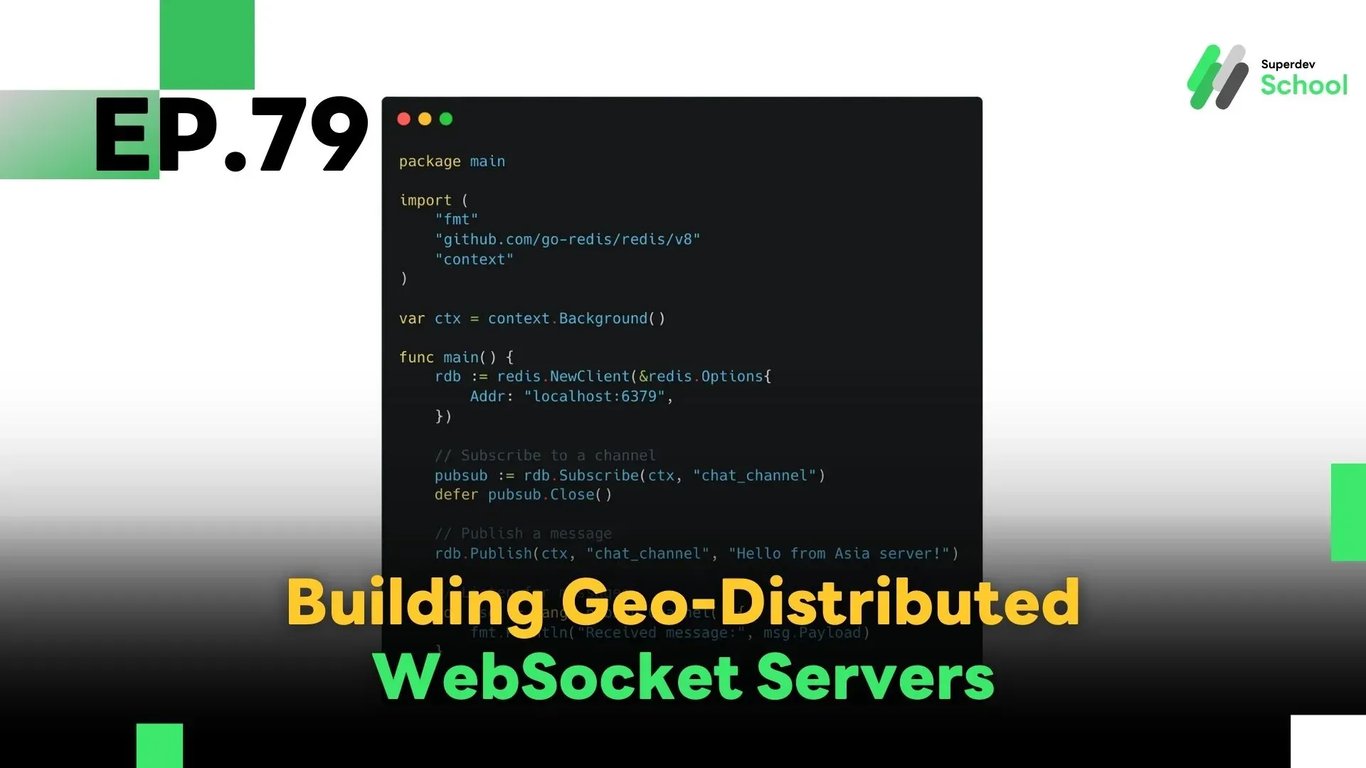
EP.79 Building Geo-Distributed WebSocket Servers
#Golang
#Go
#Global Load Balancer
#Redis Pub/Sub
#Real-Time Messaging
#Geo-Distributed
#WebSocket
In this episode, we’ll explore how to build a geo-distributed WebSocket server, which allows users to connect to the closest regional server, reducing latency and improving performance for real-time applications on a global scale.
Geo-distributed architecture is essential for apps with worldwide users — like real-time chat platforms, games, or notification systems — that demand low latency, high availability, and seamless user experience.
🔸 Why Go Geo-Distributed?
✅ Reduce Latency:
Users connect to the nearest regional server, ensuring faster message delivery and response time.
✅ Increase System Reliability:
If one server or region fails, users can reconnect to another region automatically without downtime.
✅ Handle Massive Load:
Distribute traffic across multiple servers and avoid overload on a single location.
✅ Enable Global Expansion:
Geo-distributed setups help your system scale horizontally across continents without central bottlenecks.
🔸 System Architecture Overview
A typical geo-distributed WebSocket system consists of three major components:
1. Regional WebSocket Servers
Each geographic region (e.g., Asia, US, Europe) runs its own WebSocket server instance to handle local users.
2. Central Message Broker (Pub/Sub)
To synchronize messages across regions, you’ll need a messaging backbone such as:
- Redis Pub/Sub
- NATS
- Apache Kafka
3. Global Load Balancer
Use services like:
- Cloudflare Load Balancer
- AWS Global Accelerator
- Google Cloud Load Balancer
These help direct users to the nearest region based on geography and health checks.
✅ Code Example: Cross-Region Messaging with Redis Pub/Sub
package main

import (
    "fmt"
    "github.com/go-redis/redis/v8"
    "context"
)

var ctx = context.Background()

func main() {
    rdb := redis.NewClient(&redis.Options{
        Addr: "localhost:6379",
    })

    pubsub := rdb.Subscribe(ctx, "chat_channel")
    defer pubsub.Close()

    // Publish a message to the channel
    rdb.Publish(ctx, "chat_channel", "Hello from Asia server!")

    // Listen for messages
    for msg := range pubsub.Channel() {
        fmt.Println("Received message:", msg.Payload)
    }
}
This example demonstrates how multiple WebSocket servers (in different regions) can exchange messages through Redis. Once a message is published, all subscribers across regions will receive it instantly.
🔸 Managing Connections and User Sessions Across Regions
- Each WebSocket server should maintain a local connection registry for active users.
- When a message is received from a client, the server forwards it to the central broker (e.g., Redis).
- Other regions receive the message and check if any of their local users are recipients, then forward accordingly.
🔸 Key Considerations
1. Data Consistency:
Ensure user session data and message history are synchronized across regions. Use eventual consistency or shared databases where appropriate.
2. Security:
Implement proper encryption, authentication, and authorization, especially for inter-region communication.
3. Monitoring & Logging:
Track latency, connection counts, error rates, and message delivery across each region. Tools like Prometheus + Grafana or Datadog are useful here.
4. Compliance:
For global systems, make sure your data handling complies with regional data privacy laws (e.g., GDPR, PDPA).
💡 Challenge: Build It Yourself
Try creating a basic geo-distributed chat application by:
- Deploying WebSocket servers in at least 2 regions
- Connecting them using Redis or NATS
- Implementing a simple front-end client to test real-time communication between users across regions
🔜 Coming Next in EP.80:
Connection Management in WebSocket Chat Systems
Learn how to manage online/offline status, detect disconnected users, and optimize connection tracking in large-scale WebSocket-based applications.
Read more
🔵 Facebook: Superdev School (Superdev)
📸 Instagram: superdevschool
🎬 TikTok: superdevschool
🌐 Website: www.superdevacademy.com