18/08/2026 21:19pm
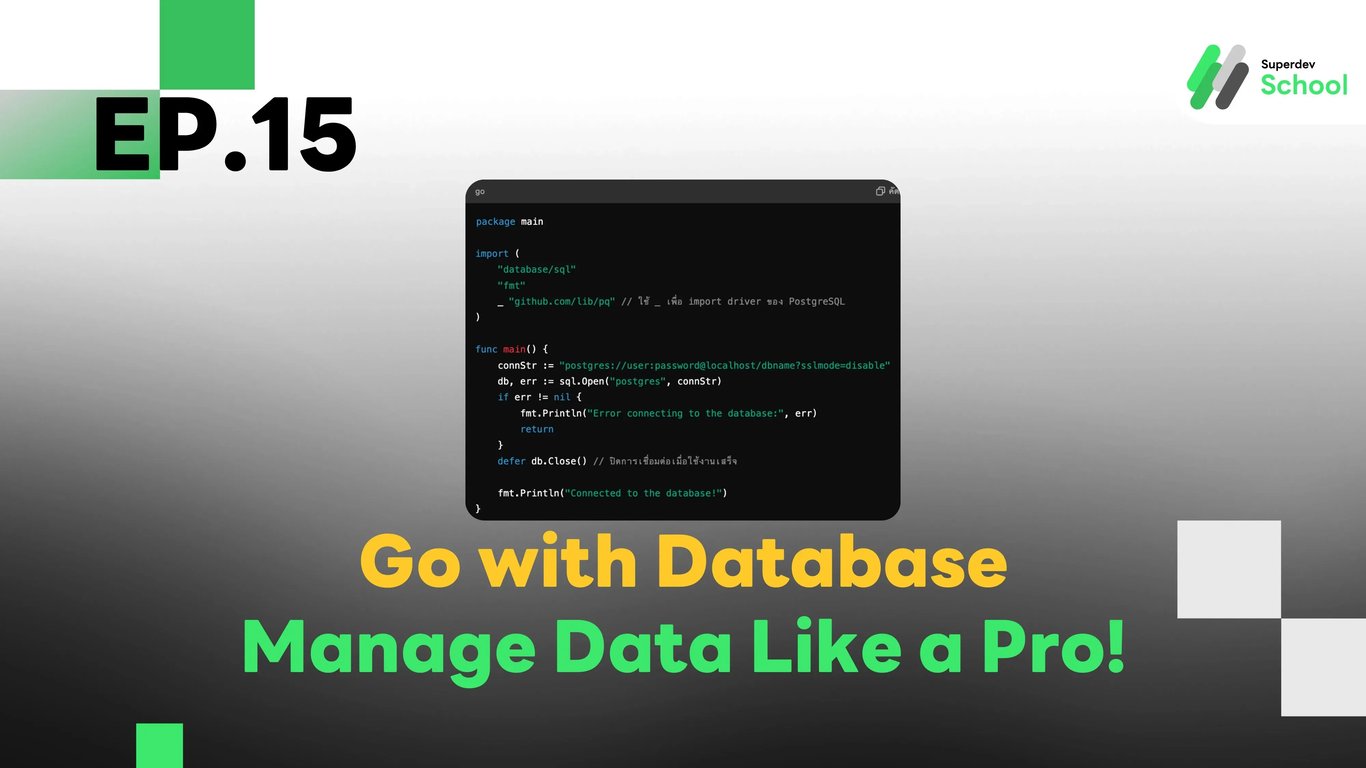
EP.15 Go with Database - Manage Data Like a Pro!
#programmers
#CRUD
#Database Connection
#Database
#Go
Go with Database - Manage Data Like a Pro!
Do you want to store user or product information in your program? Today, we will learn how to connect to and manage data in a database using Go in a simple and systematic way.
Connecting to a Database with database/sql
In Go, we have the database/sql package that allows us to easily connect to and manage data in a database, such as connecting to PostgreSQL, MySQL, or SQLite.
Example of connecting to PostgreSQL:
In this example:
sql.Open("postgres", connStr) is used to open a connection to the PostgreSQL database.
defer db.Close() is used to close the connection when the program finishes running.
package main

import (
    "database/sql"
    "fmt"
    _ "github.com/lib/pq" // ใช้ _ เพื่อ import driver ของ PostgreSQL
)

func main() {
    connStr := "postgres://user:password@localhost/dbname?sslmode=disable"
    db, err := sql.Open("postgres", connStr)
    if err != nil {
        fmt.Println("Error connecting to the database:", err)
        return
    }
    defer db.Close() // ปิดการเชื่อมต่อเมื่อใช้งานเสร็จ

    fmt.Println("Connected to the database!")
}
Creating a Table in the Database
Once the connection is successful, let's create a table to store data, such as a user table.
Example of creating a table:
_, err := db.Exec(`
    CREATE TABLE IF NOT EXISTS users (
        id SERIAL PRIMARY KEY,
        name VARCHAR(100),
        age INT
    )
`)
if err != nil {
    fmt.Println("Error creating table:", err)
    return
}
fmt.Println("Table created successfully!")
Inserting Data into the Database
Once we have a table, we can add data to the database, such as adding new user information.
Example of inserting data:
name := "Alice"
age := 25
_, err = db.Exec("INSERT INTO users (name, age) VALUES ($1, $2)", name, age)
if err != nil {
    fmt.Println("Error inserting data:", err)
    return
}
fmt.Println("Data inserted successfully!")
Retrieving Data from the Database
We can retrieve data from the table for use, such as fetching all user information.
Example of retrieving data:
rows, err := db.Query("SELECT id, name, age FROM users")
if err != nil {
    fmt.Println("Error retrieving data:", err)
    return
}
defer rows.Close()

for rows.Next() {
    var id int
    var name string
    var age int
    err = rows.Scan(&id, &name, &age)
    if err != nil {
        fmt.Println("Error scanning data:", err)
        return
    }
    fmt.Printf("ID: %d, Name: %s, Age: %d\n", id, name, age)
}
Updating Data in the Database
When data changes, we can update existing information, such as updating a user's age.
Example of updating data:
newAge := 26
_, err = db.Exec("UPDATE users SET age = $1 WHERE name = $2", newAge, "Alice")
if err != nil {
    fmt.Println("Error updating data:", err)
    return
}
fmt.Println("Data updated successfully!")
Deleting Data from the Database
If data is no longer needed, we can delete it from the database.
Example of deleting data:
_, err = db.Exec("DELETE FROM users WHERE name = $1", "Alice")
if err != nil {
    fmt.Println("Error deleting data:", err)
    return
}
fmt.Println("Data deleted successfully!")
Summary
- Use sql.Open to connect to the database.
- Use Exec for INSERT, UPDATE, DELETE commands.
- Use Query and Scan for retrieving data (SELECT).
- Close the connection with defer db.Close().
Fun Activity
Try creating a product table that stores product names and prices. Then, write code to add product information, retrieve all products, update prices, and delete unwanted products!