18/08/2026 21:43pm
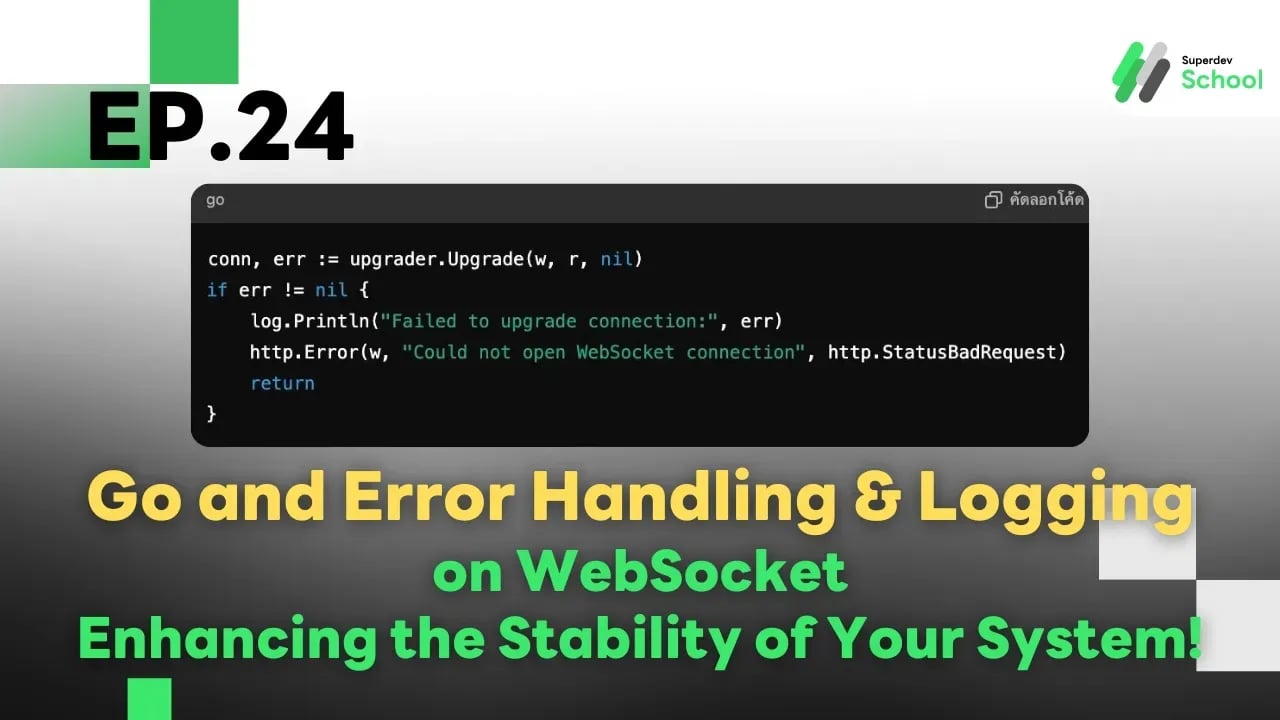
Ep.24 Go and Error Handling & Logging on WebSocket - Enhancing the Stability of Your System!
#Go
#Go language
#Golang
#WebSocket
#Error Handling
#Error Management
#Logging
#Logging Data
#System Stability
#Go Programming
#Programming Education
#Practice programming
#programming for beginners
#programming language
#programming
#programmers
#Superdev School
Go and Error Handling & Logging on WebSocket - Enhancing the Stability of Your System!
Why Manage Error and Logging on WebSocket?
WebSocket is a real-time protocol, and if errors occur (such as disconnections), it can affect user experience. Having an error handling and logging system helps to :
- Monitor anomalies, such as connection failures or incorrect messages.
- Debug issues quickly by reviewing log data.
- Increase system stability through automated error management.
How to Handle Errors on WebSocket
1. Check for Errors During Connection
Every time a WebSocket connection is established, we should check for errors to ensure the connection is successful.
In this example :
If an error occurs, an HTTP error message will be sent back to the user, and the error will be logged.
Example :
conn, err := upgrader.Upgrade(w, r, nil)
if err != nil {
    log.Println("Failed to upgrade connection:", err)
    http.Error(w, "Could not open WebSocket connection", http.StatusBadRequest)
    return
}
2. Handle Errors While Sending and Receiving Messages
Errors may occur when the client disconnects or sends messages in an incorrect format.
In this example :
Use break to terminate the connection when an error occurs.
for {
    _, msg, err := conn.ReadMessage()
    if err != nil {
        log.Println("Error reading message:", err)
        break // ปิดการเชื่อมต่อเมื่อเกิด Error
    }

    if err := conn.WriteMessage(websocket.TextMessage, msg); err != nil {
        log.Println("Error writing message:", err)
        break
    }
}
3. Detect Disconnections
When a client disconnects, we can detect the error and take action to remove the connection from the system.
Example :
if websocket.IsUnexpectedCloseError(err, websocket.CloseGoingAway, websocket.CloseAbnormalClosure) {
    log.Printf("Unexpected close error: %v", err)
}
Logging for Monitoring
1. Log Important Events
We can use log.Println to record events such as new connections, disconnections, and messages sent between the server and clients.
Example :
log.Println("New client connected")
defer log.Println("Client disconnected")
2. Log to a File
Instead of printing logs to the screen, we can save logs to a file for future reference.
Example :
file, err := os.OpenFile("websocket.log", os.O_APPEND|os.O_CREATE|os.O_WRONLY, 0644)
if err != nil {
    log.Fatal(err)
}
defer file.Close()

log.SetOutput(file) // บันทึก Log ลงไฟล์
log.Println("WebSocket server started")
Example of Error Handling and Logging on WebSocket
In this example:
Log all important events to the file websocket.log, and check and manage errors during the connection process and while sending messages.
package main

import (
    "log"
    "net/http"
    "os"

    "github.com/gorilla/websocket"
)

var upgrader = websocket.Upgrader{
    CheckOrigin: func(r *http.Request) bool {
        return true
    },
}

func handleConnections(w http.ResponseWriter, r *http.Request) {
    conn, err := upgrader.Upgrade(w, r, nil)
    if err != nil {
        log.Println("Error upgrading connection:", err)
        return
    }
    defer conn.Close()

    log.Println("New client connected")

    for {
        _, msg, err := conn.ReadMessage()
        if err != nil {
            if websocket.IsUnexpectedCloseError(err, websocket.CloseGoingAway, websocket.CloseAbnormalClosure) {
                log.Printf("Unexpected close error: %v", err)
            }
            log.Println("Connection closed")
            break
        }

        log.Printf("Received message: %s", msg)

        if err := conn.WriteMessage(websocket.TextMessage, msg); err != nil {
            log.Println("Error writing message:", err)
            break
        }
    }
}

func main() {
    file, err := os.OpenFile("websocket.log", os.O_APPEND|os.O_CREATE|os.O_WRONLY, 0644)
    if err != nil {
        log.Fatal(err)
    }
    defer file.Close()

    log.SetOutput(file)

    http.HandleFunc("/ws", handleConnections)
    log.Println("WebSocket server started at :8080/ws")
    http.ListenAndServe(":8080", nil)
}
In Summary
- Use log.Println to log important events.
- Check and handle errors at every step of WebSocket communication.
- Log to a file for future reference.
- Use websocket.IsUnexpectedCloseError to detect unexpected disconnections.