18/08/2026 21:19pm
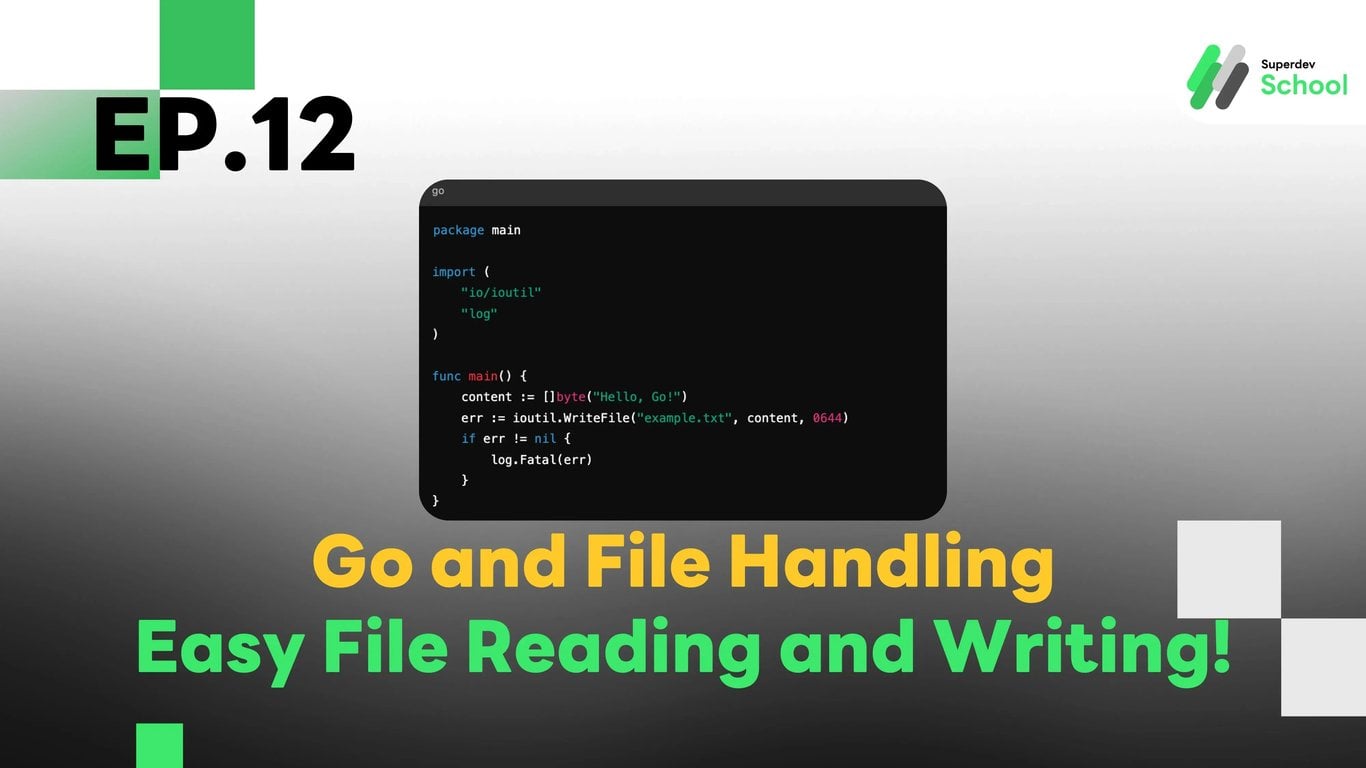
EP.12 Go and File Handling: Easy File Reading and Writing!
#Append
#ReadFile
#WriteFile
#File Handling
#Go
Go and File Handling: Reading and Writing Files Made Easy!
File handling is a fundamental aspect of good programming. Today, we will teach you how to read and write files simply with Go!
1. What is File Handling in Go?
File handling is an essential part of software development, such as saving data to a file or reading data from a file for use in a program.
2. Writing Files with ioutil.WriteFile()
The easiest way to write data to a file:
package main

import (
    "io/ioutil"
    "log"
)

func main() {
    content := []byte("Hello, Go!")
    err := ioutil.WriteFile("example.txt", content, 0644)
    if err != nil {
        log.Fatal(err)
    }
}
Note: 0644 is the file permission that allows everyone to read the file, but only the owner can modify it.
3. Reading Files with ioutil.ReadFile()
Let's read data from the file we wrote:
package main

import (
    "fmt"
    "io/ioutil"
    "log"
)

func main() {
    content, err := ioutil.ReadFile("example.txt")
    if err != nil {
        log.Fatal(err)
    }
    fmt.Println(string(content))
}
4. Using os for Safe File Opening and Closing
Use the os package for more flexible file management and use defer to close the file:
package main

import (
    "log"
    "os"
)

func main() {
    file, err := os.Open("example.txt")
    if err != nil {
        log.Fatal(err)
    }
    defer file.Close()

    log.Println("File opened successfully")
}
5. Appending to Files
Sometimes you want to add data to the end of an existing file:
package main

import (
    "os"
)

func main() {
    f, err := os.OpenFile("example.txt", os.O_APPEND|os.O_WRONLY, 0644)
    if err != nil {
        panic(err)
    }
    defer f.Close()

    if _, err := f.WriteString("\nAppended content!"); err != nil {
        panic(err)
    }
}