18/08/2026 21:44pm
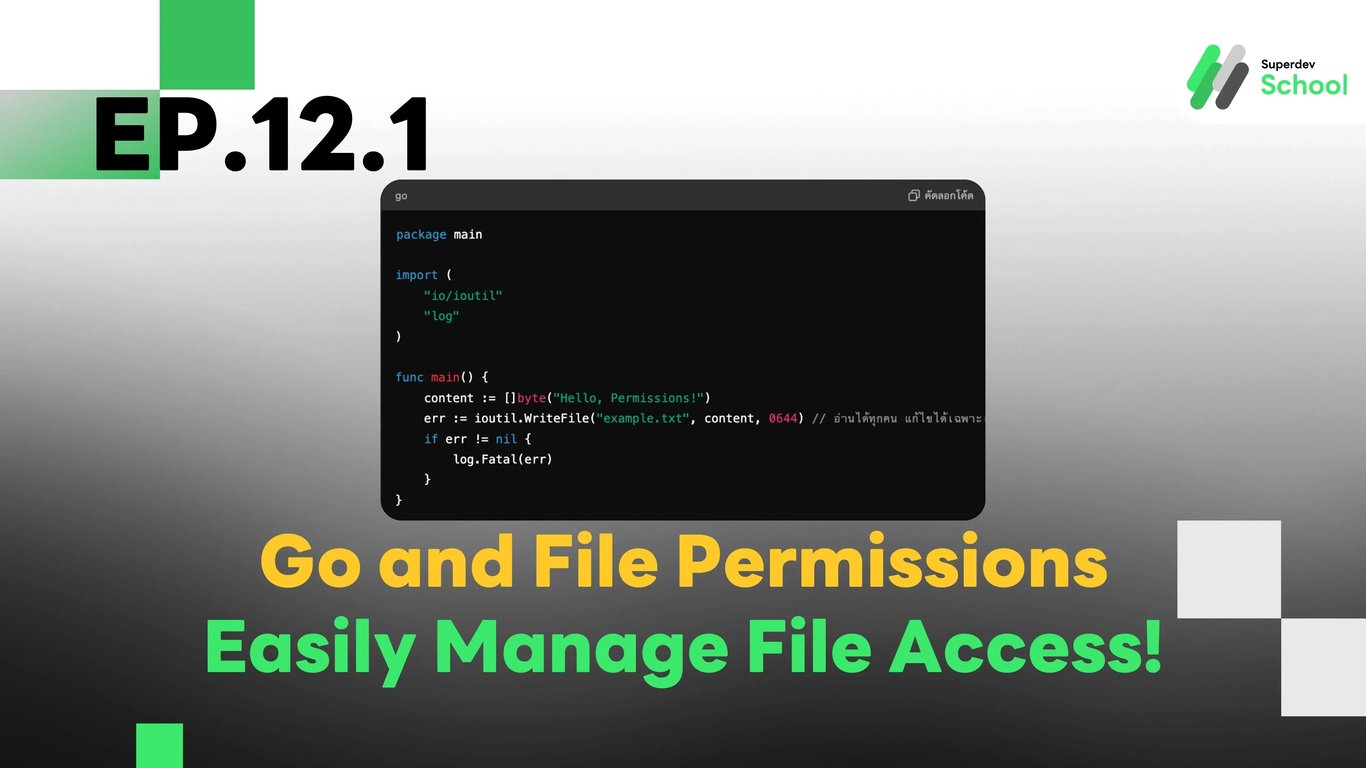
EP.12.1 Go and File Permissions - Easily Manage File Access!
#coding
#programming
#file access permissions
#File Permissions
#Go
Go and File Permissions - Easily Manage File Access!
Have you ever wondered what file permissions like 0644 or 0755 mean? Today, we will dive deep into this topic.
What are File Permissions?
File permissions refer to the rights that indicate who can access or use a file. For example:
🦿 Who can read the data in the file?
🦿 Who can modify or write data to the file?
🦿 Who can execute this file? (e.g., in cases where the file is a program)
In Unix/Linux systems and Go, we use numbers to indicate what actions can be performed by whom, such as 0644 or 0755.
Structure of File Permission Numbers
The file access permission numbers in Go use 3 digits, each digit representing different groups:
1. Owner – The person who created the file.
2. Group – People in the same group as the owner.
3. Others – People who are neither the owner nor in the same group.
What Does Each Digit Mean?
To define permissions, we use the numbers 4, 2, and 1:
🦿 4 means Read (can read)
🦿 2 means Write (can write/edit)
🦿 1 means Execute (can run, for program files)
The combination of these numbers indicates what can be done, for example:
🦿 7 = 4 + 2 + 1 = can read, write, and execute (rwx)
🦿 6 = 4 + 2 = can read and write but cannot execute (rw-)
🦿 4 = can only read (r--).
Simple Examples of Permission Numbers
🦿 0644: The file owner (Owner) can read and write, while the group (Group) and others (Others) can only read.
🦿 0755: The file owner (Owner) can read, write, and execute, while the group and others can read and execute but cannot write.
🦿 0700: The file owner (Owner) can read, write, and execute, while the group and others cannot access this file.
Setting Permissions in Go
You can use the ioutil.WriteFile() command to set permissions when creating a file.
In this example, 0644 means the file owner can read and write, while others can only read.
package main

import (
    "io/ioutil"
    "log"
)

func main() {
    content := []byte("Hello, Permissions!")
    err := ioutil.WriteFile("example.txt", content, 0644) // อ่านได้ทุกคน แก้ไขได้เฉพาะเจ้าของ
    if err != nil {
        log.Fatal(err)
    }
}
Summary
Permission 4 means can read.
Permission 2 means can write.
Permission 1 means can execute (for program files).
The 3-digit number (e.g., 644 or 755) separates permissions into 3 groups: Owner, Group, and Others.
If you want to try testing, set a file with permission 0755 and check if you can open the file. Then try setting it to 0700 and test again to see the difference!