07/06/2026 06:43am
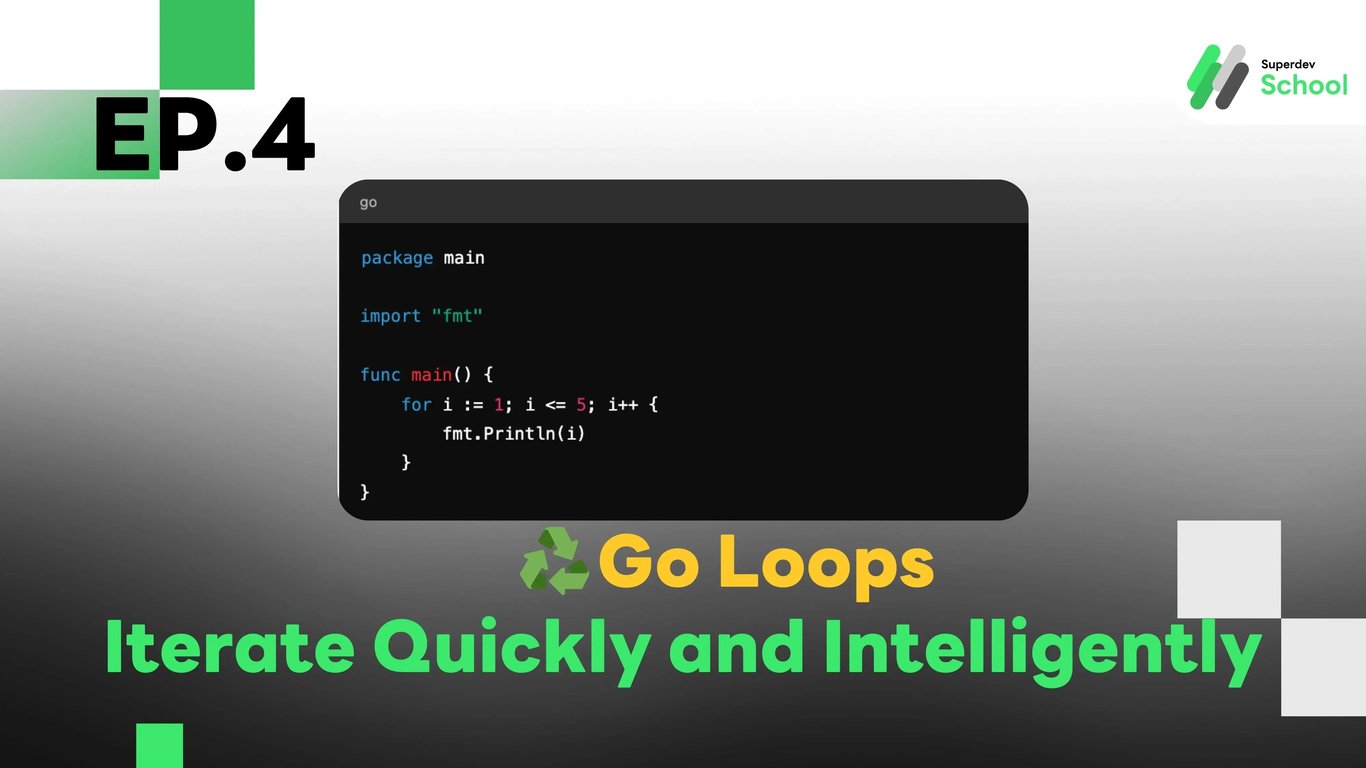
EP.4 Go and Loops - Make Your Program Work Continuously!
#programming
#continue
#break
#for range
#loop
#For Loop
#Go
Go and Loops - Make Your Program Work Continuously!
When your program needs to perform repetitive tasks, such as counting numbers or displaying multiple pieces of information, we use loops to make the program efficient without having to write redundant code.
What Are Loops?
Loops are structures that allow a program to execute repeatedly without rewriting the same code. Go has basic commands for looping.
Example of Counting Numbers with a Loop
package main

import "fmt"

func main() {
    for i := 1; i <= 5; i++ {
        fmt.Println(i)
    }
}
Structure of a For Loop in Go
Writing a for loop in Go is slightly different from other languages because it can take multiple forms.
Standard Form:
for i := 0; i < 10; i++ {
    // ทำอะไรบางอย่าง
}
Conditional Form:
i := 0
for i < 10 {
    fmt.Println(i)
    i++
}
Infinite Loop - Looping Indefinitely
In Go, if you don’t provide a condition to stop the loop, it will run indefinitely (infinite loop). Be careful!
for {
    fmt.Println("Hello")
}
Iterating Through Collections (Array/Slice)
Try using for with range to iterate through values in a slice or array:
Iterating Example
numbers := []int{1, 2, 3, 4, 5}
for index, value := range numbers {
    fmt.Println("Index:", index, "Value:", value)
}
Use the break statement to exit the loop when a specified condition is met, and use continue to skip certain iterations:
for i := 1; i <= 10; i++ {
    if i == 5 {
        break // หยุดลูปเมื่อ i เท่ากับ 5
    }
    if i%2 == 0 {
        continue // ข้ามเลขคู่
    }
    fmt.Println(i)
}
You can try writing a program to count numbers from 1 to 100, displaying only the odd numbers, and stopping the loop when it reaches the number 75.