18/08/2026 21:19pm
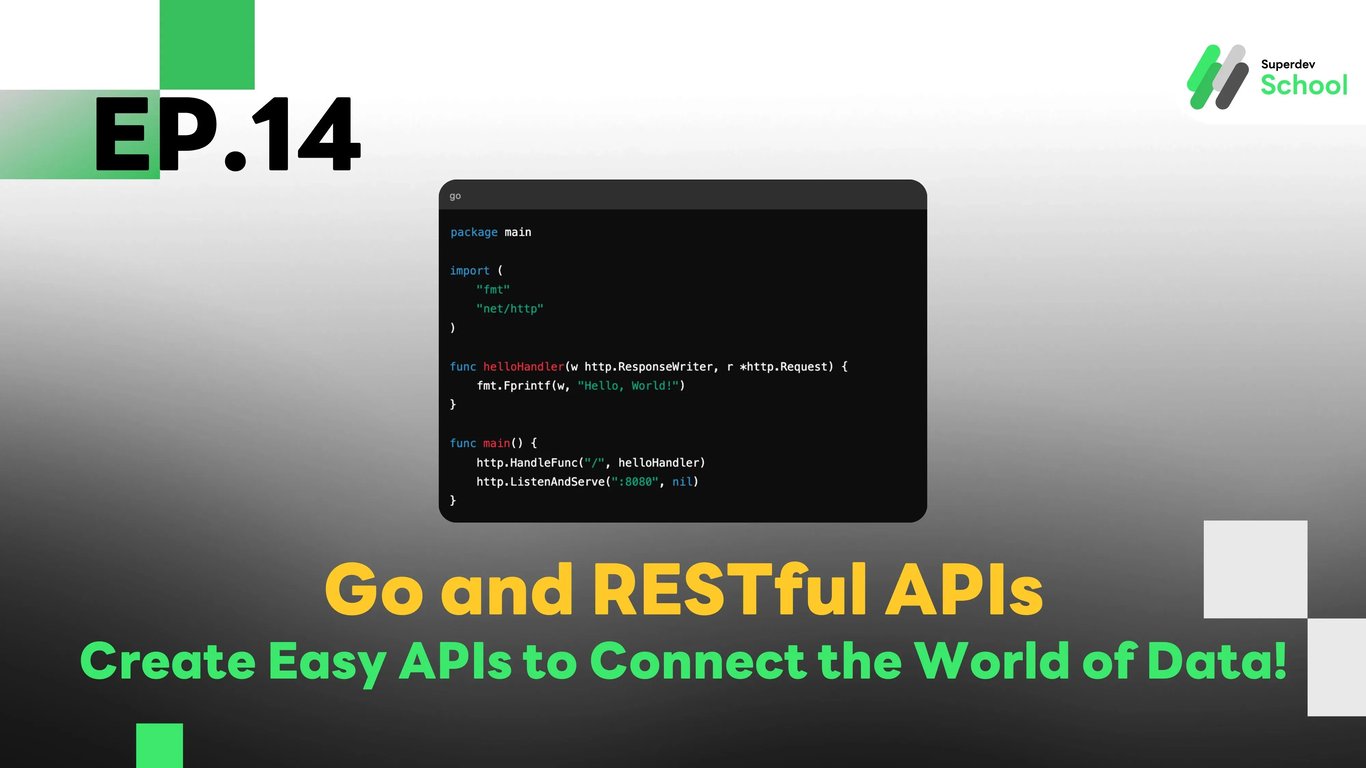
EP.14 Go and RESTful APIs - Create Easy APIs to Connect the World of Data!
#API development
#programming
#JSON
#POST
#GET
#HTTP Server
#RESTful API
#Go
Go and RESTful APIs - Create Easy APIs to Connect the World of Data!
Do you want your program to send and receive data with other applications? Today, let's learn how to create RESTful APIs with Go that will help you easily retrieve data (GET) and send data (POST)!
What are HTTP and RESTful APIs?
HTTP (Hypertext Transfer Protocol) is the protocol used for communication between servers and clients, such as web browsers.
A RESTful API is a method of communication that uses HTTP to receive and send data between programs, with a simple structure such as requesting data (GET) and sending data (POST).
Creating an Easy HTTP Server in Go
In Go, we have the net/http package that makes it easy to create an HTTP Server.
Example Code:
Code Explanation:
helloHandler is a function that will display the message "Hello, World!" when a request is made to the server's root page.
http.ListenAndServe(":8080", nil) is the command that runs the HTTP Server on port 8080.
When you run the code and open your browser to http://localhost:8080, you will see the message "Hello, World!"
package main

import (
    "fmt"
    "net/http"
)

func helloHandler(w http.ResponseWriter, r *http.Request) {
    fmt.Fprintf(w, "Hello, World!")
}

func main() {
    http.HandleFunc("/", helloHandler)
    http.ListenAndServe(":8080", nil)
}
Creating a RESTful API with Go - Receiving Data with GET and POST
1. Creating a GET API
A GET API is used to retrieve data, such as viewing product details, user information, or general data.
Example Code:
package main

import (
    "encoding/json"
    "net/http"
)

type Product struct {
    ID    int    `json:"id"`
    Name  string `json:"name"`
    Price int    `json:"price"`
}

func getProductHandler(w http.ResponseWriter, r *http.Request) {
    product := Product{ID: 1, Name: "Laptop", Price: 1500}
    json.NewEncoder(w).Encode(product) // แปลงข้อมูลเป็น JSON แล้วส่งกลับไป
}

func main() {
    http.HandleFunc("/product", getProductHandler)
    http.ListenAndServe(":8080", nil)
}
When you visit http://localhost:8080/product, you will receive product data in JSON format like this:
{
    "id": 1,
    "name": "Laptop",
    "price": 1500
}
2. Creating a POST API
A POST API is used to send data, such as registering a user or adding new information.
Example Code:
package main

import (
    "encoding/json"
    "fmt"
    "net/http"
)

type User struct {
    Name string `json:"name"`
    Age  int    `json:"age"`
}

func createUserHandler(w http.ResponseWriter, r *http.Request) {
    var user User
    json.NewDecoder(r.Body).Decode(&user) // แปลง JSON ที่ได้รับให้เป็น struct User
    fmt.Fprintf(w, "User created: %s, Age: %d", user.Name, user.Age)
}

func main() {
    http.HandleFunc("/user", createUserHandler)
    http.ListenAndServe(":8080", nil)
}
When we send data via POST to http://localhost:8080/user with JSON format data:
{
    "name": "Alice",
    "age": 25
}
The result will be a confirmation message for creating a user, such as:
User created: Alice, Age: 25
Summary
- GET is used to retrieve data, such as viewing product information, user details, etc.
- POST is used to send data, such as user registration, adding information, etc.
- Creating APIs in Go uses the net/http package and JSON for data transmission.
You can try creating an API to add new product information using POST and create an API to retrieve product data using GET!