07/06/2026 06:43am
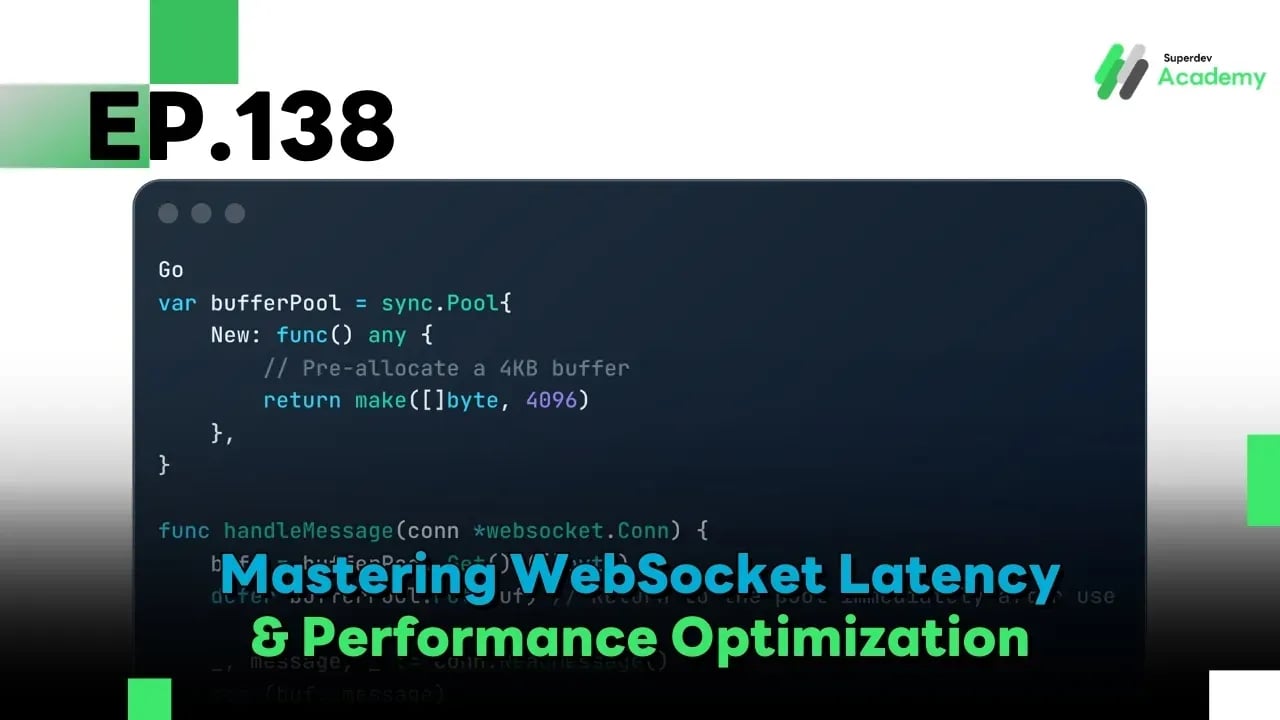
Golang The Series EP.138: Mastering WebSocket Latency & Performance Optimization
#Go
#Protobuf
#Latency
#Performance Tuning
#WebSocket
#Golang
Achieving Millisecond Fluidity
Welcome back, Gophers! Many developers measure success by asking, "How many users can my server handle?" While capacity is important, a Senior Developer cares more about "How smooth is the experience for every single user?" If a chat message or a stock price update takes 1–2 seconds to appear, that’s a failed WebSocket implementation. Today, we’re going to learn how to "see" the invisible lag and "kill" it with precision.
1. Measuring Latency: Stop Believing in Averages!
One of the most dangerous mistakes is relying on Average Latency. Averages hide the pain of your most frustrated users. To truly understand performance, you must look at Percentiles ($P_{50}, P_{95}, P_{99}$):
- $P_{50}$ (Median): What the "average" user experiences.
- $P_{95}$: 95% of users get their data within this time. This starts to show real system stress.
- $P_{99}$ (Tail Latency): This is where the "unlucky" 1% live. This is often caused by Stop-the-World Garbage Collection (GC) or resource contention.
Superdev Tip: If your $P_{50}$ is 20ms but your $P_{99}$ spikes to 2,000ms, your system is "hiccuping." You likely have a Mutex lock contention or a memory allocation issue triggering the GC too frequently.
2. Identifying the Bottlenecks
Latency in a WebSocket system is the sum of three distinct delays:
- Network Latency: Physical distance (the speed of light). Solve this with Edge Computing or Global Accelerators (e.g., AWS Global Accelerator).
- OS/Stack Latency: Overhead from the OS kernel and inefficient TCP windowing.
- Application Latency:
- Lock Contention: Goroutines waiting in line for a sync.Mutex.
- GC Overhead: High allocation rates forcing Go to pause execution to clean up memory.
3. Optimization Strategies for the Go Expert
A. Minimize Allocations with sync.Pool
Creating new objects (like buffers) for every incoming message is a "tax" on your system. Reusing memory is the key to low latency.
Go
var bufferPool = sync.Pool{
    New: func() any {
        // Pre-allocate a 4KB buffer
        return make([]byte, 4096)
    },
}

func handleMessage(conn *websocket.Conn) {
    buf := bufferPool.Get().([]byte)
    defer bufferPool.Put(buf) // Return to the pool immediately after use

    _, message, _ := conn.ReadMessage()
    copy(buf, message)
    // Process data without triggering a new allocation
}
B. Tune the TCP Stack (TCP_NODELAY)
By default, TCP uses Nagle's Algorithm, which waits to batch small data chunks into a larger packet to save bandwidth. For WebSockets, this is a disaster because it introduces artificial delay.
- Solution: Ensure SetNoDelay(true) is enabled. In Go, the net package enables this by default, but you must ensure your Load Balancers and Proxies are configured the same way.
C. Switch from JSON to Binary (Protobuf)
JSON is heavy, verbose, and expensive to parse. Moving to Protocol Buffers (Protobuf) can reduce payload size by 30–70% and drastically lower CPU usage for serialization.
4. End-to-End Tracing with OpenTelemetry
If your server logs say 5ms, but the user claims 500ms, where is the lag? You need Distributed Tracing.
By injecting a Trace ID into the WebSocket handshake using OpenTelemetry (OTel), you can visualize the entire timeline:
- How long did the packet sit at the Load Balancer?
- How long was it waiting in the Redis Pub/Sub queue?
- When exactly did it reach the client's screen?
Stop guessing and start measuring.
5. Tuning Write Buffers and Coalescing
Frequently calling the Write system call for tiny messages (like a heart rate or ticker update) is inefficient.
- Optimization: Implement Write Coalescing. Batch small messages that occur within a few milliseconds of each other and send them in a single TCP packet. This reduces System Call overhead significantly without being perceived as "lag" by the user.
Summary
Monitoring & Performance Optimization is not a one-time setup; it is a craft. Shaving off 100ms might not seem like much in a spreadsheet, but it is the difference between an app that feels "clunky" and an app that feels "instant." Use data, trust your percentiles, and optimize where it hurts.
In the Next Episode (EP.139): we tackle the ultimate challenge: Best Practices for Mobile & Low-bandwidth Environments. How do we keep WebSockets stable when the user's 5G drops to 3G or their connection is "jittery"? Don't miss it!