07/06/2026 06:43am
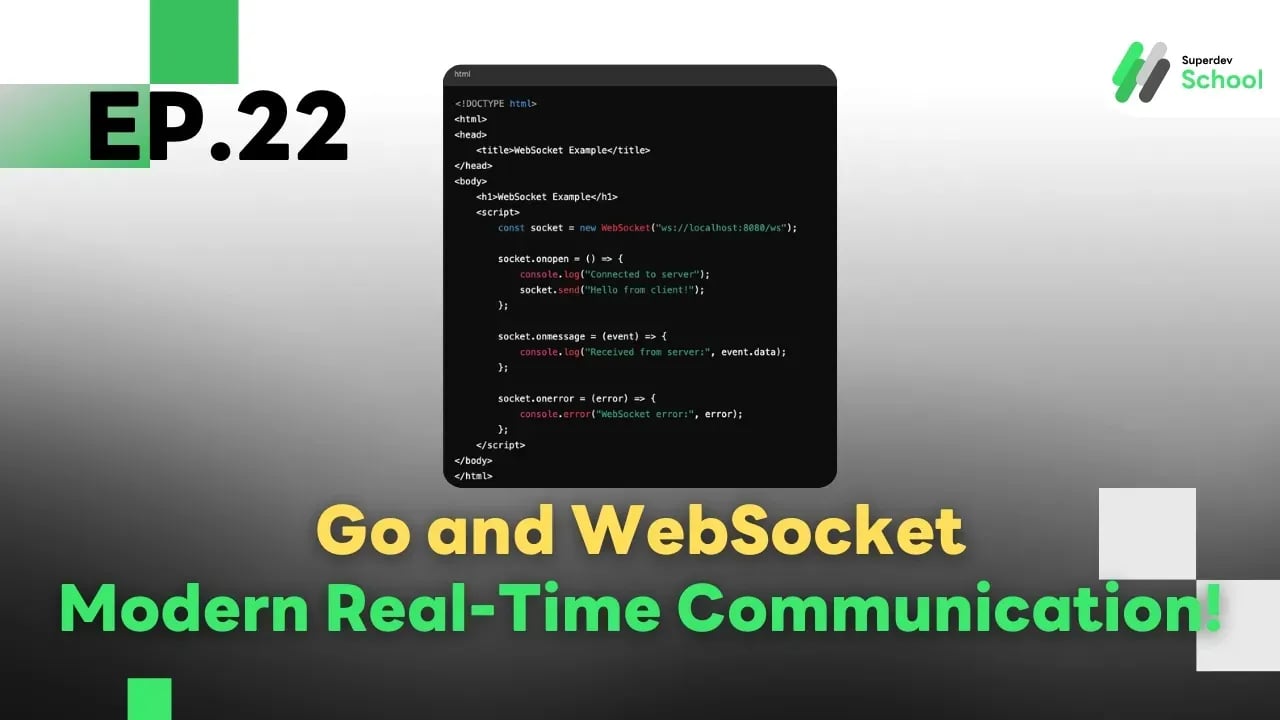
Ep.22 Go and WebSocket: Modern Real-Time Communication!
#Go
#Golang
#Go language
#WebSocket
#real-time communication
#gorilla/websocket
#web development
#online applications
#Programming Education
#Go Programming
#Practice programming
#programming
#programming for beginners
#programming language
#programmers
#Superdev School
Go and WebSocket: Modern Real-Time Communication!
What is WebSocket?
WebSocket is a protocol that enables real-time communication between the server and the client without needing to send a new request each time, unlike HTTP.
Advantages of WebSocket :
- Two-way Communication (Full Duplex) : Both the server and the client can send data to each other at any time.
- Reduced Latency : Decreases the delay in data updates.
- Ideal for Applications Requiring Live Data : Such as online games or chat systems.
Using WebSocket in Go
In Go, we have a popular package, github.com/gorilla/websocket , which makes it easier to create WebSocket servers and clients.
Installation Steps:
go get -u github.com/gorilla/websocket
Creating a Simple WebSocket Server Example Code
In this example, the Upgrader is used to convert an HTTP connection to a WebSocket.
The handleConnections function is used to receive messages from clients and send them back.
package main

import (
    "fmt"
    "net/http"

    "github.com/gorilla/websocket"
)

var upgrader = websocket.Upgrader{
    CheckOrigin: func(r *http.Request) bool {
        return true // อนุญาตการเชื่อมต่อจากทุกที่
    },
}

func handleConnections(w http.ResponseWriter, r *http.Request) {
    conn, err := upgrader.Upgrade(w, r, nil) // อัปเกรดการเชื่อมต่อเป็น WebSocket
    if err != nil {
        fmt.Println("Error upgrading connection:", err)
        return
    }
    defer conn.Close()

    for {
        messageType, msg, err := conn.ReadMessage()
        if err != nil {
            fmt.Println("Error reading message:", err)
            break
        }
        fmt.Printf("Received: %s\n", msg)

        // ส่งข้อความกลับไปยังไคลเอนต์
        if err := conn.WriteMessage(messageType, msg); err != nil {
            fmt.Println("Error writing message:", err)
            break
        }
    }
}

func main() {
    http.HandleFunc("/ws", handleConnections)

    fmt.Println("WebSocket server started at :8080/ws")
    http.ListenAndServe(":8080", nil)
}
Client Connection (HTML/JavaScript) Example Client-Side Code
In this example, we use the JavaScript WebSocket API to connect to the WebSocket server. When the connection is successful, it sends the message "Hello from client!" to the server and waits for a response.
<!DOCTYPE html>
<html>
<head>
    <title>WebSocket Example</title>
</head>
<body>
    <h1>WebSocket Example</h1>
    <script>
        const socket = new WebSocket("ws://localhost:8080/ws");

        socket.onopen = () => {
            console.log("Connected to server");
            socket.send("Hello from client!");
        };

        socket.onmessage = (event) => {
            console.log("Received from server:", event.data);
        };

        socket.onerror = (error) => {
            console.error("WebSocket error:", error);
        };
    </script>
</body>
</html>
Handling Multiple Clients Simultaneously
A WebSocket server can support connections from multiple clients by storing the connections in a map or slice.
Example of Managing Multiple Clients
In this example, clients stores all client connections. The broadcastMessage function is used to send messages to all clients.
var clients = make(map[*websocket.Conn]bool)

func broadcastMessage(message []byte) {
    for client := range clients {
        if err := client.WriteMessage(websocket.TextMessage, message); err != nil {
            fmt.Println("Error broadcasting message:", err)
            client.Close()
            delete(clients, client)
        }
    }
}

func handleConnections(w http.ResponseWriter, r *http.Request) {
    conn, err := upgrader.Upgrade(w, r, nil)
    if err != nil {
        fmt.Println("Error upgrading connection:", err)
        return
    }
    defer conn.Close()

    clients[conn] = true

    for {
        _, msg, err := conn.ReadMessage()
        if err != nil {
            fmt.Println("Error reading message:", err)
            delete(clients, conn)
            break
        }
        broadcastMessage(msg)
    }
}
In Summary
- WebSocket is suitable for real-time communication.
- Use the gorilla/websocket package to create a WebSocket server.
- Manage multiple clients by storing connections in a map and sending messages back to everyone.