18/08/2026 21:43pm
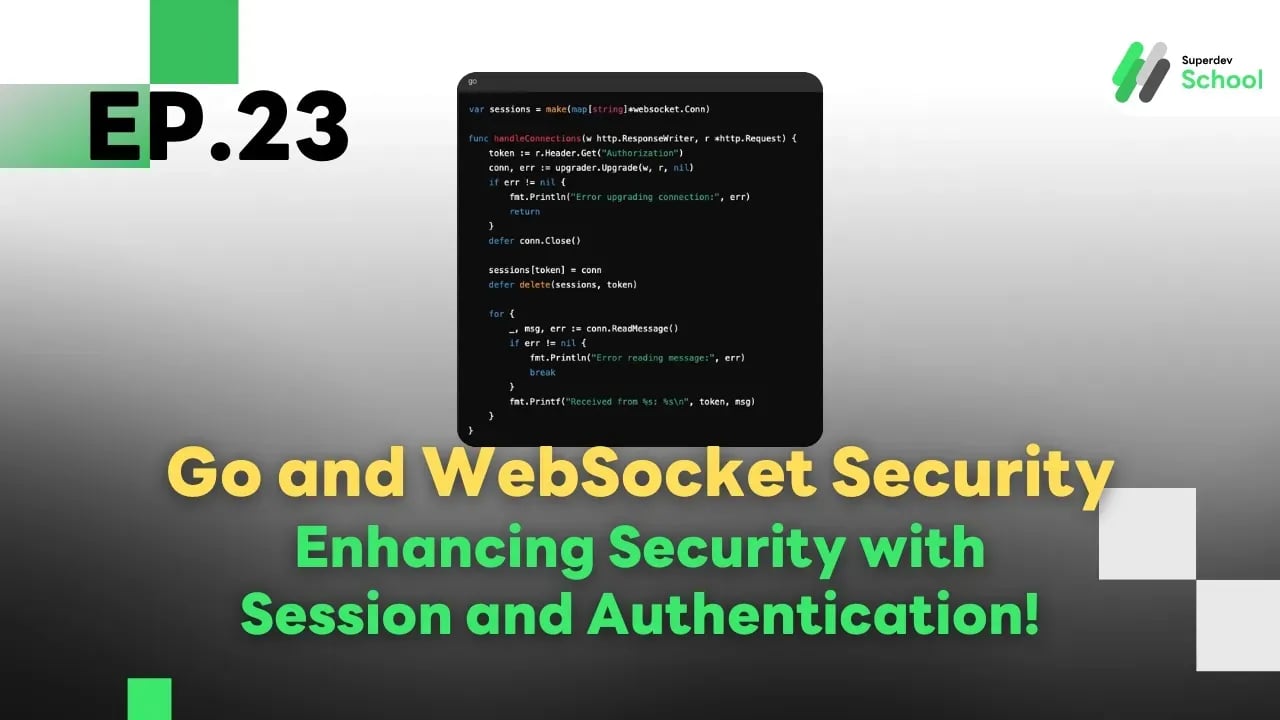
Ep.23 Go and WebSocket Security - Enhancing Security with Session and Authentication!
#Go
#Go language
#Golang
#WebSocket
#authentication
#user authorization
#security
#Session
#web development
#Programming Education
#Go Programming
#Practice programming
#programming
#programming for beginners
#programming language
#programmers
#Superdev School
Go and WebSocket Security - Enhancing Security with Session and Authentication!
Why Use Session and Authentication with WebSocket?
WebSocket does not automatically send Credential data (such as Tokens or Cookies) like HTTP does. Therefore, we need a way to authenticate users each time a connection is made to ensure that only authorized users can communicate with the server.
How to Add Authentication to WebSocket
1. Check the Token or Cookie before allowing the connection.
2. Store the connection state in a Session to identify the user.
3. Verify the user's permissions for every message sent.
Steps to Add Authentication to WebSocket
1. Check the Token before allowing the connection.
In the WebSocket connection upgrade process, the Token can be checked from the Request Header.
In this example :
Use authMiddleware to check the Token in the Request Header before allowing the connection.
If the Token is invalid, return a 401 (Unauthorized) status.
Example code :
package main

import (
    "fmt"
    "net/http"

    "github.com/gorilla/websocket"
)

var upgrader = websocket.Upgrader{
    CheckOrigin: func(r *http.Request) bool {
        return true
    },
}

func authMiddleware(next http.HandlerFunc) http.HandlerFunc {
    return func(w http.ResponseWriter, r *http.Request) {
        token := r.Header.Get("Authorization")
        if token != "valid-token" {
            http.Error(w, "Unauthorized", http.StatusUnauthorized)
            return
        }
        next(w, r)
    }
}

func handleConnections(w http.ResponseWriter, r *http.Request) {
    conn, err := upgrader.Upgrade(w, r, nil)
    if err != nil {
        fmt.Println("Error upgrading connection:", err)
        return
    }
    defer conn.Close()

    for {
        _, msg, err := conn.ReadMessage()
        if err != nil {
            fmt.Println("Error reading message:", err)
            break
        }
        fmt.Printf("Received: %s\n", msg)
    }
}

func main() {
    http.HandleFunc("/ws", authMiddleware(handleConnections))

    fmt.Println("WebSocket server started at :8080/ws")
    http.ListenAndServe(":8080", nil)
}
2. Use Session to Store User Information.
You can use a map or Session Manager to keep track of each user's connection state.
In this example :
Use the Token as a Key in sessions to identify each user's connection.
When the connection is closed, remove the Token from sessions.
Example :
var sessions = make(map[string]*websocket.Conn)

func handleConnections(w http.ResponseWriter, r *http.Request) {
    token := r.Header.Get("Authorization")
    conn, err := upgrader.Upgrade(w, r, nil)
    if err != nil {
        fmt.Println("Error upgrading connection:", err)
        return
    }
    defer conn.Close()

    sessions[token] = conn
    defer delete(sessions, token)

    for {
        _, msg, err := conn.ReadMessage()
        if err != nil {
            fmt.Println("Error reading message:", err)
            break
        }
        fmt.Printf("Received from %s: %s\n", token, msg)
    }
}
3. Check Permissions for Every Message Sent.
If you want to verify permissions for each message sent, you can add logic in the ReadMessage function.
Example :
func handleConnections(w http.ResponseWriter, r *http.Request) {
    token := r.Header.Get("Authorization")
    conn, err := upgrader.Upgrade(w, r, nil)
    if err != nil {
        fmt.Println("Error upgrading connection:", err)
        return
    }
    defer conn.Close()

    sessions[token] = conn
    defer delete(sessions, token)

    for {
        _, msg, err := conn.ReadMessage()
        if err != nil {
            fmt.Println("Error reading message:", err)
            break
        }

        // ตัวอย่างการตรวจสอบสิทธิ์ในข้อความ
        if string(msg) == "admin-only-action" && token != "admin-token" {
            conn.WriteMessage(websocket.TextMessage, []byte("Unauthorized action"))
            continue
        }

        fmt.Printf("Message from %s: %s\n", token, msg)
    }
}
Real-World Use Case: Sending Data to Specific User Groups
You can send data to specific groups, such as Admin groups or specific users, by using Tokens or Roles as filters.
Example :
func broadcastToAdmins(message string) {
    for token, conn := range sessions {
        if token == "admin-token" { // ตัวอย่างการกรองเฉพาะ Admin
            conn.WriteMessage(websocket.TextMessage, []byte(message))
        }
    }
}
In Summary
- Use Middleware to check the Token before allowing the connection.
- Store the user's connection state in a Session for future use.
- Add permission-checking logic for every message sent to enhance security.