07/06/2026 06:43am
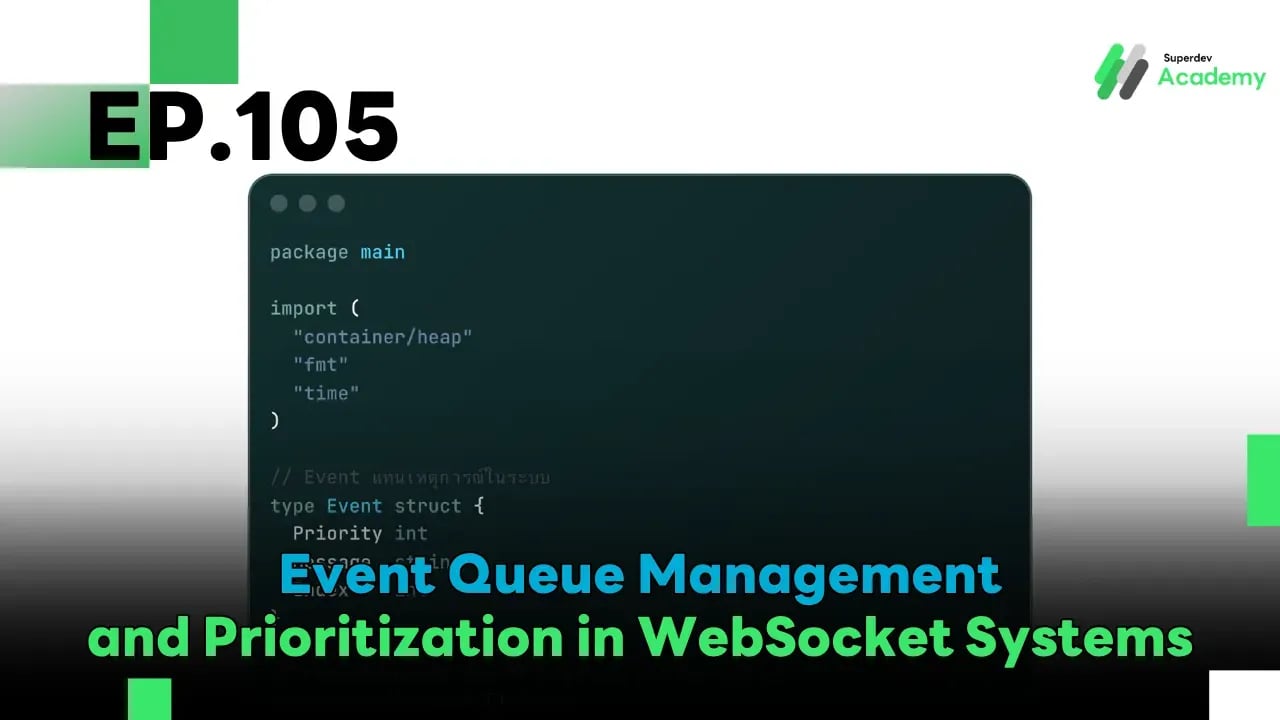
EP.105 Event Queue Management and Prioritization in WebSocket Systems
#WebSocket
#Event Queue
#Golang
#Prioritization
#Go
In a large-scale WebSocket system, where real-time data is received and transmitted from multiple sources — such as chat messages, notifications, or status updates — problems like event ordering and delay can occur.
To ensure the system runs smoothly and stably, we need:
- Event Queue Management
- Prioritization Mechanism
This ensures that critical events are processed first and are not lost during processing.
🔹 1. Why manage the Event Queue?
Without proper queue management, a WebSocket system may encounter:
❌ Out-of-order events
❌ Lost notifications
❌ High latency under heavy load
Event Queues help by:
✅ Temporarily buffering data before sending
✅ Processing critical events (e.g., system alerts) before regular ones
✅ Preventing server overload during high connection volume
🧩 2. Designing an Event Queue structure in Go
We can use Go channels and Priority Queue (Heap) to manage event priority easily and efficiently.
Example: Golang Priority Event Queue
package main

import (
	"container/heap"
	"fmt"
	"time"
)

// Event represents an event in the system
type Event struct {
	Priority int
	Message  string
	Index    int
}

// PriorityQueue orders events by priority
type PriorityQueue []*Event

func (pq PriorityQueue) Len() int { return len(pq) }

func (pq PriorityQueue) Less(i, j int) bool {
	return pq[i].Priority > pq[j].Priority // Higher value = higher priority
}

func (pq PriorityQueue) Swap(i, j int) {
	pq[i], pq[j] = pq[j], pq[i]
	pq[i].Index, pq[j].Index = i, j
}

func (pq *PriorityQueue) Push(x interface{}) {
	item := x.(*Event)
	item.Index = len(*pq)
	*pq = append(*pq, item)
}

func (pq *PriorityQueue) Pop() interface{} {
	old := *pq
	n := len(old)
	item := old[n-1]
	*pq = old[0 : n-1]
	return item
}

func main() {
	pq := make(PriorityQueue, 0)
	heap.Init(&pq)

	// Push events to the queue
	heap.Push(&pq, &Event{Priority: 3, Message: "📢 Chat Message"})
	heap.Push(&pq, &Event{Priority: 1, Message: "🔔 Notification"})
	heap.Push(&pq, &Event{Priority: 5, Message: "🚨 System Alert"})

	for pq.Len() > 0 {
		event := heap.Pop(&pq).(*Event)
		fmt.Printf("Processing: %s\n", event.Message)
		time.Sleep(500 * time.Millisecond)
	}
}
🧠 Output:
Processing: 🚨 System Alert
Processing: 📢 Chat Message
Processing: 🔔 Notification
✅ This shows that the system correctly processes events based on their priority.
⚙️ 3. Applying to real-world WebSocket systems
When the server receives events from multiple sources (e.g., user actions, system events, notifications), we can use a queue like this to:
- Separate critical events from normal ones
- Control real-time data flow in correct order
- Prevent overload during traffic spikes
Systems connected to Redis or Kafka can also adopt this concept to scale for tens of thousands to hundreds of thousands of concurrent users.
🔧 4. Best Practices for Event Queue Management
- Use priority tags (e.g., low, normal, high, critical) to classify events
- Use a worker pool to process multiple queues concurrently
- Implement timeout/retry logic for failed event delivery
- Use monitoring tools to track queue backlog and processing delays
🚀 Give it a try!
Try building a simulated Priority Event Queue, then add both notifications and chat events with different priorities.
You’ll quickly see that critical events are handled first, and the system feels smoother ⚡
🌟 Next EP
In EP.106, we’ll talk about “Monitoring & Metrics for WebSocket Production” — learn how to track and observe your WebSocket server using Prometheus, Grafana, and the essential metrics every production system should monitor! 📊
Read more
🔵 Facebook: Superdev Academy
🔴 YouTube: Superdev Academy
📸 Instagram: Superdev Academy
🎬 TikTok: https://www.tiktok.com/@superdevacademy?lang=th-TH
🌐 Website: https://www.superdevacademy.com/en