07/06/2026 06:43am
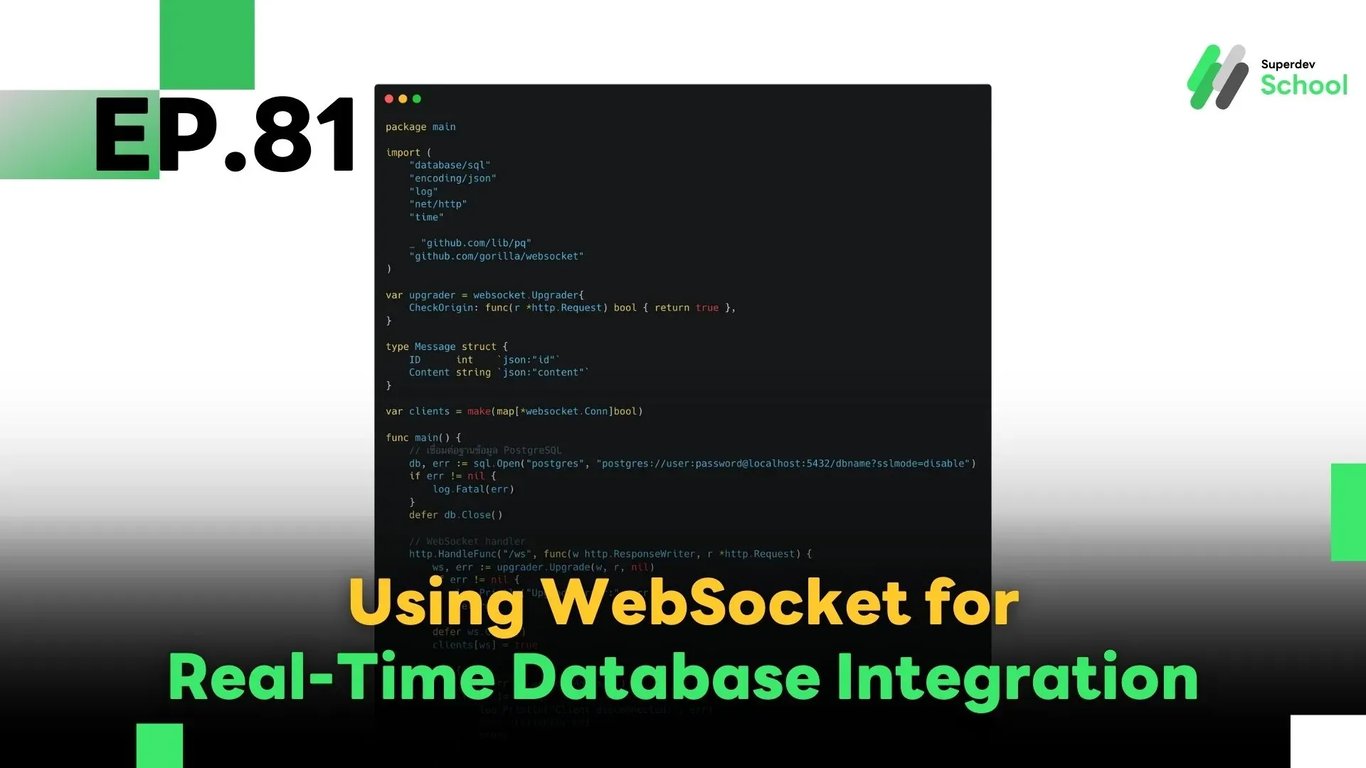
EP.81 Using WebSocket for Real-Time Database Integration
#go websocket
#real-time backend
#Golang
#Go
#WebSocket
In this episode, we’ll walk you through how to connect WebSocket with a database to enable real-time data updates in your application. With this setup, users can immediately see changes without needing to refresh the page — ideal for:
- Real-time product inventory displays
- Live order update notifications
- Dashboards and status feeds that reflect data instantly
🔍 Why Use WebSocket for Real-Time Database Sync?
✅ Eliminate excessive polling
Clients no longer need to send repeated HTTP requests every few seconds to check for updates.
✅ Faster data delivery
Changes are pushed directly from the server to the clients without delay.
✅ Supports multiple users simultaneously
One backend can broadcast updates to many connected clients at once.
🧠 Basic Architecture Overview
Database ⇄ Backend (Go + WebSocket) ⇄ Clients (Web / Mobile)
Concept:
- Backend connects to a database (e.g., PostgreSQL / MySQL / MongoDB)
- On
Insert,Update, orDelete, the backend pushes new data to clients over WebSocket - Clients receive the data and update the UI instantly
✅ Full Example in Golang
package main

import (
    "database/sql"
    "encoding/json"
    "log"
    "net/http"
    "time"

    _ "github.com/lib/pq"
    "github.com/gorilla/websocket"
)

var upgrader = websocket.Upgrader{
    CheckOrigin: func(r *http.Request) bool { return true },
}

type Message struct {
    ID      int    `json:"id"`
    Content string `json:"content"`
}

var clients = make(map[*websocket.Conn]bool)

func main() {
    // Connect to PostgreSQL
    db, err := sql.Open("postgres", "postgres://user:password@localhost:5432/dbname?sslmode=disable")
    if err != nil {
        log.Fatal(err)
    }
    defer db.Close()

    // WebSocket endpoint
    http.HandleFunc("/ws", func(w http.ResponseWriter, r *http.Request) {
        ws, err := upgrader.Upgrade(w, r, nil)
        if err != nil {
            log.Println("Upgrade error:", err)
            return
        }
        defer ws.Close()
        clients[ws] = true

        for {
            _, _, err := ws.ReadMessage()
            if err != nil {
                log.Println("Client disconnected:", err)
                delete(clients, ws)
                break
            }
        }
    })

    // Polling the database every 5 seconds
    go func() {
        for {
            rows, err := db.Query("SELECT id, content FROM messages ORDER BY id DESC LIMIT 10")
            if err != nil {
                log.Println("DB query error:", err)
                time.Sleep(5 * time.Second)
                continue
            }

            var messages []Message
            for rows.Next() {
                var m Message
                if err := rows.Scan(&m.ID, &m.Content); err == nil {
                    messages = append(messages, m)
                }
            }
            rows.Close()

            data, _ := json.Marshal(messages)
            for client := range clients {
                err := client.WriteMessage(websocket.TextMessage, data)
                if err != nil {
                    log.Println("Send error:", err)
                    client.Close()
                    delete(clients, client)
                }
            }

            time.Sleep(5 * time.Second)
        }
    }()

    log.Println("🚀 Server started at :8080")
    log.Fatal(http.ListenAndServe(":8080", nil))
}
💬 Notes:
- In production, prefer using PostgreSQL LISTEN/NOTIFY, Redis Pub/Sub, or CDC tools instead of polling for truly real-time delivery.
- Adjust connection pooling, implement retry logic, and manage concurrent connections carefully to handle high loads efficiently.
✅ Key Things to Test:
- WebSocket correctly connected to your database
- New data is pushed to clients immediately when inserted/updated
- Clients gracefully handle disconnections and reconnections
- The server performs well under concurrent connections from many users
🔧 Challenge: Improve It Further!
Try implementing:
LISTEN/NOTIFYin PostgreSQL to eliminate polling entirely- Filtered subscriptions: Send only relevant updates to each client
- A dedicated WebSocket hub: Manage sessions, broadcast, and private messaging
🔜 Coming Next:
EP.82 – Real-Time Status Tracking with WebSocket
We’ll show you how to build a real-time status update system — perfect for live order statuses, check-in systems, delivery tracking, and more. Stay tuned!
Read more
🔵 Facebook: Superdev School (Superdev)
📸 Instagram: superdevschool
🎬 TikTok: superdevschool
🌐 Website: www.superdev.school