07/06/2026 06:43am
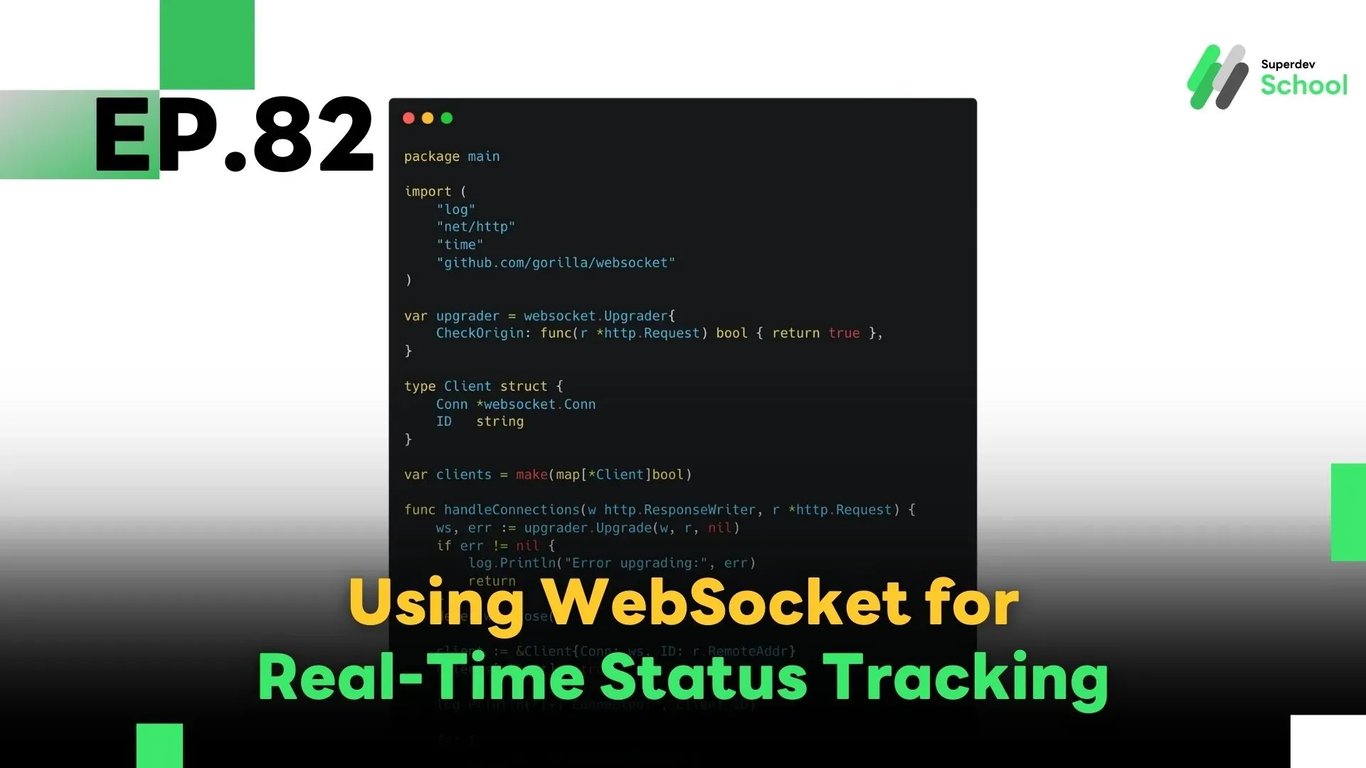
EP.82 Using WebSocket for Real-Time Status Tracking
#Real-time
#Golang
#Go
#WebSocket
In this episode, we’ll show you how to build a real-time status tracking system using Go and WebSocket — ideal for:
✅ Tracking user status
✅ Monitoring server health
✅ Monitoring IoT device activity
Every status update is pushed to users instantly — no polling or refreshing needed — ensuring low latency and real-time responsiveness.
🔍 Why Use WebSocket for Status Tracking?
A status tracking system must be fast and persistent. WebSocket offers:
✳️ Persistent connection — no need to reopen HTTP requests
✳️ Real-time two-way communication — instant push from server to client
✳️ Reduced resource usage — compared to frequent polling
✅ Basic Architecture
graph LR
A[Data Source<br>(DB, Sensor, etc.)] --> B[WebSocket Server<br>(Golang)]
B --> C[Client<br>(Web/Mobile)]
Data Source: The source of status updates (database, sensor, etc.)
WebSocket Server: Detects and sends updates to connected clients
Client: Displays the latest status in real-time
📦 WebSocket Server Example in Go
package main

import (
    "log"
    "net/http"
    "time"
    "github.com/gorilla/websocket"
)

var upgrader = websocket.Upgrader{
    CheckOrigin: func(r *http.Request) bool { return true },
}

type Client struct {
    Conn *websocket.Conn
    ID   string
}

var clients = make(map[*Client]bool)

func handleConnections(w http.ResponseWriter, r *http.Request) {
    ws, err := upgrader.Upgrade(w, r, nil)
    if err != nil {
        log.Println("Error upgrading:", err)
        return
    }
    defer ws.Close()

    client := &Client{Conn: ws, ID: r.RemoteAddr}
    clients[client] = true

    log.Println("[+] Connected:", client.ID)

    for {
        _, _, err := ws.ReadMessage()
        if err != nil {
            log.Println("[-] Disconnected:", client.ID)
            delete(clients, client)
            break
        }
    }
}

func broadcastStatus() {
    for {
        statusUpdate := map[string]interface{}{
            "timestamp": time.Now().Format(time.RFC3339),
            "status":    "active",
        }

        for client := range clients {
            err := client.Conn.WriteJSON(statusUpdate)
            if err != nil {
                log.Println("[x] Send error to", client.ID, ":", err)
                client.Conn.Close()
                delete(clients, client)
            }
        }

        time.Sleep(5 * time.Second)
    }
}

func main() {
    http.HandleFunc("/ws", handleConnections)
    go broadcastStatus()

    log.Println("🚀 WebSocket server running on :8080")
    err := http.ListenAndServe(":8080", nil)
    if err != nil {
        log.Fatal("Server error:", err)
    }
}
🔎 Code Breakdown
| Function | Purpose |
|---|---|
handleConnections | Accept new WebSocket clients and track them |
broadcastStatus | Periodically push JSON status updates to all clients |
main | Start the server and the background broadcaster routine |
🧠 Production-Ready Enhancements
| Feature | Description |
|---|---|
| ✅ Use channels/observer | Push data only when changes occur instead of using a timer |
| ✅ Redis Pub/Sub / Kafka | Support multi-instance scalable broadcasting |
| ✅ Heartbeat & Reconnect | Detect disconnected clients and auto-reconnect |
| ✅ Session management | Manage client login states and send filtered updates |
🚀 Challenge: Build Your Own!
- Track multiple users or servers and broadcast only relevant data
- Integrate with a real-time database (e.g., PostgreSQL
LISTEN/NOTIFY, Redis Streams) - Create a live UI dashboard — like a control room or admin panel
🔜 Coming Next
EP.83: Building Real-Time Collaborative Apps with WebSocket
We’ll explore how to use WebSocket in collaborative tools like shared document editing, whiteboards, or team chat — where multiple users work together in real-time.
Read more
🔵 Facebook: Superdev School (Superdev)
📸 Instagram: superdevschool
🎬 TikTok: superdevschool
🌐 Website: www.superdev.school