07/06/2026 06:44am
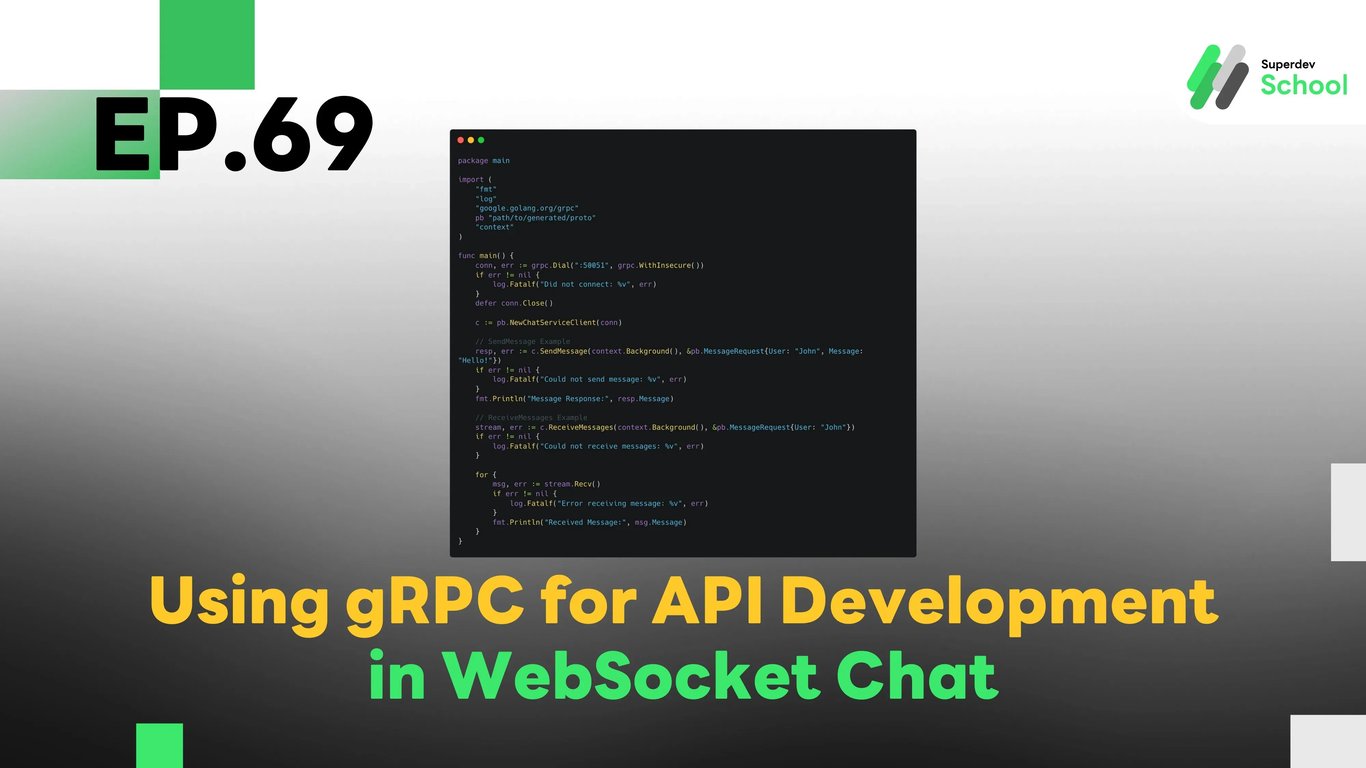
EP.69 Using gRPC for API Development in WebSocket Chat
#WebSocket scalability
#API development with gRPC
#WebSocket performance
#gRPC WebSocket
#WebSocket Load Balancing
In EP.69, we will explore how to use gRPC to develop API for WebSocket Chat to enhance communication between WebSocket Server and Client with more efficiency. gRPC is a framework developed by Google that uses Protocol Buffers (protobuf) for data serialization, making the communication process faster and more efficient compared to traditional REST APIs.
gRPC helps in enabling faster real-time communication, which is essential for applications like WebSocket Chat, where you need continuous and low-latency communication for message exchange. We will learn how to set up gRPC and integrate it with WebSocket Chat for optimized communication.
Why Use gRPC for WebSocket Chat?
gRPC offers several benefits that can improve the performance and scalability of your WebSocket Chat application:
- High Performance: gRPC uses Protocol Buffers, which is more compact and efficient than JSON, reducing the size of the data being transferred and improving speed.
- Real-time Communication: gRPC supports bidirectional streaming, making it ideal for real-time chat applications like WebSocket where messages are constantly sent and received.
- Low Latency: gRPC is designed for low latency and high throughput, which ensures faster communication and responsiveness.
- Cross-platform support: gRPC supports multiple languages, allowing you to develop both server and client in different programming languages.
- Security: gRPC comes with SSL/TLS encryption by default, making communication secure.
Setting Up gRPC for WebSocket Chat
In this section, we will set up gRPC and integrate it with WebSocket Chat to send and receive messages in real-time.
1. Creating the .proto File for gRPC API
To start, we will define the service and message types for communication in WebSocket Chat using a .proto file. This will allow us to define the structure for sending and receiving messages.
chat.proto:
syntax = "proto3";

package chat;

service ChatService {
    rpc SendMessage (MessageRequest) returns (MessageResponse);
    rpc ReceiveMessages (MessageRequest) returns (stream MessageResponse);
}

message MessageRequest {
    string user = 1;
    string message = 2;
}

message MessageResponse {
    string user = 1;
    string message = 2;
    string timestamp = 3;
}
2. Generating Go Code from the .proto File
Once the .proto file is defined, we can generate Go code using the protoc compiler.
protoc --go_out=plugins=grpc:. chat.proto
Now that we have generated the necessary code, let’s create the gRPC Server for handling message sending and receiving.
3. Creating the gRPC Server for WebSocket Chat
Here is the Go code for creating the gRPC Server to handle the SendMessage and ReceiveMessages API requests:
server.go:
package main

import (
    "fmt"
    "log"
    "net"
    "time"
    "google.golang.org/grpc"
    pb "path/to/generated/proto"
    "context"
)

type server struct{}

func (s *server) SendMessage(ctx context.Context, in *pb.MessageRequest) (*pb.MessageResponse, error) {
    return &pb.MessageResponse{
        User:     in.User,
        Message:  in.Message,
        Timestamp: fmt.Sprintf("%v", time.Now()),
    }, nil
}

func (s *server) ReceiveMessages(in *pb.MessageRequest, stream pb.ChatService_ReceiveMessagesServer) error {
    for {
        time.Sleep(1 * time.Second)
        err := stream.Send(&pb.MessageResponse{
            User:    "Server",
            Message: "Hello, " + in.User,
            Timestamp: fmt.Sprintf("%v", time.Now()),
        })
        if err != nil {
            return err
        }
    }
}

func main() {
    lis, err := net.Listen("tcp", ":50051")
    if err != nil {
        log.Fatalf("failed to listen: %v", err)
    }
    s := grpc.NewServer()
    pb.RegisterChatServiceServer(s, &server{})
    if err := s.Serve(lis); err != nil {
        log.Fatalf("failed to serve: %v", err)
    }
}
4. Creating the WebSocket Client for gRPC
Now that we have the gRPC Server set up, let’s create a WebSocket Client that will communicate with the gRPC Server to send and receive messages.
client.go:
package main

import (
    "fmt"
    "log"
    "google.golang.org/grpc"
    pb "path/to/generated/proto"
    "context"
)

func main() {
    conn, err := grpc.Dial(":50051", grpc.WithInsecure())
    if err != nil {
        log.Fatalf("Did not connect: %v", err)
    }
    defer conn.Close()

    c := pb.NewChatServiceClient(conn)

    // SendMessage Example
    resp, err := c.SendMessage(context.Background(), &pb.MessageRequest{User: "John", Message: "Hello!"})
    if err != nil {
        log.Fatalf("Could not send message: %v", err)
    }
    fmt.Println("Message Response:", resp.Message)

    // ReceiveMessages Example
    stream, err := c.ReceiveMessages(context.Background(), &pb.MessageRequest{User: "John"})
    if err != nil {
        log.Fatalf("Could not receive messages: %v", err)
    }

    for {
        msg, err := stream.Recv()
        if err != nil {
            log.Fatalf("Error receiving message: %v", err)
        }
        fmt.Println("Received Message:", msg.Message)
    }
}
Testing the gRPC API
Once you’ve developed the gRPC API, it’s important to test that everything works correctly.
Tests to perform:
- Test sending messages:
Ensure that the Client can send a message to the Server and receive the correct response. - Test receiving messages:
Verify that the Server sends messages to the Client in real-time. - Test performance:
Measure the latency and throughput of using gRPC for communication and compare it to traditional REST APIs.
Challenge!
Try implementing Authentication using JWT (JSON Web Tokens) in your gRPC communication to make it more secure!
Next EP:
In EP.70, we will explore Improving the Performance of WebSocket Servers with Load Balancer to efficiently distribute traffic across multiple servers and ensure high availability and scalability for real-time WebSocket communication!