07/06/2026 06:44am
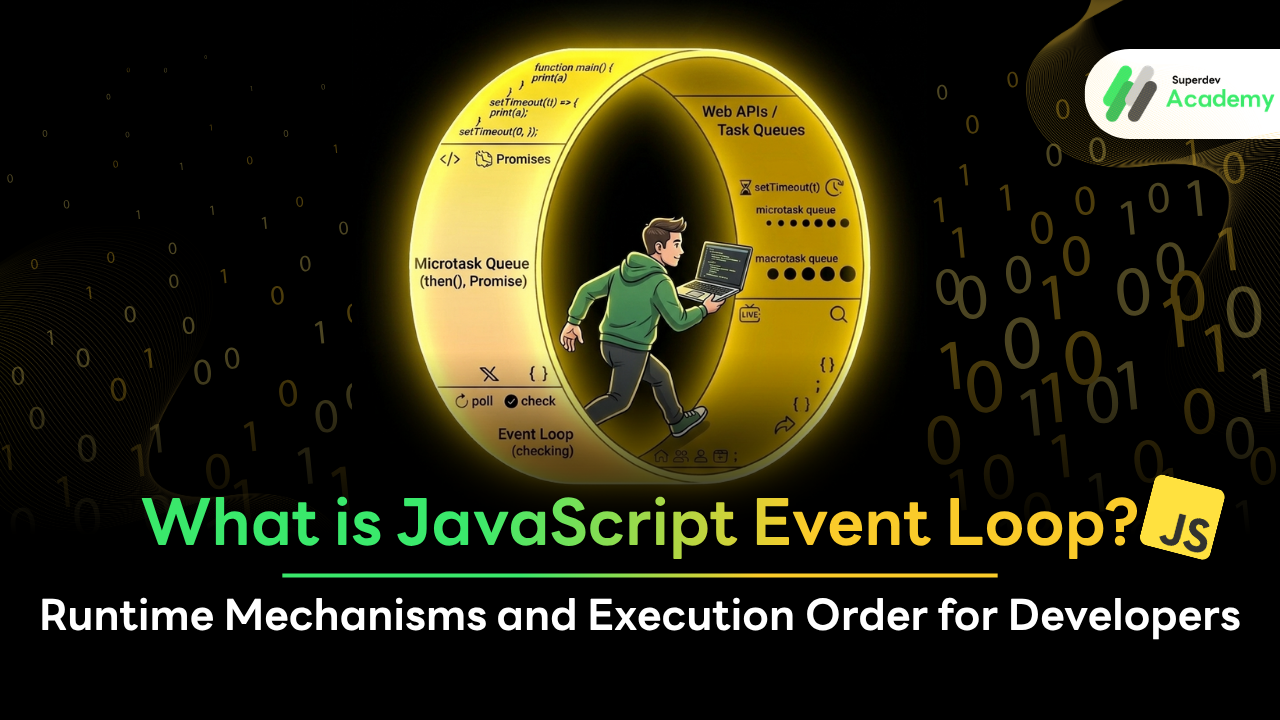
What is JavaScript Event Loop? Runtime Mechanisms and Execution Order for Developers
#Event Loop
#JavaScript Runtime
#Microtask
#Macrotask
#Asynchronous JavaScript
#JavaScript
Ever wondered how JavaScript, which is famously Single-threaded (handling only one task at a time), manages to fetch data from APIs, process keyboard inputs, and run smooth animations simultaneously without freezing the screen?
The secret doesn't lie within the language syntax itself, but in the systematic collaboration between the JavaScript Engine (like V8) and a mechanism called the Event Loop.
Today, we’re going to deconstruct the Non-blocking I/O magic that has made JavaScript one of the most powerful languages in the world of web development!
What is the Event Loop?
To put it simply, the Event Loop is the orchestrator of JavaScript’s execution flow.
Although JavaScript is inherently single-threaded—meaning it has only one path and can handle only one task at a time (like a one-lane road)—the Event Loop is what manages which tasks should be executed immediately and which should be deferred for later. This mechanism allows the program to handle multiple operations simultaneously (Asynchronous) without freezing or getting stuck waiting for long-running commands.
Its primary responsibility is Monitoring. It constantly checks if the Call Stack is empty. Once the stack is clear, it fetches the next task waiting in the Task Queue and pushes it back into the stack for execution. This process repeats indefinitely in a circular motion, which is precisely why it’s called a Loop.
A Deep Dive into the 4 Core Components of JavaScript Runtime
To truly grasp how the Event Loop works, we must first look at the big picture. The JavaScript Runtime (whether it's the V8 Engine in Chrome or Node.js) divides the responsibility of code management into the following key parts:
1. Call Stack
This is where JavaScript executes your commands sequentially (Single Thread) using the LIFO (Last In, First Out) principle. When a function is called, it is Pushed into the stack. Once the execution is finished, it is Popped out.
2. Web APIs / Node.js APIs
This is the component that enables JavaScript to be truly Asynchronous. Commands that require waiting—such as setTimeout, fetch (Network Requests), or Event Listeners—are sent here to be handled. This prevents these long-running tasks from blocking other code execution in the Call Stack.
3. Task Queue (Callback Queue)
Once the tasks in the Web APIs section are completed (e.g., the data is fetched or the timer reaches zero), the corresponding Callback Function is sent to wait in this queue, ready for its turn to be re-executed.
4. Event Loop
This part acts solely as the coordinator. Its job is to constantly monitor the status of the Call Stack. If the stack is empty, it pulls the first task from the Task Queue and pushes it up for processing. This process repeats continuously for as long as the program is running.
Step-by-Step Execution Flow
Let’s look at a code snippet that is frequently used to test developers' wit in technical interviews:
JavaScript
console.log("Start");

setTimeout(() => {
  console.log("Timeout 0s");
}, 0);

Promise.resolve().then(() => {
  console.log("Promise");
});

console.log("End");
Behind the Scenes: Step-by-Step
console.log("Start"): Pushed into the Call Stack, logs "Start" immediately, and is then Popped out.setTimeout (0ms): While it runs in the stack, it hands off the callback to Web APIs to handle the timer. Even though it's set to 0s, it must always be sent to the Macrotask Queue (or Task Queue) once the timer finishes.Promise.resolve(): The.then()block is sent to the Microtask Queue, a high-priority queue.console.log("End"): Executes in the Call Stack as the final part of the main script, logging "End".
The Event Loop's Moment of Truth:
Once the Call Stack is empty, the Event Loop begins processing tasks based on Priority Rules:
Check Microtask Queue First: It processes all tasks in this queue until it is completely empty. Therefore, "Promise" is retrieved and logged first.
Check Macrotask Queue: Only after the Microtask Queue is clear does the Event Loop move to the regular queue to pick up "Timeout 0s".
Expected Output:
Plaintext
Start
End
Promise
Timeout 0s
Microtask vs. Macrotask: Which is the Priority?
In the Event Loop system, there isn't just one queue. Tasks are categorized into two main types based on their priority:
1. Microtask Queue (High Priority)
The Event Loop gives this queue the highest priority. After the current task in the Call Stack is finished, the system checks this queue immediately and must clear every single task before moving on to anything else.
Triggers:
Promises(.then,.catch,.finally),MutationObserver, andprocess.nextTick(in Node.js).
2. Macrotask Queue (Standard Priority)
Often simply called the Task Queue, this is for general asynchronous tasks that can afford a slight delay.
Triggers:
setTimeout,setInterval,setImmediate,I/O Tasks, and User Interactions (e.g., click events).
The Real-world Execution Cycle (The Tick)
To visualize the priority, here is how the Event Loop functions in a single cycle (Tick):
Execute tasks in the Call Stack until empty.
Clear ALL tasks in the Microtask Queue (if new microtasks are added during this phase, they are processed immediately as well).
(Browser Only) Perform UI Rendering (if a repaint is due).
Pick ONLY ONE task from the Macrotask Queue and push it into the Call Stack.
Repeat from Step 1.
Pro Tip: This is why
setTimeout(..., 0)never actually runs in 0 milliseconds. It must wait for the main script, all Microtasks (like API data handling), and the Render cycle to complete before it finally gets its turn to execute.
Why Should Developers Care About the Event Loop?
Understanding this mechanism isn't just for acing job interviews; it is the cornerstone of writing high-performance code. Specifically, it helps you avoid Blocking the Event Loop, which leads to a UI Freeze—a disaster for User Experience.
What NOT to do: Monopolizing the Call Stack
Since JavaScript operates on a single thread to execute code and manage the UI, any command that takes too long to process in the Call Stack will prevent the Event Loop from picking up other tasks (like click events or screen repaints).
JavaScript
// Example: Heavy processing that blocks other tasks
function heavyTask() {
  const start = Date.now();
  while (Date.now() - start < 5000) {
    // This "Infinite-like" loop stays in the Stack for 5 seconds.
    // During this time, the user can't interact with anything.
    // The page will freeze (Not Responding).
  }
  console.log("Heavy task finished!");
}
Best Practices for High Performance
If you encounter CPU-intensive tasks, here are two recommended solutions:
Use Web Workers (Browser): Offload complex calculations to a Background Thread separate from the Main Thread. This keeps your interface responsive even while heavy processing occurs in the background.
Task Partitioning: If you can't use Web Workers, break large tasks into smaller chunks and use
setTimeoutorrequestAnimationFrameto "Yield" control back to the Event Loop. This gives the loop a chance to handle UI updates or other events before returning to complete the remaining work.
FAQ: Frequently Asked Questions about the Event Loop
1. If I set setTimeout to 0ms, why doesn't it run immediately?
Answer: Because setTimeout is a Macrotask. Even with 0ms, it only "queues" the task in the Macrotask Queue. Per Event Loop rules, it must wait for the Call Stack to be empty and for the Microtask Queue (like Promises) to be completely cleared before it can be executed.
2. Is the Event Loop the same in Node.js and Browsers?
Answer: The core principle is the same, but the internal implementation differs. Browsers use libevent (as part of Chrome), while Node.js uses a library called libuv to handle I/O. Additionally, Node.js has a special queue, process.nextTick, which executes even before other Microtasks.
3. Can we add more threads to JavaScript?
Answer: The main JavaScript Engine remains Single-threaded. However, you can achieve Parallel Programming via Web Workers in the browser or Worker Threads in Node.js. These allow you to process tasks on separate threads without interfering with the Main Thread.
4. Why is using Promises smoother than long loops?
Answer: Promises operate Asynchronously via the Microtask Queue. This allows you to trigger a task and move on (Non-blocking). In contrast, a long loop in the Call Stack monopolizes the thread entirely until it finishes (Blocking).
5. Can the Event Loop stop working?
Answer: Yes. If an Infinite Loop (like while(true) {}) occurs in the Call Stack, the Event Loop is completely blocked. It will never get the chance to pick up tasks from any queue, resulting in a program crash or a frozen web page.
Summary: The Heart of the Event Loop
To wrap it all up, here is a quick snapshot of the JavaScript lifecycle running every single second:
Execute Main Tasks: Process everything in the Call Stack until it's finished.
Clear Urgent Tasks: Flush the Microtask Queue (e.g., Promises) until it is completely empty.
Update the UI: The Browser performs a Screen Render (if it's time for a repaint).
Fetch the Next Queue: The Event Loop picks up a task from the Macrotask Queue (e.g.,
setTimeout) and moves it to the stack.Repeat: Cycle back to Step 1 and continue indefinitely.
This very mechanism is what makes JavaScript a high-performance language for I/O operations, allowing it to handle massive amounts of tasks simultaneously and smoothly, despite having only a single thread.
We hope this article helps our Superdev community gain a clearer understanding of the "Non-blocking" power behind JavaScript! If you don't want to miss out on deep-dive technical articles or the latest tech updates that will make your coding journey more fun and professional...
Be sure to follow us at Superdev Academy on all platforms!
🔵 Facebook: Superdev Academy Thailand
🎬 YouTube: Superdev Academy Channel
📸 Instagram: @superdevacademy
🎬 TikTok: @superdevacademy
🌐 Website: superdevacademy.com