07/06/2026 06:43am
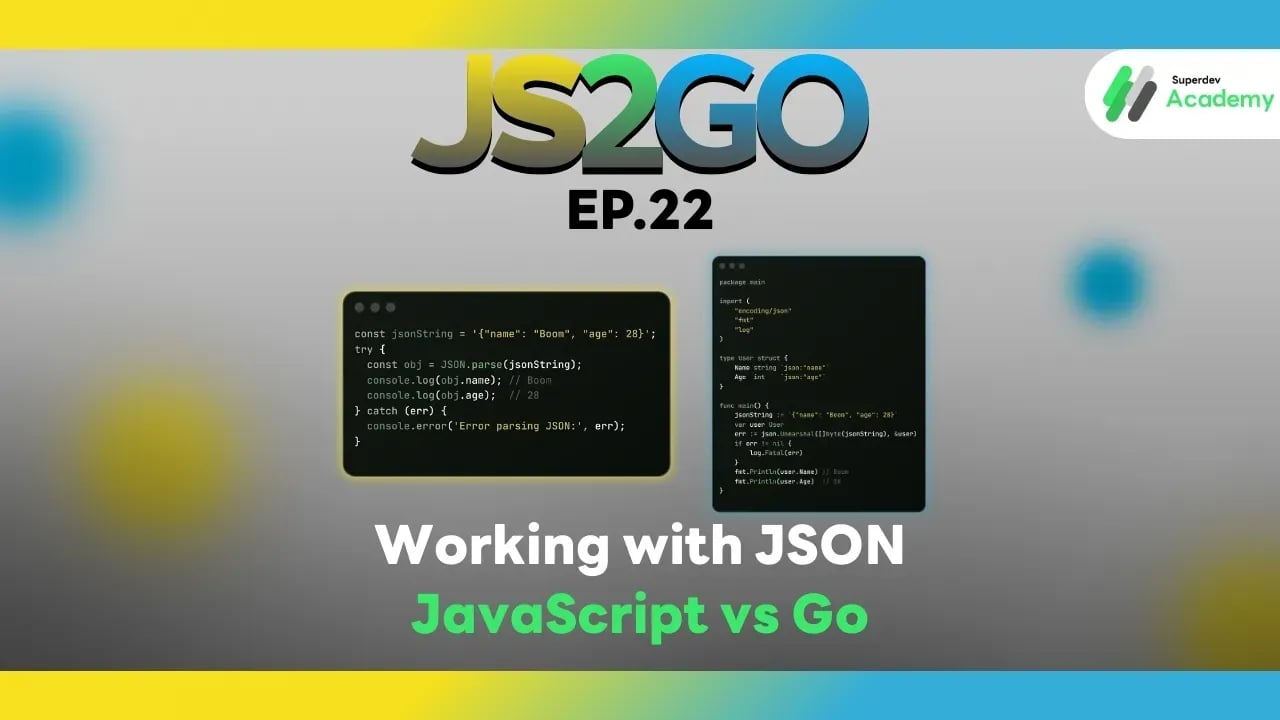
JS2GO EP.22 Working with JSON — JavaScript vs Go
#JSON handling
#JavaScript
#Go
#JSON
#JS2GO
JSON (JavaScript Object Notation) is a widely used data format for exchanging information between systems, especially in APIs and web services. Proper JSON handling ensures data accuracy, prevents runtime errors, and allows systems to run smoothly. In this article, we’ll compare how to parse, serialize, and handle JSON in JavaScript (Node.js) and Go, with clear code examples and best practices.
JSON Handling in JavaScript
JavaScript provides a built-in JSON object for parsing and stringifying JSON data.
Parsing JSON (String → Object)
const jsonString = '{"name": "Boom", "age": 28}';
try {
  const obj = JSON.parse(jsonString);
  console.log(obj.name); // Boom
  console.log(obj.age);  // 28
} catch (err) {
  console.error('Error parsing JSON:', err);
}
Serializing Object → JSON String
const user = { name: 'Boom', age: 28 };
const jsonStr = JSON.stringify(user);
console.log(jsonStr); // {"name":"Boom","age":28}
Advantages of JavaScript JSON
- Built-in and easy to use
- Dynamic typing allows instant modification of objects
- Async/await + fetch makes working with JSON APIs convenient
Limitations
- No type checking; malformed JSON can cause runtime errors
- Must handle errors using try/catch
JSON Handling in Go
Go provides the encoding/json package for JSON operations.
Parsing JSON (String → Struct)
package main

import (
    "encoding/json"
    "fmt"
    "log"
)

type User struct {
    Name string `json:"name"`
    Age  int    `json:"age"`
}

func main() {
    jsonString := `{"name": "Boom", "age": 28}`
    var user User
    err := json.Unmarshal([]byte(jsonString), &user)
    if err != nil {
        log.Fatal(err)
    }
    fmt.Println(user.Name) // Boom
    fmt.Println(user.Age)  // 28
}
Serializing Struct → JSON String
user := User{Name: "Boom", Age: 28}
jsonData, err := json.Marshal(user)
if err != nil {
    log.Fatal(err)
}
fmt.Println(string(jsonData)) // {"name":"Boom","age":28}
Advantages of Go JSON
- Type-safe: field and type are checked at compile time
- Supports struct tags for JSON key mapping
- Clear error handling
Limitations
- Verbose syntax for simple tasks
- Struct must match JSON structure
Best Practices
- Always check for errors
- JavaScript: use try/catch
- Go: check
erraftermarshal/unmarshal
- Choose appropriate data structures
- Go: use struct for predictable JSON structure
- JavaScript: use object or TypeScript type annotations
- Handle optional fields carefully
- Go: use pointers or
omitemptytags - JavaScript: check for
undefinedbefore using
- Go: use pointers or
- Serialize safely
- JavaScript: avoid
JSON.stringifywith circular references - Go: use
json.Decoderfor streaming large JSON
- JavaScript: avoid
JSON Comparison: JavaScript vs Go
| Feature | JavaScript | Go |
|---|---|---|
| Parsing | JSON.parse | json.Unmarshal |
| Serialization | JSON.stringify | json.Marshal |
| Type checking | Dynamic | Static (struct) |
| Error handling | try/catch | return error |
| Optional fields | undefined/delete | pointer + omitempty |
Recommendation:
- For rapid prototyping or front-end work → JavaScript is convenient
- For backend services, APIs, and data validation → Go is reliable and type-safe
Next Episode
In JS2GO EP.23, we’ll explore working with Date and Time in JavaScript and Go, including code examples and best practices for managing time correctly and accurately.
Read more
🔵 Facebook: Superdev Academy
🔴 YouTube: Superdev Academy
📸 Instagram: Superdev Academy
🎬 TikTok: https://www.tiktok.com/@superdevacademy?lang=th-TH
🌐 Website: https://www.superdevacademy.com/en