07/06/2026 06:43am
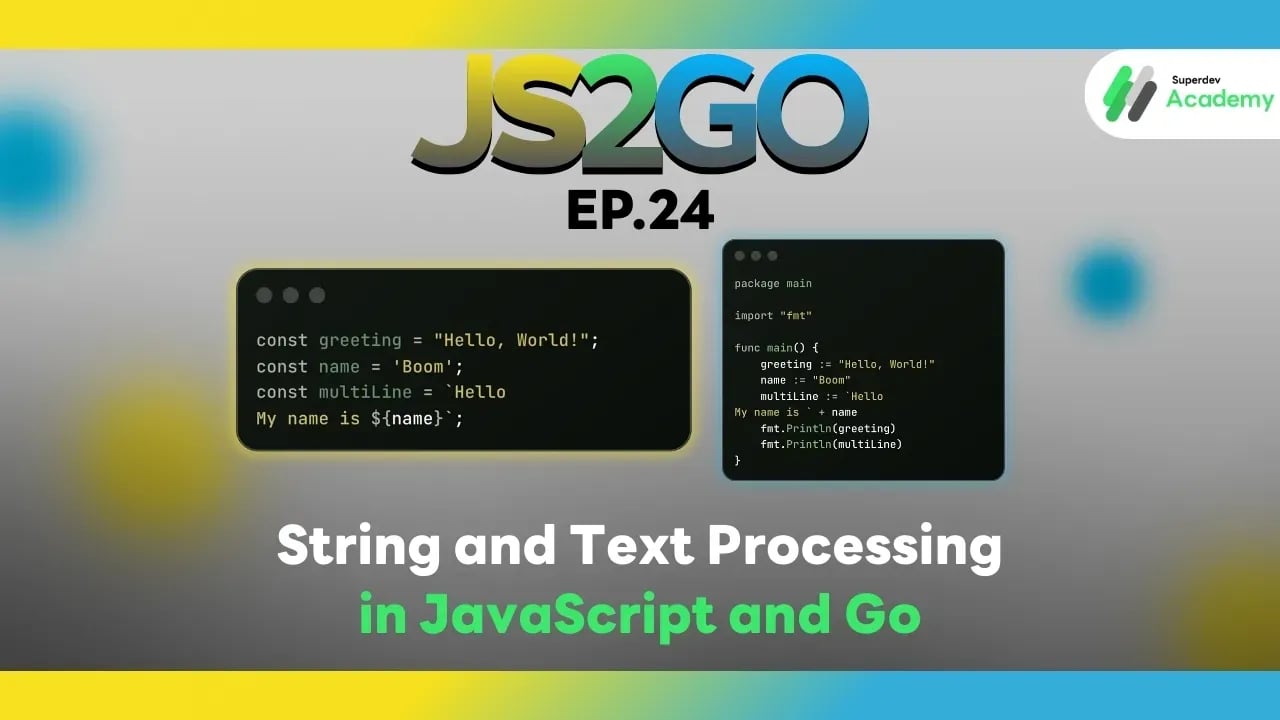
JS2GO EP.24 String and Text Processing in JavaScript and Go
#Go String
#JavaScript String
#Go
#JavaScript
#JavaScript vs Go
#JS2GO
String manipulation is a fundamental concept in every programming language. Whether it's displaying data, searching, formatting text, or processing text files, understanding how to handle strings and text processing in JavaScript and Go will help you write efficient and correct programs. In this article, we will compare how to create, modify, and process strings in both languages, with clear code examples and best practices.
Creating Strings
JavaScript
const greeting = "Hello, World!";
const name = 'Boom';
const multiLine = `Hello
My name is ${name}`;
Go
package main

import "fmt"

func main() {
    greeting := "Hello, World!"
    name := "Boom"
    multiLine := `Hello
My name is ` + name
    fmt.Println(greeting)
    fmt.Println(multiLine)
}
Observations:
- JavaScript supports template literals (``) for multi-line strings and interpolation.
- Go uses backticks (
) for raw multi-line strings and+` for concatenation.
Accessing and Modifying Strings
JavaScript
const text = "JavaScript";
console.log(text[0]); // J
console.log(text.length); // 10

const upper = text.toUpperCase();
console.log(upper); // JAVASCRIPT
Go
package main

import (
    "fmt"
    "strings"
)

func main() {
    text := "GoLang"
    fmt.Println(string(text[0]))     // G
    fmt.Println(len(text))           // 6
    fmt.Println(strings.ToUpper(text)) // GOLANG
}
Observations:
- In JavaScript, strings can be accessed like an array of characters.
- Go strings are immutable byte slices, so you need to convert a single byte to a string when displaying individual characters (e.g.,
string(text[0])).
Concatenation
JavaScript
const firstName = "Boom";
const lastName = "Supanut";
const fullName = firstName + " " + lastName;
console.log(fullName); // Boom Supanut
Go
fullName := firstName + " " + lastName
fmt.Println(fullName) // Boom Supanut
Observations:
- Both languages can use
+for string concatenation. - JavaScript also allows template literals for readability and cleaner code.
Splitting and Substring
JavaScript
const sentence = "I love Go and JavaScript";
const words = sentence.split(" ");
console.log(words); // ["I", "love", "Go", "and", "JavaScript"]

const sub = sentence.substring(7, 9);
console.log(sub); // Go
Go
import "strings"

sentence := "I love Go and JavaScript"
words := strings.Split(sentence, " ")
fmt.Println(words) // [I love Go and JavaScript]

sub := sentence[7:9]
fmt.Println(sub) // Go
Observations:
- JavaScript uses
split(),substring(), orslice(). - Go uses
strings.Split()and string slicing[start:end].
Searching and Checking Text
JavaScript
const phrase = "Learning JavaScript with Go";
console.log(phrase.includes("Go")); // true
console.log(phrase.indexOf("JavaScript")); // 9
Go
import "strings"

phrase := "Learning GoLang and JavaScript"
fmt.Println(strings.Contains(phrase, "Go"))       // true
fmt.Println(strings.Index(phrase, "JavaScript")) // 16
Observations:
- JavaScript uses
includes()andindexOf(). - Go uses
strings.Contains()andstrings.Index().
Replacing Text
JavaScript
const text = "I like JavaScript";
const newText = text.replace("JavaScript", "Go");
console.log(newText); // I like Go
Go
newText := strings.Replace(text, "JavaScript", "Go", 1)
fmt.Println(newText) // I like Go
Observations:
- JavaScript uses
replace(). - Go uses
strings.Replace()with a count parameter to specify how many replacements to perform.
Changing Case
JavaScript
const text = "hello world";
console.log(text.toUpperCase()); // HELLO WORLD
console.log(text.toLowerCase()); // hello world
Go
fmt.Println(strings.ToUpper(text)) // HELLO WORLD
fmt.Println(strings.ToLower(text)) // hello world
Best Practices
✔️ Use built-in string functions as much as possible.
✔️ Use template literals (JS) or raw strings (Go) for better readability.
✔️ For large text processing or frequent modifications, consider StringBuilder in Go (strings.Builder).
✔️ Check encoding when handling Unicode or multi-byte characters.
✔️ Use unit tests to verify text processing results.
String & Text Processing Comparison
| Feature | JavaScript | Go |
|---|---|---|
| Object | String | string (immutable) |
| Multi-line | Template literal `` | Raw string `` |
| Concatenate | + or template literal | + or strings.Builder |
| Split | split() | strings.Split() |
| Substring | substring() / slice() | slice [start:end] |
| Search | includes(), indexOf() | strings.Contains(), strings.Index() |
| Replace | replace() | strings.Replace() |
| Upper/Lower | toUpperCase(), toLowerCase() | strings.ToUpper(), strings.ToLower() |
Recommendation:
- Frontend / Web App → JavaScript strings + template literals
- Backend / CLI / Server → Go strings + strings package for performance and type safety
Next Episode
In JS2GO EP.25, we will explore Regular Expressions in JavaScript and Go to handle text patterns and advanced text processing like a pro.
Read more
🔵 Facebook: Superdev Academy
🔴 YouTube: Superdev Academy
📸 Instagram: Superdev Academy
🎬 TikTok: https://www.tiktok.com/@superdevacademy?lang=th-TH
🌐 Website: https://www.superdevacademy.com/en