07/06/2026 06:43am
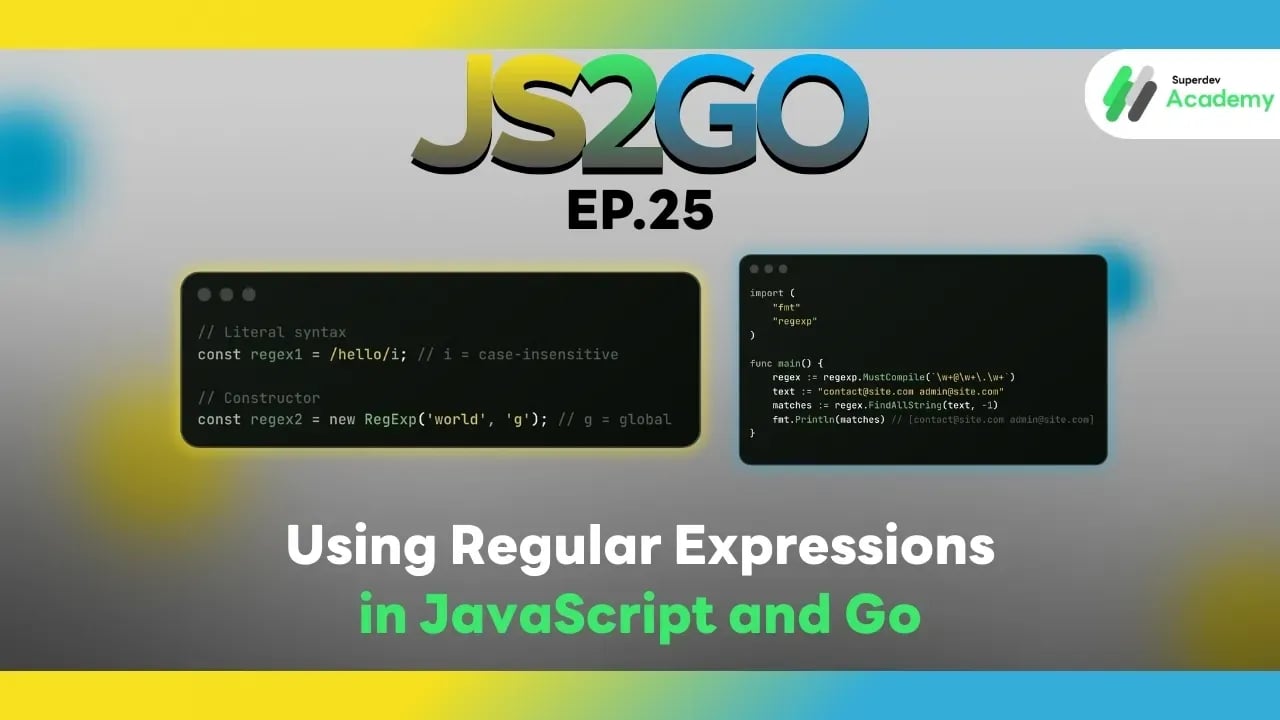
JS2GO EP.25 Using Regular Expressions in JavaScript and Go
#JS2GO
#Regular Expressions
#Regex
#Go
#JavaScript
Regular Expressions (Regex) are essential tools for text processing, such as searching, replacing, pattern validation, or input verification. In this article, we compare using Regex in JavaScript and Go, with practical code examples and best practices, so you can handle text and patterns like a professional.
1. Regular Expressions in JavaScript
JavaScript provides a built-in RegExp object and supports literal syntax.
Creating Regular Expressions
// Literal syntax
const regex1 = /hello/i; // i = case-insensitive

// Constructor
const regex2 = new RegExp('world', 'g'); // g = global
Testing Patterns
const text = "Hello World";

console.log(regex1.test(text)); // true
console.log(text.match(regex2)); // ["World"]
Replacing Text
const sentence = "I love JavaScript";
const newSentence = sentence.replace(/JavaScript/, "Go");
console.log(newSentence); // I love Go
Finding All Matches
const emails = "contact@site.com, admin@site.com";
const regex = /\w+@\w+\.\w+/g;
const matches = emails.match(regex);
console.log(matches); // ["contact@site.com", "admin@site.com"]
Pros
✔️ Concise syntax and inline usage
✔️ Supports flags like g, i, m, u, y
✔️ Works seamlessly with string methods (match, replace, split, test)
Cons
⚠️ No type-checking
⚠️ Complex regex can be hard to read
2. Regular Expressions in Go
Go provides the regexp package for handling regular expressions.
Creating Regular Expressions
import (
    "fmt"
    "regexp"
)

func main() {
    regex := regexp.MustCompile(`\w+@\w+\.\w+`)
    text := "contact@site.com admin@site.com"
    matches := regex.FindAllString(text, -1)
    fmt.Println(matches) // [contact@site.com admin@site.com]
}
Testing Patterns
match, _ := regexp.MatchString(`hello`, "Hello World")
fmt.Println(match) // true or false
Replacing Text
re := regexp.MustCompile(`JavaScript`)
sentence := "I love JavaScript"
newSentence := re.ReplaceAllString(sentence, "Go")
fmt.Println(newSentence) // I love Go
Pros
✔️ Type-safe with compile-time error checking
✔️ Full functionality: Match, Find, Replace, Split
✔️ Fast and suitable for backend/server applications
Cons
⚠️ Verbose syntax for complex regex
⚠️ Must import package and use MustCompile / Compile
3. Best Practices
✔️ Use regex literals or MustCompile clearly
- JavaScript:
/pattern/flags - Go:
regexp.MustCompile("pattern")
✔️ Validate input before use to reduce errors and performance issues
✔️ Use flags/options appropriately
- JavaScript:
g, i, m - Go: Compile regex with the correct pattern
✔️ Test regex with examples or unit tests to ensure coverage
Regex Comparison: JavaScript vs Go
| Feature | JavaScript | Go |
|---|---|---|
| Object | RegExp | regexp.Regexp |
| Create | /pattern/flags | regexp.MustCompile("pattern") |
| Match | test(), match() | MatchString(), FindAllString() |
| Replace | replace() | ReplaceAllString() |
| Split | split() | Split() |
| Flags / Options | g, i, m, u, y | Built-in in pattern (no literal flags) |
| Type Safety | ❌ No | ✔️ Yes |
Recommendations
✔️ Frontend / Web app → Use JavaScript Regex for validation or input
✔️ Backend / Server / Data processing → Use Go Regex for performance and type-safety
Next Episode
In EP.26 of JS2GO, we will explore using Environment Variables and Configurations in Go and Node.js to manage application settings securely and flexibly.
Read more
🔵 Facebook: Superdev Academy
🔴 YouTube: Superdev Academy
📸 Instagram: Superdev Academy
🎬 TikTok: https://www.tiktok.com/@superdevacademy?lang=th-TH
🌐 Website: https://www.superdevacademy.com/en