07/06/2026 06:43am
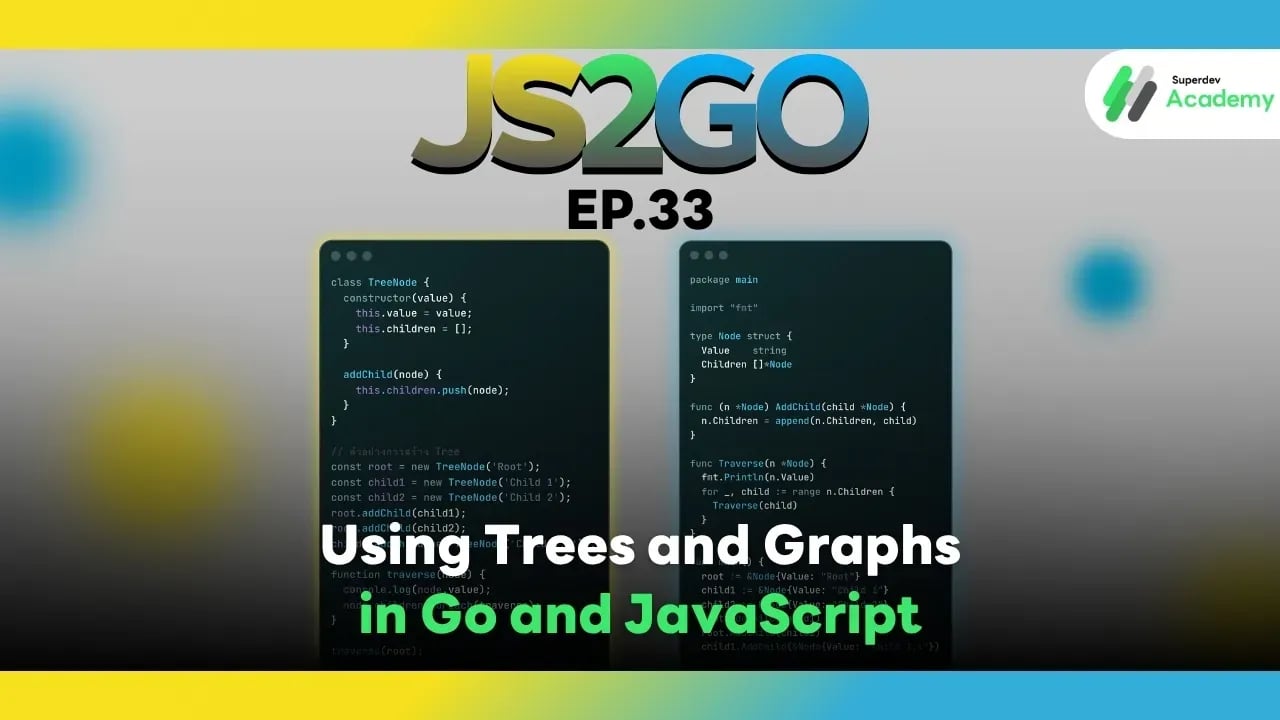
JS2GO EP.33 Using Trees and Graphs in Go and JavaScript
#Data Structure
#Graph
#Tree
#Go
#JavaScript
As your system grows in complexity such as implementing search engines, pathfinding systems (GPS), or managing hierarchical data
data structures like Trees and Graphs become crucial for handling interconnected information efficiently.
In this article, we’ll explore how to implement and use Trees and Graphs in JavaScript and Go, complete with real code examples and practical best practices for production systems. 🧠
1. What is a Tree?
A Tree is a hierarchical data structure consisting of a root node and its child nodes, forming a branching structure. Common real-world use cases include:
🌲 File Systems
🏢 Organization Hierarchies
🔍 Binary Search Trees (BST)
🌿 Implementing a Tree in JavaScript
class TreeNode {
  constructor(value) {
    this.value = value;
    this.children = [];
  }

  addChild(node) {
    this.children.push(node);
  }
}

// Example usage
const root = new TreeNode('Root');
const child1 = new TreeNode('Child 1');
const child2 = new TreeNode('Child 2');
root.addChild(child1);
root.addChild(child2);
child1.addChild(new TreeNode('Child 1.1'));

function traverse(node) {
  console.log(node.value);
  node.children.forEach(traverse);
}

traverse(root);
Output:
Root
Child 1
Child 1.1
Child 2
Advantages of JavaScript:
✔️ Easy to implement and highly flexible
✔️ Great for dynamic data without strict type checking
✔️ Ideal for frontend use—UI trees, DOM structures, or JSON hierarchies
🌳 Implementing a Tree in Go
package main

import "fmt"

type Node struct {
	Value    string
	Children []*Node
}

func (n *Node) AddChild(child *Node) {
	n.Children = append(n.Children, child)
}

func Traverse(n *Node) {
	fmt.Println(n.Value)
	for _, child := range n.Children {
		Traverse(child)
	}
}

func main() {
	root := &Node{Value: "Root"}
	child1 := &Node{Value: "Child 1"}
	child2 := &Node{Value: "Child 2"}
	root.AddChild(child1)
	root.AddChild(child2)
	child1.AddChild(&Node{Value: "Child 1.1"})

	Traverse(root)
}
Output:
Root
Child 1
Child 1.1
Child 2
Advantages of Go:
✔️ Strong type safety with compile-time checking
✔️ Efficient memory management using pointers
✔️ Suitable for large-scale systems such as search engines, API traversal, or data indexing
2. What is a Graph?
A Graph is a data structure composed of nodes (vertices) and edges (connections), used to represent relationships between entities.
Common use cases include:
🌐 Social Networks
🗺️ Map and Pathfinding systems
🎯 Recommendation Engines
🔗 Graph Implementation in JavaScript
class Graph {
  constructor() {
    this.adjacencyList = {};
  }

  addVertex(vertex) {
    if (!this.adjacencyList[vertex]) {
      this.adjacencyList[vertex] = [];
    }
  }

  addEdge(v1, v2) {
    this.adjacencyList[v1].push(v2);
    this.adjacencyList[v2].push(v1);
  }

  showConnections() {
    for (const vertex in this.adjacencyList) {
      console.log(vertex, "->", this.adjacencyList[vertex].join(", "));
    }
  }
}

const graph = new Graph();
graph.addVertex("A");
graph.addVertex("B");
graph.addVertex("C");
graph.addEdge("A", "B");
graph.addEdge("A", "C");
graph.showConnections();
Output:
A -> B, C
B -> A
C -> A
Advantages of JavaScript Graph:
✔️ Highly flexible using Object or Map
✔️ Great for visualization or frontend graph UI
✔️ Easy to model relationships like social networks or web crawlers
🔗 Graph Implementation in Go
package main

import "fmt"

type Graph struct {
	Adj map[string][]string
}

func NewGraph() *Graph {
	return &Graph{Adj: make(map[string][]string)}
}

func (g *Graph) AddVertex(vertex string) {
	if _, exists := g.Adj[vertex]; !exists {
		g.Adj[vertex] = []string{}
	}
}

func (g *Graph) AddEdge(v1, v2 string) {
	g.Adj[v1] = append(g.Adj[v1], v2)
	g.Adj[v2] = append(g.Adj[v2], v1)
}

func (g *Graph) Print() {
	for v, edges := range g.Adj {
		fmt.Printf("%s -> %v\n", v, edges)
	}
}

func main() {
	g := NewGraph()
	g.AddVertex("A")
	g.AddVertex("B")
	g.AddVertex("C")
	g.AddEdge("A", "B")
	g.AddEdge("A", "C")
	g.Print()
}
Output:
A -> [B C]
B -> [A]
C -> [A]
Advantages of Go Graph:
✔️ Strongly typed structure ensures data consistency
✔️ Efficient handling of large and complex datasets
✔️ Ideal for backend systems such as pathfinding, network analysis, or graph databases
3. Best Practices
| Use Case | Ideal Scenario | Recommended Language |
|---|---|---|
| Tree (UI, JSON, File System) | Frontend data or visualization | JavaScript |
| Binary Tree / Search Tree | Backend or algorithmic tasks | Go |
| Graph (Connections / Pathfinding) | Networks, social graphs, maps | Both JavaScript & Go |
Best Practices:
✅ Separate node and edge structures clearly
✅ In Go, use structs and pointers for efficient memory usage
✅ In JavaScript, use objects or Maps for flexibility
✅ For large data sets, use traversal algorithms such as BFS (Breadth-First Search) and DFS (Depth-First Search)
4. Comparison: Trees and Graphs
| Feature | JavaScript | Go |
|---|---|---|
| Structure | Class/Object-based | Struct & Pointer-based |
| Performance | Flexible but slower | Fast and memory-efficient |
| Built-in Support | None | Has standard packages and struct support |
| Use Cases | Frontend visualization / UI tree | Backend algorithms / search / pathfinding |
Summary
Both JavaScript and Go have their strengths when working with complex data structures like Trees and Graphs:
💡 JavaScript is perfect for frontend, visualization, or UI-based trees
⚙️ Go excels in backend, algorithmic processing, pathfinding, and high-performance network systems
Next Episode
In EP.34 of JS2GO, we’ll dive into Heaps and Priority Queues in Go and JavaScript a critical concept behind priority scheduling, such as job queues, pathfinding, and recommendation engines. 🚀
Read more
🔵 Facebook: Superdev Academy
🔴 YouTube: Superdev Academy
📸 Instagram: Superdev Academy
🎬 TikTok: https://www.tiktok.com/@superdevacademy?lang=th-TH
🌐 Website: https://www.superdevacademy.com/en