18/08/2026 21:40pm
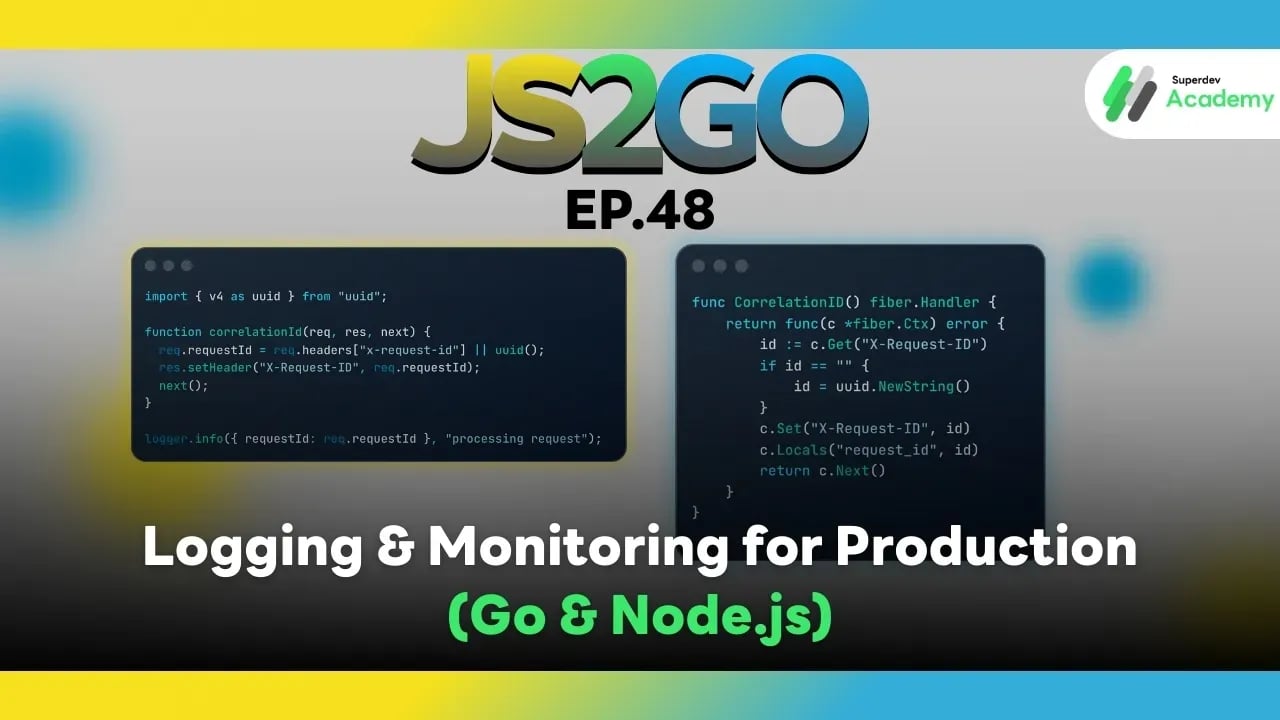
JS2GO EP.48 Logging & Monitoring for Production (Go & Node.js)
#Monitoring System
#Monitoring
#Logging Production
#Logging
#Node.js
#JavaScript
#Go
From “Having Logs” → “Understanding the Whole System” Like a Professional
As systems grow, traffic increases, services multiply, instances scale horizontally, and deployments happen more frequently.
The hardest problem is no longer “making the code run”, but answering questions like:
- ❓ Where did the error happen?
- ❓ Which services did this request pass through?
- ❓ Why did latency suddenly spike?
- ❓ Is the system about to fail?
All of these answers come from well-designed Logging & Monitoring.
This article walks you through production-proven concepts and tools used in real systems for both Go and Node.js.
⭐ 1. What Is Structured Logging and Why Production Requires It
❌ Traditional Logs (Human-readable only)
user login failed
Problems
- Hard to search
- Impossible to build dashboards
- Very limited system-level analysis
✅ Structured Logging (Machine + Human readable)
{
  "level": "error",
  "service": "auth-service",
  "event": "login_failed",
  "user_id": "u123",
  "request_id": "req-abc-001"
}
Benefits
- Easy to query (Loki / Elasticsearch)
- Supports dashboards and alerts
- Can be correlated with tracing and metrics
- Ideal for microservices and cloud-native systems
📌 Production rule: logs must be JSON only
⭐ 2. Structured Logging in Go
🔹 Zap (Enterprise standard)
logger, _ := zap.NewProduction()
defer logger.Sync()

logger.Info("order created",
    zap.String("order_id", "o123"),
    zap.Int("amount", 1500),
)
🔹 Zerolog (Extremely fast / JSON-native)
log.Info().
   Str("service", "payment").
   Str("user_id", "u123").
   Msg("payment success")
How to choose
| Logger | Best for |
|---|---|
| Zap | Enterprise systems, long-term support |
| Zerolog | Very high log volume, performance-critical systems |
⭐ 3. Structured Logging in Node.js
🔹 Pino (Highly recommended for Production)
import pino from "pino";
const logger = pino();

logger.info({
  service: "order-api",
  orderId: "o123",
  status: "created"
});
Why Pino works well in production
- Extremely fast
- Native JSON output
- Excellent integration with Loki / Elasticsearch
- Works well with async, workers, and clusters
⭐ 4. Correlation ID: The Heart of Microservices Observability
A Correlation ID is a single ID that follows a request throughout its entire lifecycle:
Client
 → API Gateway
   → Auth Service
     → Order Service
       → Payment Service
Every service logs using the same request_id, making full-path debugging trivial.
🔹 Go (Fiber middleware)
func CorrelationID() fiber.Handler {
    return func(c *fiber.Ctx) error {
        id := c.Get("X-Request-ID")
        if id == "" {
            id = uuid.NewString()
        }
        c.Set("X-Request-ID", id)
        c.Locals("request_id", id)
        return c.Next()
    }
}
Usage in logs:
logger.Info("handling request",
    zap.String("request_id", c.Locals("request_id").(string)),
)
🔹 Node.js (Express middleware)
import { v4 as uuid } from "uuid";

function correlationId(req, res, next) {
  req.requestId = req.headers["x-request-id"] || uuid();
  res.setHeader("X-Request-ID", req.requestId);
  next();
}

logger.info({ requestId: req.requestId }, "processing request");
⭐ 5. Distributed Tracing with OpenTelemetry
Tracing allows you to see the entire request journey:
API → Database → External API → Cache
🔹 Go + OpenTelemetry
tracer := otel.Tracer("order-service")

ctx, span := tracer.Start(ctx, "CreateOrder")
defer span.End()
Export traces to:
- Jaeger
- Tempo
- Zipkin
🔹 Node.js + OpenTelemetry
const tracer = opentelemetry.trace.getTracer("order-service");
const span = tracer.startSpan("create-order");
// do work
span.end();
⭐ 6. Metrics: Real-Time System Health
Metrics answer critical questions:
- Requests per second (QPS)
- Error rate (%)
- Latency (p95 / p99)
- CPU and memory usage
🔹 Go + Prometheus
httpRequests := prometheus.NewCounterVec(
  prometheus.CounterOpts{
    Name: "http_requests_total",
  },
  []string{"method", "status"},
)

httpRequests.WithLabelValues("GET", "200").Inc()
Expose /metrics
🔹 Node.js + Prometheus
import client from "prom-client";

const counter = new client.Counter({
  name: "http_requests_total",
  help: "Total HTTP requests"
});

counter.inc();
Grafana is used for
- Dashboards
- Alerts
- SLA / SLO monitoring
⭐ 7. Error Monitoring with Sentry
Logging tells you what happened
Error monitoring tells you:
- How often it happens
- Full stack traces
- User impact
- Real-time alerts
🔹 Go
sentry.CaptureException(err)
🔹 Node.js
Sentry.captureException(err);
⭐ 8. Production Logging & Monitoring Architecture
Application
 ├─ Logs → Loki / Elasticsearch
 ├─ Traces → Jaeger / Tempo
 ├─ Metrics → Prometheus → Grafana
 └─ Errors → Sentry
🧠 Correlation ID is the glue that connects everything
⭐ 9. Production Best Practices
✔ Log JSON only
✔ Never log passwords, tokens, or credit card data
✔ Use correlation IDs for every request
✔ Separate log levels (INFO / WARN / ERROR)
✔ Alert based on metrics, not raw logs
✔ Avoid excessive logging (noise + cost)
📌 Summary
Well-designed logging and monitoring enable you to:
🔍 Debug problems many times faster
🚨 Detect issues before users notice
🚀 Deploy with confidence
🌐 Scale systems without “flying blind”
Both Go and Node.js offer mature production-ready ecosystems.
If you design logging and monitoring from day one, your system will survive and scale in real production 🚀
🔵 Next Episode: EP.49 Security: Authentication, Authorization & Data Validation
You will learn:
- JWT / Session / OAuth
- Authentication vs Authorization
- RBAC (Role-Based Access Control)
- Input Validation
- Protection against SQL Injection, XSS, and CSRF
- Production-grade security best practices