07/06/2026 06:44am
5 Effective Techniques to Manage Broken Links for a Healthy Website
#SEO improvement
#website maintenance
#broken links removal
#fix broken links
#manage broken links
Websites have become the primary channels for communication and business transactions. Maintaining and caring for your website to ensure it functions flawlessly is essential, especially when it comes to managing broken links. Broken links are one of the common issues faced by websites of all types. These are links that no longer lead to valid pages — whether because the target page has been deleted, the URL has been entered incorrectly, or the destination website is offline.
Having numerous broken links not only frustrates visitors but can also harm your website’s SEO performance. Search engines like Google view broken links as a sign that your site is not well-maintained, which could negatively impact your rankings.
Understanding what broken links are
Broken links are internal or external hyperlinks that point to pages that are no longer accessible. This could be due to the page being removed, moved without updating links, or the external site shutting down altogether. Excessive broken links on your website can diminish your credibility and make your site appear neglected.
Why managing broken links is crucial
Build trust and credibility
A site full of broken links looks unprofessional and decreases visitors’ trust.
Enhance user experience
Properly functioning links help visitors find the information they need quickly and smoothly.
Improve SEO
Search engines prioritize websites with clean, updated links, which can lead to higher rankings.
5 Professional Techniques to Manage Broken Links
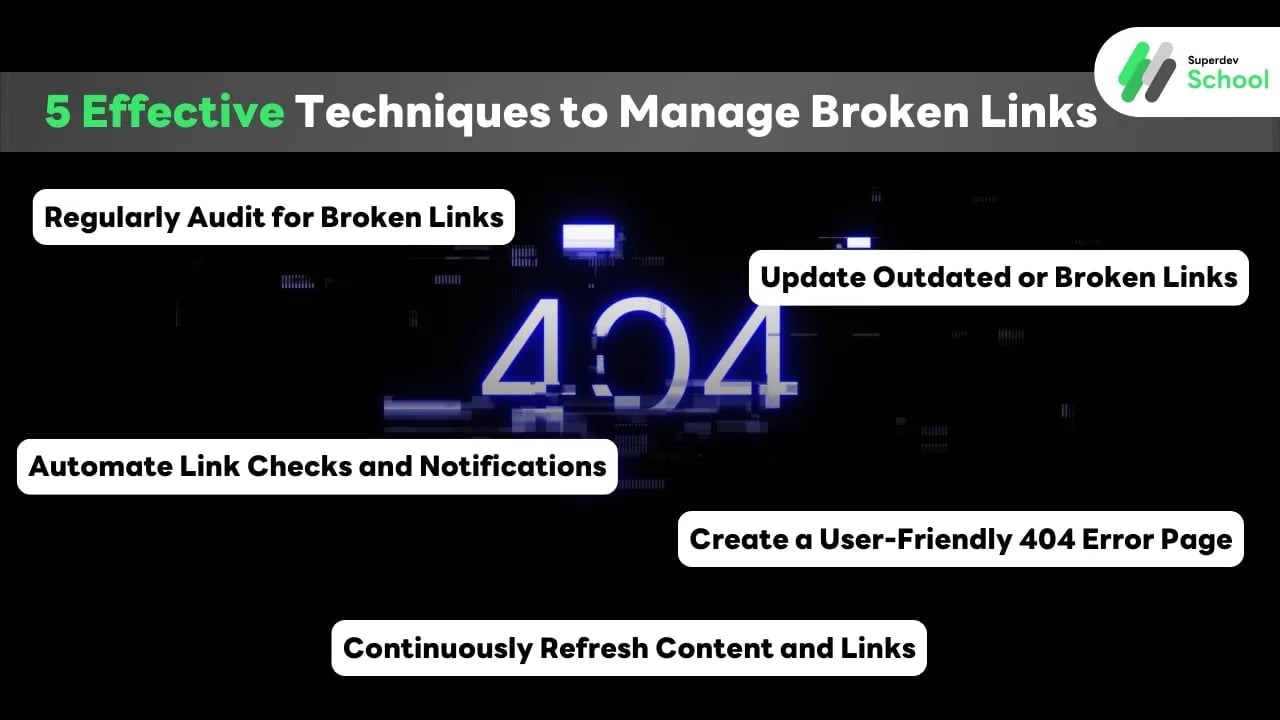
1. Regularly Audit for Broken Links
Consistently scanning your website for broken links is vital. Use tools like Screaming Frog, Ahrefs, SEMrush, or Google Search Console to identify and fix broken URLs promptly. Regular audits ensure that your site remains healthy and trustworthy.
2. Update Outdated or Broken Links
Once you discover broken links, find the current, relevant URLs to replace them. This might involve updating URLs, redirecting old links to new content, or removing obsolete links altogether. Keeping links current not only improves user experience but also supports your SEO efforts.
3. Automate Link Checks and Notifications
Set up automated tools that regularly scan your website for broken links and send alerts when issues are detected. Automation saves time and ensures that you address link problems before they impact your visitors or search rankings.
4. Create a User-Friendly 404 Error Page
When a link is broken, instead of a generic error message, design a helpful 404 page. Include navigation options, a site search bar, or links to popular content to keep visitors engaged and reduce bounce rates.
5. Continuously Refresh Content and Links
Make it a routine to review and update your website’s content and internal/external links. Fresh, relevant content boosts your credibility, improves SEO, and minimizes the chances of encountering broken links over time.