07/06/2026 06:44am
EP.54 Adding a Pin Messages Feature in WebSocket Chat
#Frontend
#Backend
#Go
#programming
#WebSocket Feature
#Chat App Development
#WebSocket Chat
#WebSocket
#Pin Messages
The Pin Messages feature in WebSocket Chat allows users to pin important messages, ensuring they remain visible at the top of the chat even as new messages are sent. This feature helps users access crucial information quickly and easily without having to search through past conversations.
Why is the Pin Messages feature necessary?
The Pin Messages feature helps users highlight and retain important messages in the chat. Even as new messages are sent, pinned messages stay at the top of the chat, making them easy to find and view.
Benefits of Pinning Messages:
- Allows users to pin important messages: Messages containing critical information, such as instructions, system notifications, or announcements, remain accessible and don't get lost in the chat flow.
- Makes searching for important messages easier and faster: Once a message is pinned, users can quickly refer back to it without sifting through older messages.
- Prevents missing crucial information: Pinned messages stay visible at all times, ensuring that important information is always available to users during the conversation.
The Structure of the Pin Messages System in WebSocket Chat
Pinning messages requires a system structure that supports both storing the pin status of messages and sending that information to users in real-time.
Key components of the pinning system:
- Storing the pinned status of messages in the database: We need to add a new column in the database to track whether a message is pinned (for example, the
is_pinnedcolumn in thechat_messagestable). - Sending pin status updates to connected users in real-time: When a message is pinned, the system needs to broadcast this change to all connected users so they can see the pinned message.
How to Add the Pin Messages Feature in WebSocket Server
To implement the Pin Messages feature, we need to update the WebSocket Server to handle pinning and unpinning messages. We also need to update the database to track whether a message is pinned or not.
Steps to follow:
- Update the WebSocket Server to handle pinning messages: The server needs to manage requests to pin or unpin messages and update the database accordingly.
- Update the database: We will add an
is_pinnedcolumn to thechat_messagestable to track which messages are pinned. - Send pin status updates to users: When a message is pinned or unpinned, the server needs to broadcast this information to all connected users in real-time.
Creating the UI for Users to Pin Messages
To make it easier for users to pin messages in the UI, we will add a "Pin" button that users can click to pin or unpin messages.
UI Components:
- Add a "Pin" button to the UI: Each message will have a "Pin" button that users can click. When clicked, the message will be pinned or unpinned.
- Display pinned messages: Pinned messages will stay at the top of the chat and can be highlighted with a label like "Pinned" or a different background color, making it easier for users to spot important messages.
Testing the Pin Messages Feature
After implementing the Pin Messages feature, testing is crucial to ensure the system works as expected.
Testing steps:
- Test pinning and unpinning messages: Ensure users can successfully pin and unpin messages. Check that the message updates its state in the database, and the UI reflects the changes in real-time.
- Verify UI display: Make sure that pinned messages are displayed at the top of the chat and are highlighted correctly.
- Real-time testing: Test that when one user pins or unpins a message, the changes are broadcast and visible to all other users in the chat in real-time.
Example Code for Pinning Messages in WebSocket Chat
Database Update (Database)
We will add an is_pinned column to the chat_messages table to track whether a message is pinned.
ALTER TABLE chat_messages ADD COLUMN is_pinned BOOLEAN DEFAULT FALSE;
WebSocket Server Code (Backend)
Next, we will update the WebSocket Server code to handle pinning and unpinning messages, and send those updates to all connected clients.
package main

import (
    "database/sql"
    "encoding/json"
    "fmt"
    "net/http"
    "sync"

    "github.com/gorilla/websocket"
    _ "github.com/lib/pq"
)

type PinMessageRequest struct {
    MessageID int  `json:"messageID"`
    IsPinned  bool `json:"isPinned"`
}

type PinMessageResponse struct {
    MessageID int  `json:"messageID"`
    IsPinned  bool `json:"isPinned"`
}

var (
    clients   = make(map[*websocket.Conn]bool)
    broadcast = make(chan PinMessageResponse)
    mu        sync.Mutex
    db        *sql.DB
)

func handlePinMessage(w http.ResponseWriter, r *http.Request) {
    conn, _ := upgrader.Upgrade(w, r, nil)
    defer conn.Close()
    clients[conn] = true

    for {
        var request PinMessageRequest
        err := conn.ReadJSON(&request)
        if err != nil {
            delete(clients, conn)
            break
        }

        // Update pin status in the database
        _, err = db.Exec("UPDATE chat_messages SET is_pinned = $1 WHERE id = $2", request.IsPinned, request.MessageID)
        if err == nil {
            broadcast <- PinMessageResponse{MessageID: request.MessageID, IsPinned: request.IsPinned}
        }
    }
}

func notifyClients() {
    for {
        msg := <-broadcast
        for client := range clients {
            err := client.WriteJSON(msg)
            if err != nil {
                client.Close()
                delete(clients, client)
            }
        }
    }
}

func main() {
    http.HandleFunc("/ws", handlePinMessage)
    go notifyClients()
    fmt.Println("WebSocket Server Running on Port 8080")
    http.ListenAndServe(":8080", nil)
}
Frontend Code (Client)
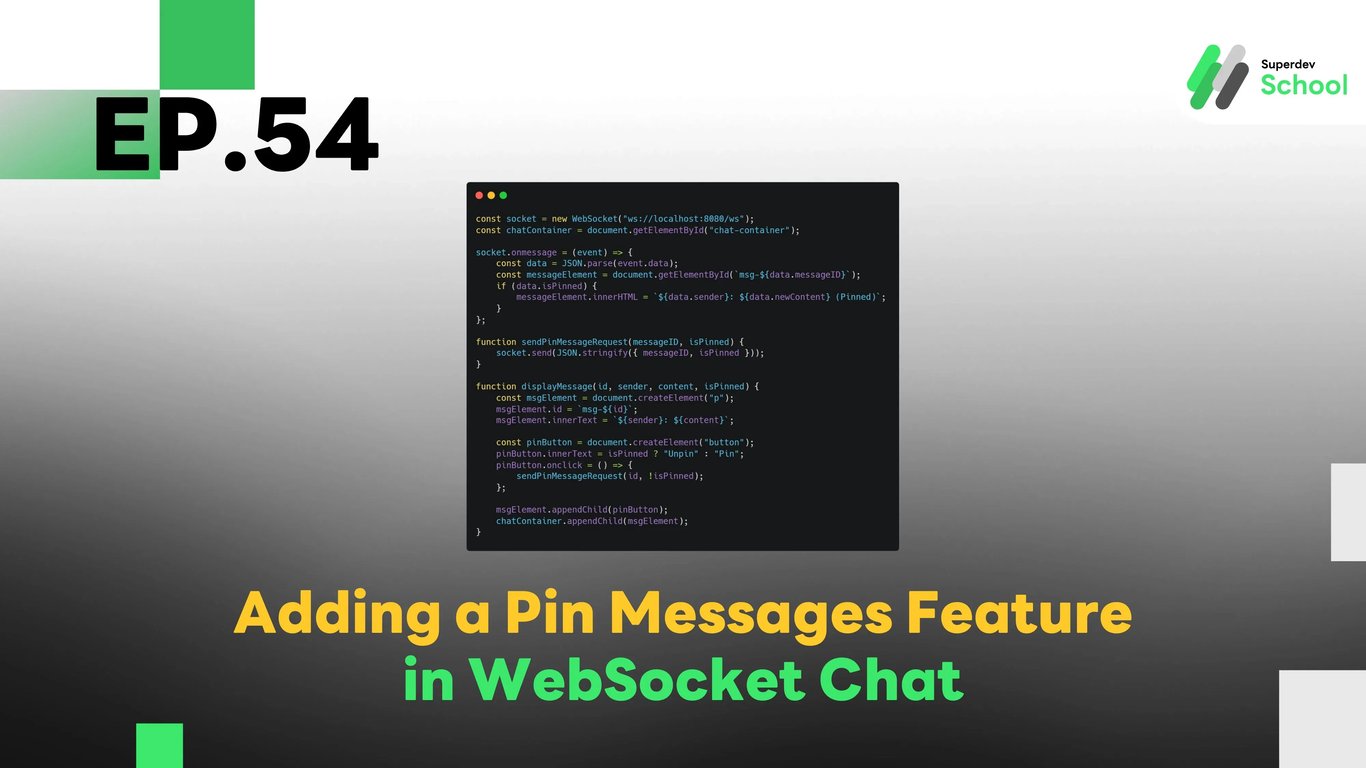
We will add a "Pin" button to each message, allowing users to pin or unpin messages.
const socket = new WebSocket("ws://localhost:8080/ws");
const chatContainer = document.getElementById("chat-container");

socket.onmessage = (event) => {
    const data = JSON.parse(event.data);
    const messageElement = document.getElementById(`msg-${data.messageID}`);
    if (data.isPinned) {
        messageElement.innerHTML = `${data.sender}: ${data.newContent} (Pinned)`;
    }
};

function sendPinMessageRequest(messageID, isPinned) {
    socket.send(JSON.stringify({ messageID, isPinned }));
}

function displayMessage(id, sender, content, isPinned) {
    const msgElement = document.createElement("p");
    msgElement.id = `msg-${id}`;
    msgElement.innerText = `${sender}: ${content}`;

    const pinButton = document.createElement("button");
    pinButton.innerText = isPinned ? "Unpin" : "Pin";
    pinButton.onclick = () => {
        sendPinMessageRequest(id, !isPinned);
    };

    msgElement.appendChild(pinButton);
    chatContainer.appendChild(msgElement);
}
Challenge for Next EP!
Try adding the Show Pinned Messages in the Correct Order feature so users can view pinned messages in the proper order of importance!
Next EP:
In the next episode, we will explore adding a feature to notify users when a new message is pinned so users can get notifications whenever important messages are pinned in the chat room!