View : 319
07/06/2026 06:44am
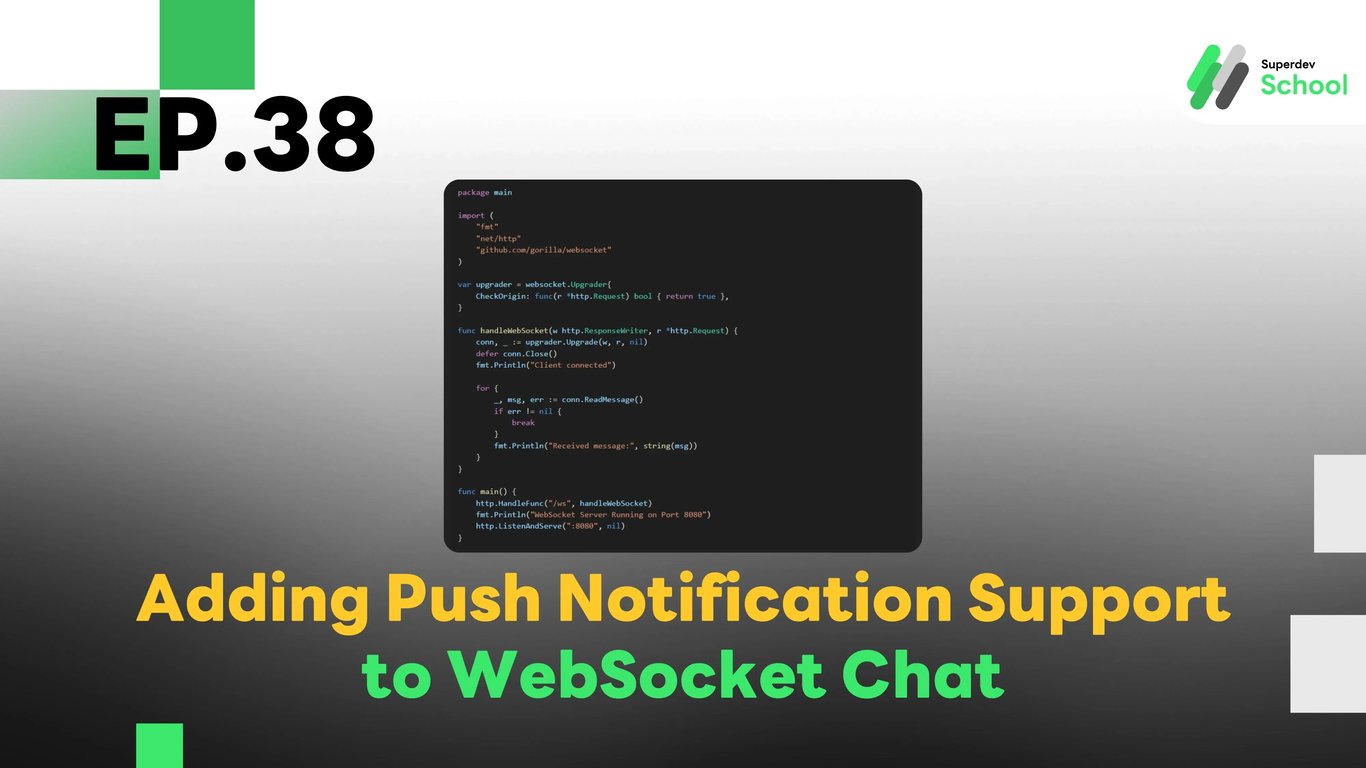
EP. 38 Adding Push Notification Support to WebSocket Chat
#Chat Alerts
#WebSocket API
#Web Push API
#Real-Time Chat
#Golang
#Go
#Firebase Cloud Messaging
#WebSocket
#Push Notification
Why Use Push Notifications with WebSocket Chat?
While WebSocket enables real-time data transmission, users may miss new messages if the application is closed or if there is a connection issue. Push Notifications ensure that users continue to receive alerts even when they are not actively using the app.
Technologies Used in the Notification System
- WebSocket Server: Used for sending messages between users.
- Web Push API: Utilized for sending notifications to the user's browser.
- Firebase Cloud Messaging (FCM): Serves as the notification service for sending messages to mobile devices.
- Database (PostgreSQL / MongoDB): Stores user subscription data for notifications.
Install Necessary Libraries
go get github.com/appleboy/go-fcmDatabase Setup to Store User Tokens
File: schema.sql
CREATE TABLE notification_tokens (
    id SERIAL PRIMARY KEY,
    user_id INTEGER NOT NULL,
    token TEXT NOT NULL UNIQUE
);
Creating GraphQL Schema for Notifications Subscription
File: schema.graphql
type Mutation {
  registerNotificationToken(userID: ID!, token: String!): String!
  sendPushNotification(userID: ID!, message: String!): String!
}
Creating Resolvers for Push Notifications
File: resolver.go
package main

import (
    "context"
    "database/sql"
    "fmt"
    "github.com/appleboy/go-fcm"
    _ "github.com/lib/pq"
)

type Resolver struct {
    db *sql.DB
}

func (r *Resolver) Mutation_registerNotificationToken(ctx context.Context, userID int, token string) (string, error) {
    _, err := r.db.Exec("INSERT INTO notification_tokens (user_id, token) VALUES ($1, $2) ON CONFLICT (token) DO NOTHING", userID, token)
    if err != nil {
        return "Failed to register token", err
    }
    return "Token registered successfully", nil
}

func (r *Resolver) Mutation_sendPushNotification(ctx context.Context, userID int, message string) (string, error) {
    var token string
    err := r.db.QueryRow("SELECT token FROM notification_tokens WHERE user_id = $1", userID).Scan(&token)
    if err != nil {
        return "User token not found", err
    }

    data := &fcm.Message{
        To: token,
        Notification: &fcm.Notification{
            Title: "New Message",
            Body:  message,
        },
    }

    client, err := fcm.NewClient("YOUR_FIREBASE_SERVER_KEY")
    if err != nil {
        return "Failed to initialize FCM client", err
    }

    _, err = client.Send(data)
    if err != nil {
        return "Failed to send notification", err
    }
    return "Notification sent successfully", nil
}
Connecting WebSocket and Push Notification
File: websocket_server.go
package main

import (
    "fmt"
    "net/http"
    "github.com/gorilla/websocket"
)

var upgrader = websocket.Upgrader{
    CheckOrigin: func(r *http.Request) bool { return true },
}

func handleWebSocket(w http.ResponseWriter, r *http.Request) {
    conn, _ := upgrader.Upgrade(w, r, nil)
    defer conn.Close()
    fmt.Println("Client connected")

    for {
        _, msg, err := conn.ReadMessage()
        if err != nil {
            break
        }
        fmt.Println("Received message:", string(msg))
    }
}

func main() {
    http.HandleFunc("/ws", handleWebSocket)
    fmt.Println("WebSocket Server Running on Port 8080")
    http.ListenAndServe(":8080", nil)
}
Client-Side Notification Subscription
File: client.js
async function registerNotification() {
    const registration = await navigator.serviceWorker.register("/service-worker.js");
    const subscription = await registration.pushManager.subscribe({
        userVisibleOnly: true,
        applicationServerKey: "YOUR_PUBLIC_VAPID_KEY"
    });

    fetch("/graphql", {
        method: "POST",
        headers: { "Content-Type": "application/json" },
        body: JSON.stringify({
            query: `mutation { registerNotificationToken(userID: 1, token: "${subscription.endpoint}") }`
        })
    });
}

registerNotification();
Challenge!
Try adding Group Notifications to ensure that everyone in the chat room receives alerts for new messages, even when the app is not open.
Next EP
In EP.39, we will introduce a file upload feature in the WebSocket Chat, allowing users to share images and documents! 🚀