07/06/2026 06:43am
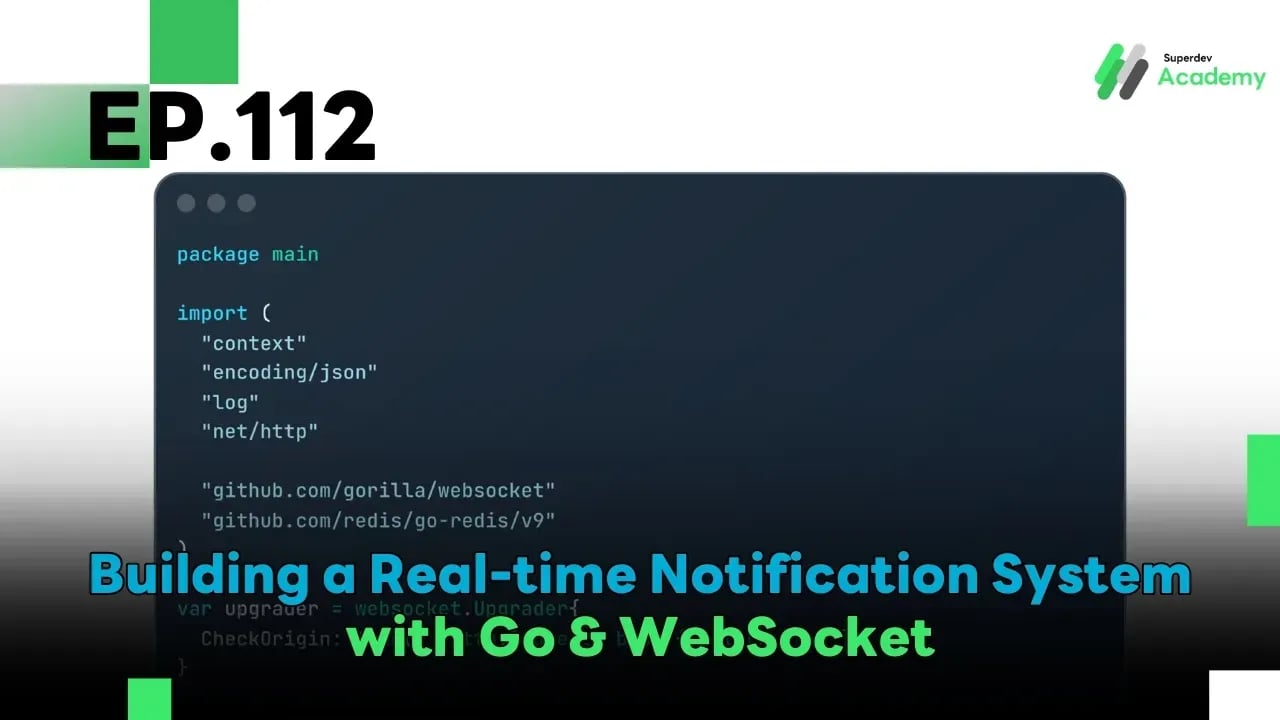
EP.112 Building a Real-time Notification System with Go & WebSocket
#notification system
#Redis Pub/Sub
#Golang
#Go
#real-time notifications
#WebSocket Server
#WebSocket
In today’s real-time systems, users expect everything to update instantly whether it’s a new message, an order status, or a system alert. 🕒 One of the technologies that makes this possible is WebSocket, which allows the server to push data to clients without waiting for them to refresh.
In this episode, we'll walk through how to build a Real-time Notification System using Go and WebSocket, so your system can notify users instantly whenever an important event occurs! 🚀
🧩 Real-time Notification System Architecture
Event Source → WebSocket Server → Connected Clients
- Event Source: Where the event originates (e.g., a new order, a message reply, or a system alert)
- WebSocket Server: Responsible for pushing real-time notifications to users
- Clients: Receive and display the notification in the UI
✅ This system is scalable by integrating Redis Pub/Sub to broadcast messages across multiple instances.
⚙️ Example: Sending Notifications with Go
package main

import (
	"context"
	"encoding/json"
	"log"
	"net/http"

	"github.com/gorilla/websocket"
	"github.com/redis/go-redis/v9"
)

var upgrader = websocket.Upgrader{
	CheckOrigin: func(r *http.Request) bool { return true },
}

type Notification struct {
	UserID  string `json:"user_id"`
	Title   string `json:"title"`
	Message string `json:"message"`
}

var (
	ctx     = context.Background()
	rdb     = redis.NewClient(&redis.Options{Addr: "localhost:6379"})
	clients = make(map[*websocket.Conn]string)
)

func handleWebSocket(w http.ResponseWriter, r *http.Request) {
	conn, _ := upgrader.Upgrade(w, r, nil)
	defer conn.Close()

	userID := r.URL.Query().Get("user")
	clients[conn] = userID
	defer delete(clients, conn)

	for {
		_, _, err := conn.ReadMessage()
		if err != nil {
			break
		}
	}
}

func publishNotification(n Notification) {
	data, _ := json.Marshal(n)
	rdb.Publish(ctx, "notifications", data)
}

func subscribeNotifications() {
	sub := rdb.Subscribe(ctx, "notifications")
	ch := sub.Channel()

	for msg := range ch {
		var n Notification
		json.Unmarshal([]byte(msg.Payload), &n)
		for conn, uid := range clients {
			if uid == n.UserID {
				conn.WriteJSON(n)
			}
		}
	}
}

func main() {
	go subscribeNotifications()
	http.HandleFunc("/ws", handleWebSocket)

	log.Println("🔔 WebSocket Notification Server running on :8080")
	http.ListenAndServe(":8080", nil)
}
✅ When publishNotification() is called, the message is published to Redis. Each instance that subscribes to the channel will broadcast the message to the corresponding client.
📬 Sending Notifications from External Systems
When an external service needs to notify a user, it can simply call:
publishNotification(Notification{
	UserID:  "u123",
	Title:   "Your order has been shipped!",
	Message: "Tracking number: TH123456789",
})
✅ All real-time clients for that user will instantly receive the notification.
🧠 Production-grade Notification System Design
| Category | Best Practices |
|---|---|
| Scalability | Use Redis Pub/Sub or Kafka as an event bus |
| Filtering | Deliver only to relevant users or groups |
| Durability | Store messages in the database before broadcasting |
| UX | Show unread badges and notification history |
| Retry | Re-send missed notifications on reconnect |
💡 Performance Optimization Tips
- Use Goroutine Pools for mass broadcasting
- Batch multiple notifications into one message to save bandwidth
- Use minified JSON to reduce payload size
🚀 Give It a Try!
Build your own Notification Server using Go and let other services trigger events. You'll see that all connected clients get real-time notifications instantly! ⚡
Imagine using this system for:
✅ Chat applications
✅ Order status tracking
✅ Admin alerts
All done in just a few lines of Go! 💬
🌟 Next EP: EP.113 Advanced Multi-room Chat System
In the next episode, we’re taking things to the next level by building a Multi-room Chat System for enterprise use. You’ll learn how to manage multiple room types, broadcast messages between rooms, and scale with Redis for efficient communication! 💥