07/06/2026 06:43am
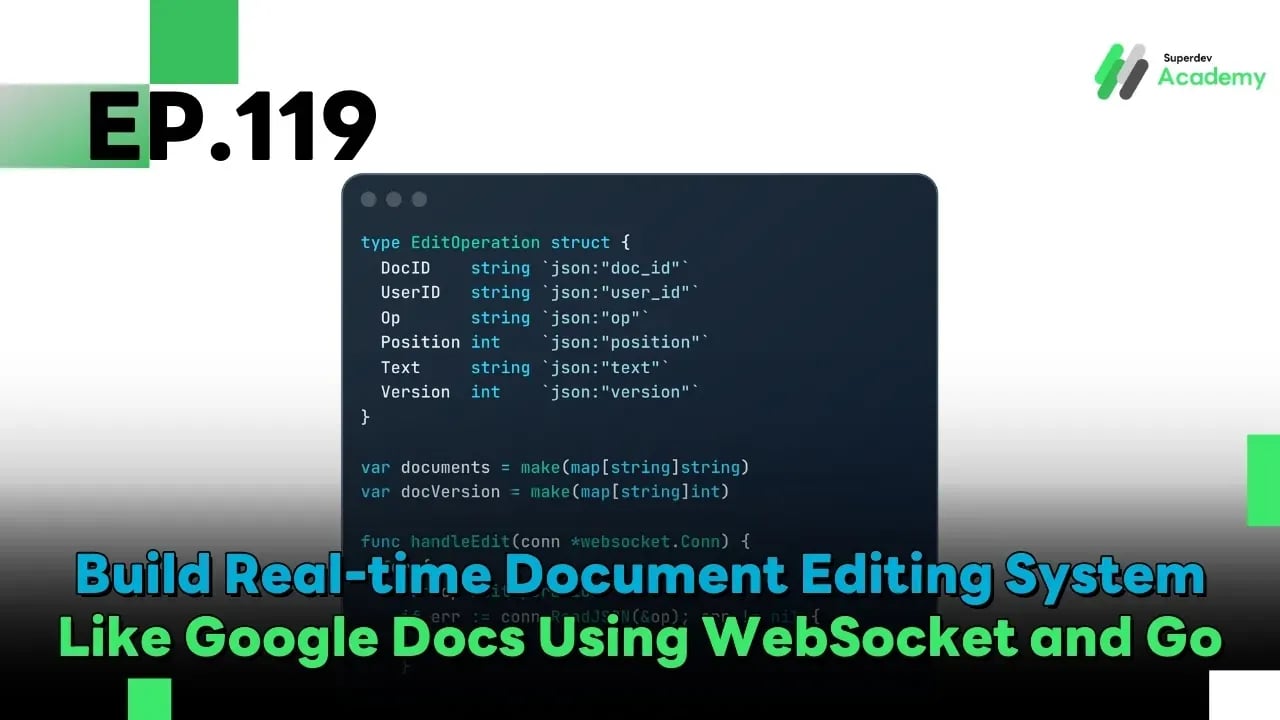
EP.119 Build Real-time Document Editing System Like Google Docs Using WebSocket and Go
#Real-time System
#Google Docs
#Go
#WebSocket
#Real-time Document
Collaborative Document Editing is one of the most challenging use cases in real-time systems. It involves solving multiple problems at once, including:
- Multiple users typing at the same time
- Conflicts when users edit overlapping parts
- Ensuring everyone sees exactly the same result (100%)
- Delivering a seamless and low-latency experience
In this article, you’ll learn how to build a real-time document editing system using Go and WebSocket, along with proven concepts from world-class platforms like Google Docs and Notion.
🧠 Architecture Overview
Basic flow:
Client (Browser/App)
→ WebSocket
→ Collaboration Server (Go)
→ Broadcast Update
→ All users editing the same document
Core components:
- Document State – Current state of the document
- Operations / Changes – What each user edits
- Version / Sequence – Order of changes
- Conflict Resolution Engine – Handles text collisions and ensures consistency
✍️ 1. Edit Operation Format
Instead of sending the entire document, a real system sends only the change (operation).
{
  "doc_id": "doc-123",
  "user_id": "user-a",
  "op": "insert",
  "position": 15,
  "text": "Hello",
  "version": 42
}
Common operations:
insert– Insert textdelete– Delete textreplace– Replace text
🔄 2. Real-time Sync with WebSocket
When a user types:
- The client generates an operation
- Sends it via WebSocket
- Server validates + applies the change
- Broadcasts the updated document to all other users
⚙️ 3. WebSocket Server Example (Go)
type EditOperation struct {
	DocID    string `json:"doc_id"`
	UserID   string `json:"user_id"`
	Op       string `json:"op"`
	Position int    `json:"position"`
	Text     string `json:"text"`
	Version  int    `json:"version"`
}

var documents = make(map[string]string)
var docVersion = make(map[string]int)

func handleEdit(conn *websocket.Conn) {
	for {
		var op EditOperation
		if err := conn.ReadJSON(&op); err != nil {
			return
		}

		current := documents[op.DocID]
		updated := applyOperation(current, op)

		documents[op.DocID] = updated
		docVersion[op.DocID]++

		broadcast(op.DocID, updated, docVersion[op.DocID])
	}
}
🧩 4. What Is Conflict Resolution?
Conflicts occur when:
- Two users edit the same position
- Operations arrive at different times
How to handle them:
- OT (Operational Transformation) – used in Google Docs
- CRDT (Conflict-free Replicated Data Type) – used in Notion, Figma
- Version Checking & Rebase – for simpler systems
if op.Version != docVersion[op.DocID] {
	// rebase or reject
	return
}
👥 5. Managing Multiple Users in One Document
- Separate rooms by
doc_id - Broadcast changes only to users in the same document
- Track each user’s cursor position:
{
  "type": "cursor",
  "user": "user-b",
  "position": 22
}
⚡ 6. Performance Optimization
Key techniques:
- Send only operations, not full documents
- Use debounce to reduce excessive updates
- Batch frequent operations
- Use binary protocol for large-scale systems
🔐 7. Security Essentials
Make sure to implement:
- Document access control
- User authentication
- Rate limiting
- Anti-spam protections
🚀 Try It Yourself
Build a mini collaborative editor:
- 2–3 users editing the same document
- Real-time character sync
- Show other users’ cursors
- Handle conflicts using version control
If you can implement this, you’re mastering real-time systems! 🎯
🔮 Coming Next: EP.120 Whiteboard & Real-time Drawing
In the next episode, we’ll move from text editing to real-time drawing syncing canvas, shapes, mouse positions, and undo/redo actions just like Miro or FigJam 🎨