07/06/2026 06:43am
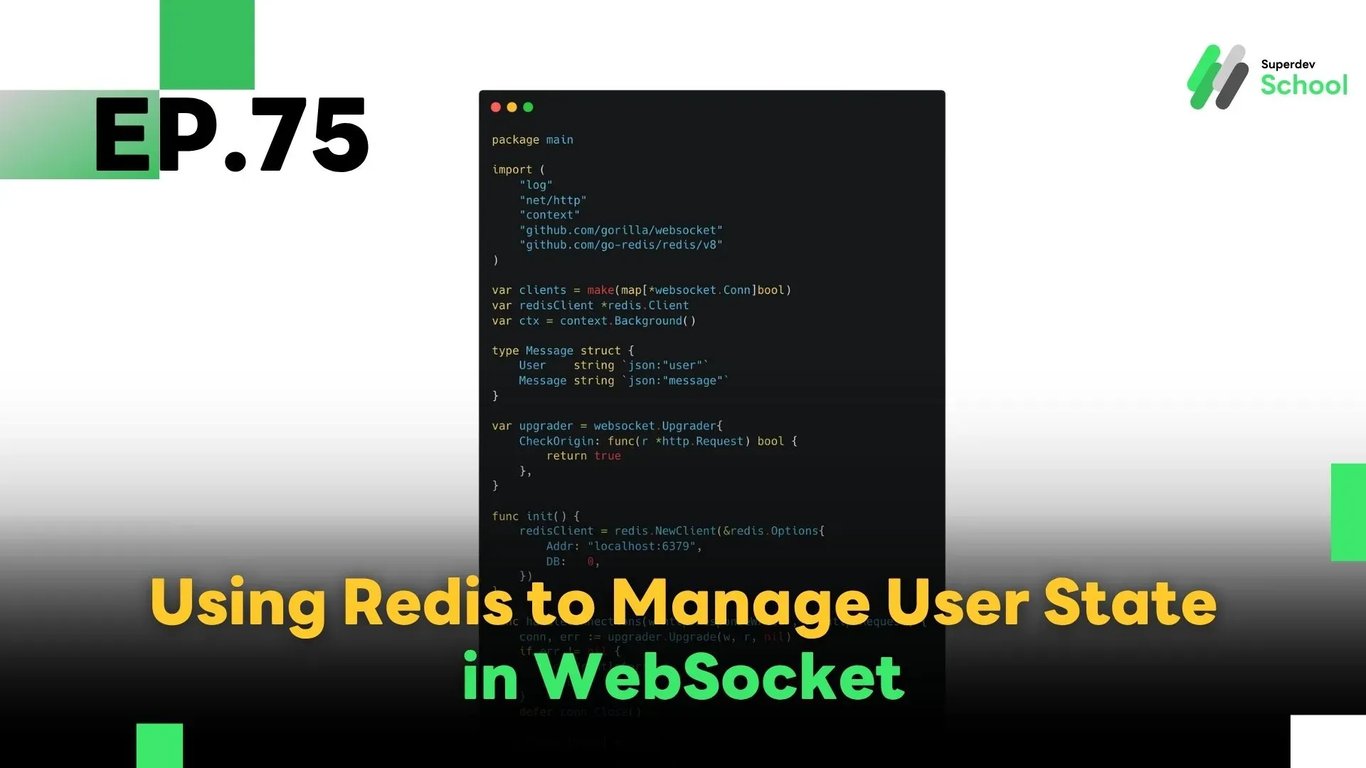
EP.75 Using Redis for User State Management in WebSocket
#Distributed Architecture
#Real-time Systems
#Go
#User State
#WebSocket
#Redis
In this episode, we’ll explore how to use Redis to manage user state in a WebSocket system — such as tracking online users, handling connection status, and supporting real-time applications with thousands of users. Redis enables efficient and scalable state management without relying solely on in-memory data structures within the WebSocket server itself.
Redis is a high-speed in-memory data store, making it a perfect fit for handling real-time connection state in systems like chat applications, multiplayer games, or collaborative tools.
🔸 Why Use Redis for User State in WebSocket?
1. Fast and efficient:
Redis operates in memory, allowing quick read/write operations — ideal for real-time systems like WebSocket.
2. Scales to many users:
Redis helps distribute the load and supports massive concurrent connections without slowing down the server.
3. Easy state tracking:
You can store connection status, user login sessions, room presence, and other stateful information with ease.
4. Supports horizontal scaling:
Redis is compatible with clustering and sharding, making it suitable for scalable WebSocket architectures.
🔸 Core Components of User State Management with Redis
- Store user state in Redis:
Track whether a user is connected or not by storing their status in Redis. - Update state on connection/disconnection:
When a user connects or disconnects, update their state accordingly in Redis. - Retrieve state as needed:
At any time, the server can check who is online or fetch the user’s current state.
🔸 Installing and Connecting Redis with Go
✅ Install Redis client for Go
go get github.com/go-redis/redis/v8
🔸 Example WebSocket Server with Redis Integration
package main

import (
    "log"
    "net/http"
    "context"
    "github.com/gorilla/websocket"
    "github.com/go-redis/redis/v8"
)

var clients = make(map[*websocket.Conn]bool)
var redisClient *redis.Client
var ctx = context.Background()

type Message struct {
    User    string `json:"user"`
    Message string `json:"message"`
}

var upgrader = websocket.Upgrader{
    CheckOrigin: func(r *http.Request) bool {
        return true
    },
}

func init() {
    redisClient = redis.NewClient(&redis.Options{
        Addr: "localhost:6379",
        DB:   0,
    })
}

func handleConnections(w http.ResponseWriter, r *http.Request) {
    conn, err := upgrader.Upgrade(w, r, nil)
    if err != nil {
        log.Println(err)
        return
    }
    defer conn.Close()

    clients[conn] = true

    user := r.URL.Query().Get("user")
    if user == "" {
        user = "anonymous"
    }

    // Mark user as online in Redis
    redisClient.Set(ctx, user, "online", 0)

    for {
        var msg Message
        err := conn.ReadJSON(&msg)
        if err != nil {
            log.Println(err)
            delete(clients, conn)
            // Remove user state from Redis on disconnect
            redisClient.Del(ctx, user)
            break
        }
        broadcast(msg)
    }
}

func broadcast(msg Message) {
    for client := range clients {
        err := client.WriteJSON(msg)
        if err != nil {
            log.Println(err)
            client.Close()
            delete(clients, client)
        }
    }
}

func main() {
    http.HandleFunc("/", handleConnections)
    log.Println("Server started on :8080")
    log.Fatal(http.ListenAndServe(":8080", nil))
}
🔸 Testing Redis User State Management
Here are key tests you should perform:
✅ Online state check:
Verify that when a user connects, Redis stores their status correctly as online.
✅ Disconnect cleanup:
Check that the user’s status is removed or updated when they disconnect.
✅ Real-time state query:
Use redisClient.Get() to query user state and determine who is online in real time.
💡 Challenge: Build an Admin Dashboard
Try building a real-time admin dashboard that displays a live list of online users using data pulled from Redis. This can help chat moderators or system admins monitor user activity more effectively.
🔜 Coming Next in EP.76
Handling Large Data Transfers in WebSocket
In the next episode, we’ll discuss how to send and manage large data payloads over WebSocket while ensuring performance, stability, and minimal latency.
Read more
🔵 Facebook: Superdev School (Superdev)
📸 Instagram: superdevschool
🎬 TikTok: superdevschool
🌐 Website: www.superdev.school