07/06/2026 06:44am
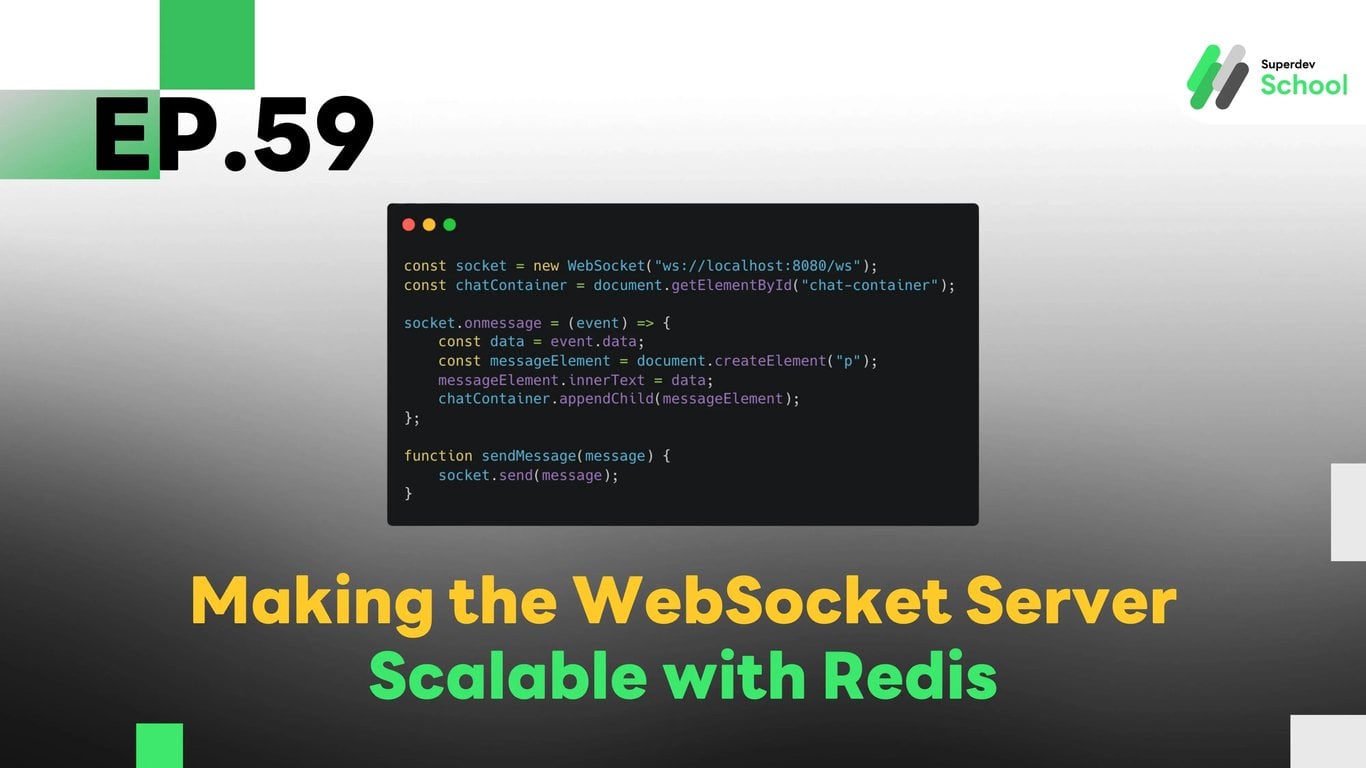
EP.59 Making the WebSocket Server Scalable with Redis
#server scaling
#Go
#Redis chat app
#WebSocket performance
#WebSocket chat app
#real-time chat WebSocket
#scalable WebSocket server
#Redis WebSocket
#WebSocket scalability
The Scalability feature with Redis enables WebSocket Servers to handle many simultaneous connections efficiently. By using Redis for connection status caching and message broadcasting, WebSocket Servers can easily scale as the number of users increases. This feature allows the server to maintain optimal performance and low latency during real-time messaging, even under high traffic.
Why Should the WebSocket Server Be Scalable?
In applications with many users, the WebSocket Server might need to support thousands or even tens of thousands of concurrent connections. Ensuring that the server is scalable allows it to:
- Handle more connections efficiently: Without compromising on speed.
- Improve data management performance: While managing hundreds or thousands of connections simultaneously.
- Boost message delivery speed: By using Redis for caching and sharing data between multiple server instances.
Benefits of Scalability:
- Handle a large number of connections: Support numerous users without causing delays or errors.
- Increase performance: Use Redis to store commonly used data and reduce redundant data retrieval.
- Easily scale the system: Add more WebSocket Server instances without needing major code changes.
Structure of the Scalability Feature with Redis
The Redis feature works alongside the WebSocket Server by enabling efficient management of connections and message delivery across multiple server instances. Using Redis ensures that the server can handle an increasing number of users while maintaining speed and performance.
Key Components of the Scalability System:
- Storing connection status in Redis: We will use Redis to keep track of all active connections, helping manage users who join the chat room.
- Distributing data across multiple WebSocket Servers: Redis allows multiple WebSocket Servers to share data seamlessly.
- Broadcasting messages in real-time: Redis handles message broadcasting to ensure all connected clients receive updates at the same time.
How to Make the WebSocket Server Scalable with Redis
To enhance the WebSocket Server's scalability with Redis, the following steps should be taken to set up Redis and connect it with the WebSocket Server, allowing it to manage multiple connections concurrently.
Steps to Implement:
- Install Redis and Connect It to WebSocket Server: Begin by installing Redis and configuring the WebSocket Server to use Redis for storing connection status.
- Store Connection Status in Redis: Redis will hold data about active connections, including users who have joined the chat room.
- Distribute Data Across Multiple WebSocket Servers: When multiple WebSocket Servers are running, Redis will help ensure that the data is distributed to all servers seamlessly.
Creating UI for Scalability
The user interface (UI) will display connection information and performance data, allowing users to monitor the chat room's efficiency and the server’s scalability. Real-time updates will show chat message activity and connection statuses.
UI Components:
- Show active connection count: The UI will display the number of active connections in the system.
- Display message updates: Messages sent to all users in the chat room will be shown instantly.
- Show connection status: The UI will display the connection status of users in the chat room.
Testing Scalability
Once the scalability feature is implemented, testing is crucial to ensure that the system can handle a large number of connections without issues.
Tests to Perform:
- Test connection handling: Test the system by connecting thousands of WebSocket clients to the server.
- Test message delivery across multiple servers: Verify that Redis efficiently distributes messages across multiple WebSocket Server instances.
- Test performance under load: Ensure that the WebSocket Server can handle the scaling and continue to serve users properly.
Example Code for Scaling WebSocket Chat with Redis
Redis Installation (Redis Setup)
Install Redis on the server:
sudo apt-get install redis-server
Backend Code for WebSocket Server
Using Redis to store connection status:
package main

import (
    "github.com/go-redis/redis/v8"
    "github.com/gorilla/websocket"
    "fmt"
    "net/http"
    "sync"
    "context"
)

var rdb *redis.Client

func init() {
    rdb = redis.NewClient(&redis.Options{
        Addr: "localhost:6379", // Redis server address
    })
}

var (
    clients   = make(map[*websocket.Conn]bool)
    broadcast = make(chan string)
    mu        sync.Mutex
)

func handleConnection(w http.ResponseWriter, r *http.Request) {
    conn, _ := upgrader.Upgrade(w, r, nil)
    defer conn.Close()
    clients[conn] = true

    for {
        var message string
        err := conn.ReadMessage(&message)
        if err != nil {
            delete(clients, conn)
            break
        }

        // Store message in Redis
        rdb.LPush(context.Background(), "chat_messages", message)

        broadcast <- message
    }
}

func notifyClients() {
    for {
        msg := <-broadcast
        for client := range clients {
            err := client.WriteMessage(msg)
            if err != nil {
                client.Close()
                delete(clients, client)
            }
        }
    }
}

func main() {
    http.HandleFunc("/ws", handleConnection)
    go notifyClients()
    fmt.Println("WebSocket Server Running on Port 8080")
    http.ListenAndServe(":8080", nil)
}
Frontend Code (Client)
Add Redis connection to display messages in the UI:
const socket = new WebSocket("ws://localhost:8080/ws");
const chatContainer = document.getElementById("chat-container");

socket.onmessage = (event) => {
    const data = event.data;
    const messageElement = document.createElement("p");
    messageElement.innerText = data;
    chatContainer.appendChild(messageElement);
};

function sendMessage(message) {
    socket.send(message);
}
Challenge for Next EP!
Try implementing Redis-based message caching to speed up message retrieval and improve the overall chat app performance!
Next EP:
In the next episode, we will look at adding a Group Chat feature in WebSocket so users can join group chats and send messages within groups via WebSocket!