07/06/2026 06:43am
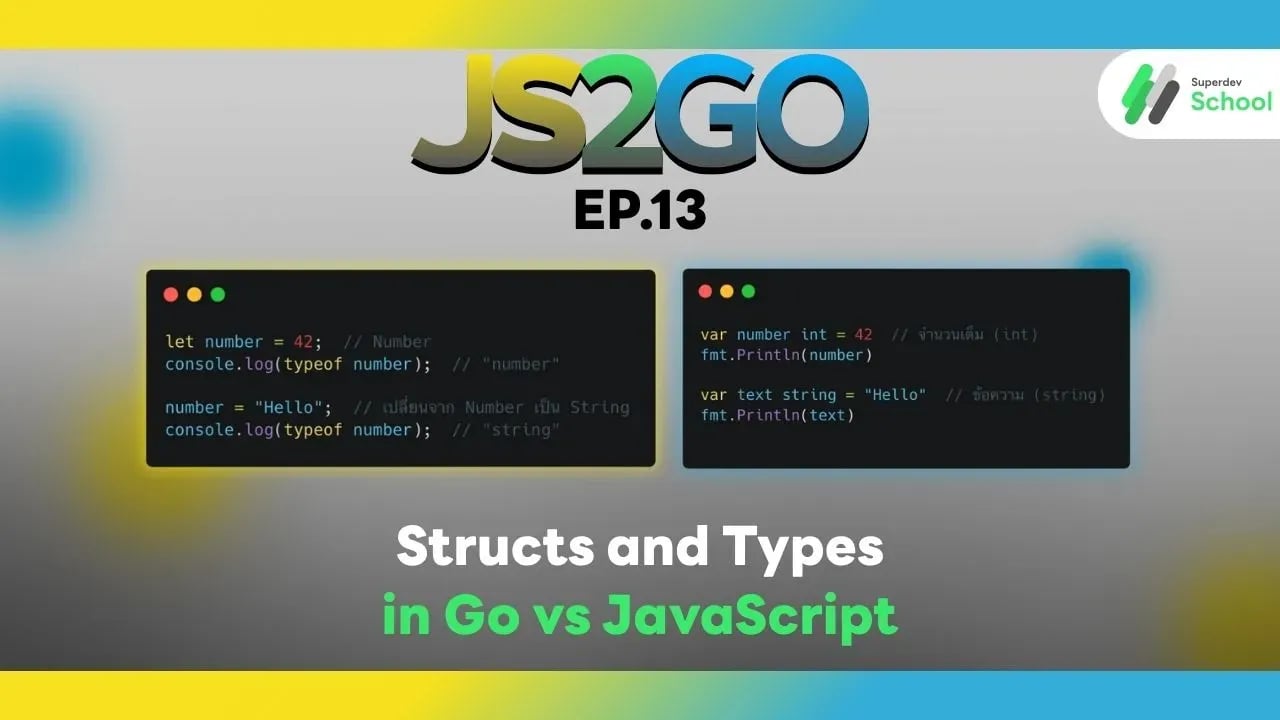
JS2GO EP.13 Structs and Types in Go vs JavaScript
#JavaScript
#Go
#JavaScript vs Go
#Structs
#Types
Working with Structs and Types is an essential part of programming in any language, including Go and JavaScript. These two languages have different approaches to handling Types and Structs. Go uses Structs as the primary tool for organizing data in an ordered and type-safe manner, while JavaScript uses Objects, which function similarly to Structs but without the enforced type checking. In this article, we’ll compare how Structs and Types are used in both languages, helping you understand their usage in depth and choose the appropriate method for your project.
Types in JavaScript and Go
JavaScript:
In JavaScript, all variables are considered dynamic types, meaning you do not have to define the type of a variable in advance. JavaScript will automatically assign the type of a variable when it is used, and variables can change types during runtime.
Example of Using Types in JavaScript:
let number = 42;  // Number
console.log(typeof number);  // "number"

number = "Hello";  // Changing from Number to String
console.log(typeof number);  // "string"
Explanation:
- JavaScript uses dynamic typing, meaning you don't need to declare the type of a variable in advance. A variable can change its type at any time during the program’s execution.
Go:
In Go, every variable must have a type explicitly defined, which improves code safety. Go checks the type during the compile time.
Example of Using Types in Go:
var number int = 42  // Integer (int)
fmt.Println(number)

var text string = "Hello"  // String (string)
fmt.Println(text)
Explanation:
- Go uses static typing, which means you must declare the type of the variable when it is defined, and Go will check the type during the compilation process, ensuring higher safety in the code.
Structs in Go and JavaScript
JavaScript:
In JavaScript, Objects are used in place of Structs. These Objects can store data of different types in a single structure, much like Structs in Go.
Example of Using Objects in JavaScript:
let person = {
    name: "John",
    age: 30,
    isActive: true
};

console.log(person.name);  // "John"
console.log(person.age);  // 30
Explanation:
- Objects in JavaScript allow you to store different types of data in a single structure without needing to define the data types in advance, making them flexible for managing structured data.
Go:
In Go, Structs are used to store data of various types in a single structure, and each field in the Struct must have a clearly defined type.
Example of Using Structs in Go:
type Person struct {
    Name   string
    Age    int
    IsActive bool
}

func main() {
    p := Person{Name: "John", Age: 30, IsActive: true}
    fmt.Println(p.Name)    // John
    fmt.Println(p.Age)     // 30
}
Explanation:
- Go uses Structs to organize multiple types of data in one structure, and each field must have its type explicitly defined, enhancing safety and allowing for early error detection during compilation.
Pros and Cons of Using Types and Structs in JavaScript and Go
JavaScript:
- Pros:
- Dynamic typing makes it easy and flexible to write code.
- Objects can store multiple data types without requiring type declarations in advance.
- Easy to manage complex structured data with Objects.
- Cons:
- Lack of enforced data types can lead to errors that are difficult to detect during development.
- Using Objects without type declaration can lead to unexpected issues.
Go:
- Pros:
- Static typing makes the code safer and easier to check for errors.
- Structs help organize data in a well-structured and efficient manner.
- Explicit type declarations help catch errors early during compilation.
- Cons:
- The need to declare types for every variable and Struct can make the code verbose and complex.
- Using Structs requires detailed type declarations, which can be less convenient for projects that require flexibility.
Summary and Recommendations:
- JavaScript: Uses flexible Objects to store multiple data types in one structure, making it suitable for projects that require convenience and frequent changes to data.
- Go: Uses Structs that require explicit type declarations, which is ideal for developing systems that need high security and efficient error checking.
If you need flexibility for storing data in web applications, JavaScript is a good choice. However, if you require safety and performance for handling data, Go is a better fit.
If you want to learn more about using Structs and Types in JavaScript and Go and enhance your programming skills, Superdev School is here to help! Join us today and take your development skills to the next level!
Next Episode:
In the next episode of JS2GO, we will explore Zero Values in Go and Default Values in JavaScript, comparing how default values are handled in both languages.
Read more Golang articles: Golang The Series
Read more JS2GO articles: JS2GO
🔵 Facebook: Superdev School (Superdev)
📸 Instagram: superdevschool
🎬 TikTok: superdevschool
🌐 Website: www.superdev.school