07/06/2026 06:43am
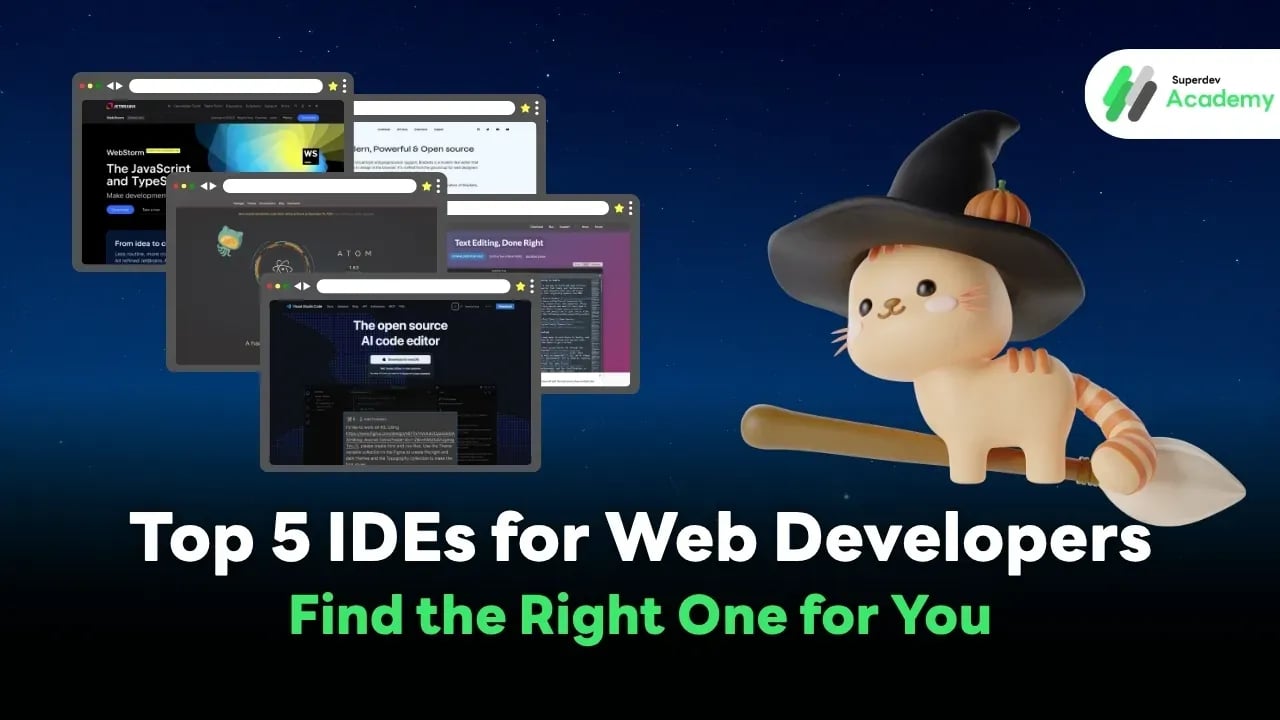
Top 5 IDEs for Web Developers: Find the Right One for You
#IDE
#web IDE
#IDE for web development
#VS Code
#WebStorm
#Sublime Text
#Atom
#Brackets
#Code Editor
#developer tools
#web developer
For web developers, an IDE (Integrated Development Environment) is more than just a code editor — it’s your all-in-one workspace where writing, testing, debugging, and managing code come together seamlessly.
No more switching between a text editor, terminal, and debugger — an IDE unifies everything in one place.
Why IDEs Matter in Web Development
Web projects often involve HTML, CSS, JavaScript, frameworks and libraries, API integration, and database connections — all while collaborating with a team. A good IDE provides essential features that make this workflow efficient, such as:
- Code Suggestion / IntelliSense – Autocompletion, parameter hints, and fewer typos
- Built-in Debugger – Set breakpoints, inspect variables, and trace logic easily
- Git Integration – Commit, branch, and handle pull requests right inside the IDE
- Extensions / Plugins – Add new tools or language support anytime
- Live Preview / Live Server – Instantly see changes in the browser
Each IDE has its own style and personality — some are lightweight and fast, others are powerful and feature-rich.
So which one truly fits your development workflow? Let’s explore the top 5 IDEs that developers around the world love most. 🚀
How to Choose a Good IDE
Before picking your main IDE, it’s important to ask: “What do I really need from my coding environment?” Every IDE helps you write code, but their strengths, weaknesses, and design philosophies differ.
Here are the key factors to consider before choosing yours 👇
💡 1. Speed and Stability
No one likes an IDE that freezes mid-project. The best ones launch fast, use memory efficiently, and stay smooth — even when working on large projects with multiple files open.
⚙️ 2. Language Support
Web developers often juggle HTML, CSS, JavaScript, and sometimes Go, PHP, or Python. A great IDE should support multiple languages or allow easy plugin installation for new ones.
🧠 3. Smart Assistance
Modern IDEs come with IntelliSense, Code Completion, and Refactoring tools — features that boost productivity, help you understand function parameters, and reduce syntax errors.
🧩 4. Extensions and Plugins
The web ecosystem evolves daily. Your IDE should adapt too — by supporting plugins for frameworks like React, Tailwind CSS, or Docker without requiring separate setups.
🌐 5. Framework and Git Integration
A developer’s daily workflow often involves Git, APIs, and frameworks. The right IDE should offer native Git tools, connect easily to repositories, and integrate with backend systems or APIs directly.
Top 5 IDEs for Web Developers
Let’s dive into the most popular IDEs used by developers worldwide 🌍 Each one has unique strengths some perfect for beginners, others built for professionals. Here’s how they compare 👇
💻 1. Visual Studio Code (VS Code)
(https://code.visualstudio.com/)
If there’s one IDE that defines the modern era of web development, it’s VS Code by Microsoft. It’s lightweight, deeply customizable, and has the largest extension marketplace in the dev world.
Highlights:
- 100% Free
- Thousands of extensions and themes
- Fully customizable interface and shortcuts
Best for:
Frontend, Backend, and Full-stack Developers
Supported languages:
HTML, CSS, JavaScript, Go, Python, PHP, C++, and more
Key Features:
- 🔹 Live Server – Real-time browser updates
- 🔹 IntelliSense – Smart code suggestions and insights
- 🔹 Git Integration – Version control built-in
- 🔹 Debugger – Inline breakpoints and variable inspection
✅ VS Code’s biggest strength is flexibility — from frontend apps to backend APIs, it handles it all in one place.
⚙️ 2. JetBrains WebStorm
(https://www.jetbrains.com/webstorm/)
If you’re serious about JavaScript or TypeScript, or you work with React, Vue, or Angular, WebStorm is the professional-grade IDE built just for you.
Highlights:
- Enterprise-level IDE from JetBrains
- Advanced JS/TS development features
- Powerful code analysis and refactoring
Best for:
Frontend or Full-stack developers using modern JS frameworks
Key Features:
- 🔹 Code Refactoring – Safely restructure your code
- 🔹 Debugger & Test Runner – Built-in testing tools
- 🔹 Integrated Terminal – Run CLI directly inside the IDE
- 🔹 Built-in Git Tools – Full version control workflow
💰 Paid (around $8–10/month) — but comes with a free trial.
⚡ 3. Sublime Text
(https://www.sublimetext.com/)
Sublime Text is the champion of speed and simplicity. Perfect for developers who want performance without the bloat of heavy IDEs.
Highlights:
- Lightning-fast startup, even with large files
- Simple UI, minimal distractions
- Customizable via Package Control
Best for:
Developers who value lightweight performance
Key Features:
- 🔹 Multi-edit – Edit multiple lines simultaneously
- 🔹 Syntax Highlighting – Supports nearly all web languages
- 🔹 Package Control – Easy plugin management
⚙️ Free version available (with an optional Pro upgrade).
🧩 4. Atom (by GitHub)
Atom, created by GitHub, is a fully open-source editor loved for its customization freedom. It’s perfect for developers who want an environment that feels truly “theirs.”
Highlights:
- 100% Open Source
- Fully customizable with themes and plugins
- Real-time collaboration via Teletype
Best for:
Frontend developers, students, and anyone who loves flexibility
Key Features:
- 🔹 Built-in Git & GitHub Integration
- 🔹 Thousands of Themes & Packages
- 🔹 Cross-platform support (Windows, macOS, Linux)
🆓 Completely free and feature-unlocked forever.
🎨 5. Brackets
(https://brackets.io/?lang=en)
Brackets is a lightweight IDE designed specifically for front-end developers. It’s fast, visual, and perfect for working with HTML, CSS, and JavaScript.
Highlights:
- Tailored for web and UI design
- Clean, beginner-friendly interface
- Real-time editing and previewing
Best for:
Frontend Developers and Web Designers
Key Features:
- 🔹 Live Preview – Instantly see code updates in your browser
- 🔹 Inline Editing – Modify CSS directly within HTML
- 🔹 Preprocessor Support – Compatible with LESS and SASS
🆓 100% Free and open-source.
Comparison Table
| 💻 IDE | 💸 Price | 🌟 Highlights | 👨💻 Best For | 🧩 Platforms |
|---|---|---|---|---|
| VS Code | ✅ Free | Highly customizable, massive extension library | Full-stack Dev | Windows / macOS / Linux |
| WebStorm | 💰 Paid (Free Trial) | Advanced IntelliSense, powerful debugger | JS/TS Dev | Windows / macOS / Linux |
| Sublime Text | ⚡ Free / Pro | Lightweight, fast, easy to use | Frontend Dev | Windows / macOS / Linux |
| Atom | 🧩 Free | Open Source, GitHub Integration | Custom Devs | Windows / macOS / Linux |
| Brackets | 🎨 Free | Live Preview, HTML/CSS focus | UI / Frontend Designer | Windows / macOS / Linux |
Conclusion
There’s no single “best” IDE — the right one depends entirely on your workflow and coding style. Some developers prefer lightweight tools, others want feature-rich environments with deep integrations.
✅ Pro Tip: Try at least two IDEs and see which one fits your pace and tech stack best.
Whether you choose VS Code, WebStorm, or Sublime Text, the most important thing is to make your IDE a space that helps you focus on building, not just typing. 💻✨
Read more
🔵 Facebook: Superdev Academy
🔴 YouTube: Superdev Academy
📸 Instagram: Superdev Academy
🎬 TikTok: https://www.tiktok.com/@superdevacademy?lang=th-TH
🌐 Website: https://www.superdevacademy.com/en