07/06/2026 06:43am
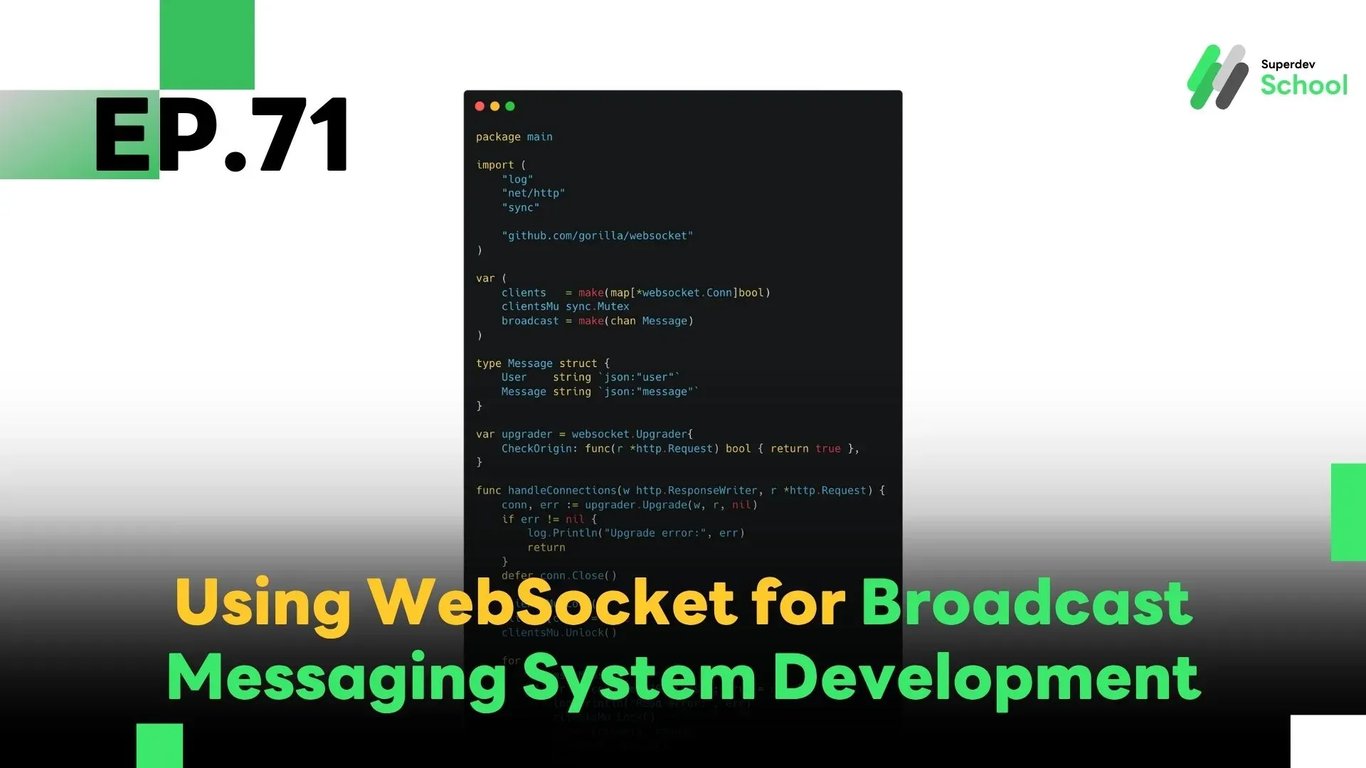
EP.71 Using WebSocket for Broadcast Messaging System Development
#WebSocket real-time communication
#WebSocket Server
#Broadcast messaging
#WebSocket broadcast
#Go
#WebSocket Chat
In EP.71, we will talk about using WebSocket to create a Broadcast Messaging system that allows a message to be sent from the WebSocket Server to multiple clients simultaneously in real-time. This feature is essential for applications like WebSocket Chat, where you need to broadcast important messages, announcements, or updates to all connected users.
Using a Broadcast Messaging system helps reduce the complexity and workload by enabling the server to send a single message to multiple clients without making individual connections. This feature helps to streamline communication within chat rooms, particularly in real-time communication environments.
Why Use Broadcast Messaging in WebSocket Chat?
Broadcast messaging allows a single message to be delivered to all connected users in real-time, which brings multiple advantages:
Resource-efficient: No need to loop through users one by one.
Fast communication: WebSocket provides real-time, persistent bi-directional communication.
Easy management: Admins can broadcast announcements instantly to everyone in the room.
How the Broadcast System Works
The server acts as a hub to relay messages from one client to all others connected via WebSocket. Persistent connections eliminate the overhead of repeated HTTP requests.
Go Code Example – Building a Broadcast Server
package main

import (
    "log"
    "net/http"
    "sync"

    "github.com/gorilla/websocket"
)

var (
    clients   = make(map[*websocket.Conn]bool)
    clientsMu sync.Mutex
    broadcast = make(chan Message)
)

type Message struct {
    User    string `json:"user"`
    Message string `json:"message"`
}

var upgrader = websocket.Upgrader{
    CheckOrigin: func(r *http.Request) bool { return true },
}

func handleConnections(w http.ResponseWriter, r *http.Request) {
    conn, err := upgrader.Upgrade(w, r, nil)
    if err != nil {
        log.Println("Upgrade error:", err)
        return
    }
    defer conn.Close()

    clientsMu.Lock()
    clients[conn] = true
    clientsMu.Unlock()

    for {
        var msg Message
        if err := conn.ReadJSON(&msg); err != nil {
            log.Println("Read error:", err)
            clientsMu.Lock()
            delete(clients, conn)
            clientsMu.Unlock()
            break
        }
        broadcast <- msg
    }
}

func handleMessages() {
    for msg := range broadcast {
        clientsMu.Lock()
        for client := range clients {
            if err := client.WriteJSON(msg); err != nil {
                log.Println("Write error:", err)
                client.Close()
                delete(clients, client)
            }
        }
        clientsMu.Unlock()
    }
}

func main() {
    http.HandleFunc("/ws", handleConnections)
    go handleMessages()

    log.Println("Server started on :8080")
    log.Fatal(http.ListenAndServe(":8080", nil))
}
Code Explanation:
clients: a map of all active WebSocket connectionsclientsMu: a mutex to prevent concurrent map writesbroadcast: a channel that delivers messages to all clientshandleConnections: listens for new connections and incoming messageshandleMessages: sends messages to all connected clients
Try It Yourself!
Connect multiple WebSocket clients and send a message from one — watch how it broadcasts to all connected users.
Bonus Challenge
Implement an admin announcement feature that highlights admin messages differently from regular messages.