06/05/2026 08:38am
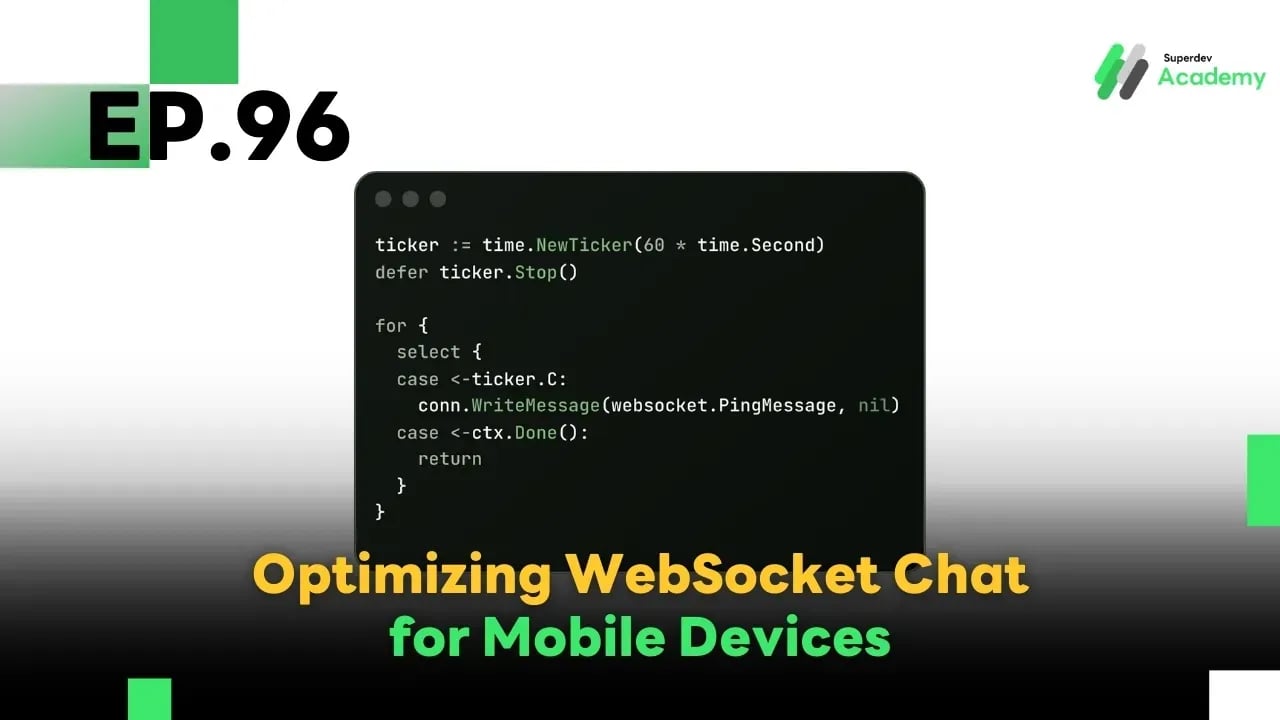
EP.96 Optimizing WebSocket Chat for Mobile Devices
#Golang WebSocket
#Push Notification
#Real-Time Messaging
#WebSocket Chat
#WebSocket Mobile
In the world of real-time communication, mobile devices have become the primary platform for users to access WebSocket-based chat applications. However, mobile environments introduce unique challenges such as unstable connectivity, battery constraints, and background task limitations. These require thoughtful adjustments beyond what’s needed for desktop or web applications.
1. Connection Management & Reconnect Strategies
Mobile devices frequently lose connection due to network changes (e.g., WiFi → 4G), sleep mode, or OS background restrictions.
Recommended practices:
- Use exponential backoff for reconnections to prevent server overload.
- Detect network/visibility state using APIs.
- Limit reconnection attempts per timeframe.
JavaScript Example:
let retries = 0;

function connect() {
  const socket = new WebSocket("wss://yourserver.com/ws");

  socket.onopen = () => {
    console.log("✅ Connected");
    retries = 0;
  };

  socket.onclose = () => {
    const timeout = Math.min(30000, 1000 * Math.pow(2, retries));
    console.log(`❌ Disconnected. Reconnecting in ${timeout}ms...`);
    setTimeout(connect, timeout);
    retries++;
  };

  socket.onmessage = (event) => {
    console.log("📩", event.data);
  };
}

connect();
2. Battery Optimization
On mobile devices, battery life is a key constraint.
Best practices:
- Reduce ping/heartbeat interval (e.g., every 60 seconds instead of 10).
- Close WebSocket while app is in background (if real-time is not required).
- Send only delta updates instead of full state.
Go Backend Example:
ticker := time.NewTicker(60 * time.Second)
defer ticker.Stop()

for {
	select {
	case <-ticker.C:
		conn.WriteMessage(websocket.PingMessage, nil)
	case <-ctx.Done():
		return
	}
}
3. Push Notifications
WebSocket cannot maintain connections in background (especially on iOS). Use push notifications for critical alerts.
Recommendations:
- Integrate with FCM (Firebase) or APNs (Apple).
- Let backend trigger push notification when WebSocket event is received.
- Optionally use Service Workers for PWA.
JavaScript Concept:
socket.onmessage = (event) => {
  const data = JSON.parse(event.data);
  if (document.hidden) {
    showPushNotification(data.message);
  }
};
4. UX Considerations for Mobile
Make your chat interface mobile-friendly.
✅ Responsive layout with touch support
✅ Display clear connection statuses (e.g., connecting, reconnecting)
✅ Smart keyboard/input handling
✅ Offline fallback: cache unsent messages
5. Best Practices
✔️ Use navigator.connection to adapt reconnect strategies
✔️ Enable payload compression (e.g., permessage-deflate)
✔️ Run stress tests on multiple mobile OS/devices
✔️ Log reconnection analytics to discover patterns
✔️ Ensure reconnections don’t create message duplication
🎯 Challenge for You
Update your WebSocket Chat to:
✅ Auto-reconnect efficiently
✅ Save power during sleep/background
✅ Push messages even when the app is closed
✅ Work smoothly on 3G/4G networks
Then test on at least three real mobile devices — and optimize based on the results!
🔥 Summary
To make your WebSocket Chat truly mobile-friendly, you must understand the mobile environment and adapt accordingly:
✅ Smart reconnection logic
✅ Energy-efficient connections
✅ Real-time messages via push
✅ Smooth UX even on unstable networks
🔜 Next EP (EP.97):
Real-time IoT with WebSocket
Learn how to connect multiple IoT devices to a WebSocket server and handle secure real-time data sync, bandwidth control, and device authentication.
Read more
🔵 Facebook: Superdev Academy
🔴 YouTube: Superdev Academy
📸 Instagram: Superdev Academy
🎬 TikTok: https://www.tiktok.com/@superdevacademy?lang=th-TH
🌐 Website: https://www.superdevacademy.com/en