07/06/2026 06:43am
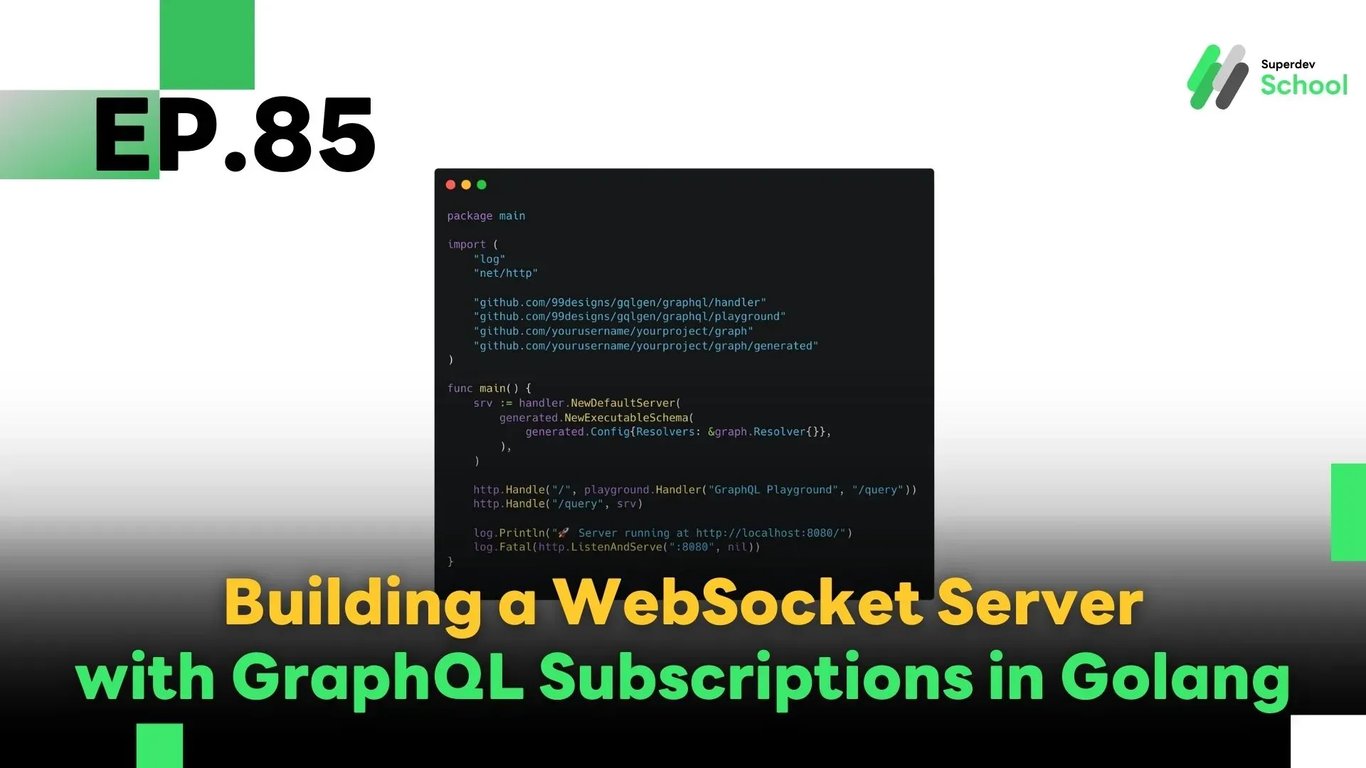
EP.85 Building a WebSocket Server with GraphQL Subscriptions in Golang
#WebSocket
#Go
#Golang
#GraphQL Subscriptions
#Real-time Application
In this episode, we’ll explore GraphQL Subscriptions — a modern approach to building real-time applications using WebSocket that offers flexible control over data structure and avoids the common issue of over-fetching data seen with traditional REST APIs.
Ideal use cases include:
- 🟢 Real-time Chat Systems
- 🔔 Notifications
- 📊 Live Dashboards
🤔 Why Use GraphQL Subscriptions?
| Benefit | Description |
|---|---|
| ✅ Send only the necessary data | Clients can specify exactly which fields they want |
| 🔄 Real-time updates | Receive data immediately when changes happen |
| ❌ No need for polling | Avoid calling the same REST API every few seconds |
| 🛠 Flexible & maintainable | Schema changes are easier to manage and deploy |
🧪 GraphQL Subscriptions with WebSocket in Go
Here’s a basic server setup using gqlgen, a popular Go library for building GraphQL servers.
package main

import (
    "log"
    "net/http"

    "github.com/99designs/gqlgen/graphql/handler"
    "github.com/99designs/gqlgen/graphql/playground"
    "github.com/yourusername/yourproject/graph"
    "github.com/yourusername/yourproject/graph/generated"
)

func main() {
    srv := handler.NewDefaultServer(
        generated.NewExecutableSchema(
            generated.Config{Resolvers: &graph.Resolver{}},
        ),
    )

    http.Handle("/", playground.Handler("GraphQL Playground", "/query"))
    http.Handle("/query", srv)

    log.Println("🚀 Server running at http://localhost:8080/")
    log.Fatal(http.ListenAndServe(":8080", nil))
}
✅ Note: This example uses gqlgen, one of the most efficient tools to create GraphQL servers in Go.
🗨 Sample Subscription Query
subscription {
  messageAdded {
    id
    content
    sender
  }
}
Whenever a new message is added (e.g., a user sends a chat), all clients subscribed to messageAdded will receive the new data instantly via WebSocket.
⚙️ Connecting to WebSocket (Frontend with Apollo Client)
You can use tools like Apollo Client, which natively supports GraphQL subscriptions:
import { WebSocketLink } from "@apollo/client/link/ws";
import { ApolloClient, InMemoryCache } from "@apollo/client";

const wsLink = new WebSocketLink({
  uri: `ws://localhost:8080/query`,
  options: {
    reconnect: true
  }
});

const client = new ApolloClient({
  link: wsLink,
  cache: new InMemoryCache()
});
💡 Apollo handles connection_init, ping/pong, and automatic reconnect out of the box.
🧠 Summary
Using GraphQL Subscriptions with WebSocket is a powerful approach for building real-time applications with better control over data flow and structure. Benefits include:
- Fine-grained payload control
- No repetitive polling
- Easy schema adjustments
- Seamless integration with Go via
gqlgen
🚀 Give it a Try!
Try applying this to build:
- ✅ A real-time group chat
- ✅ Order or system notifications
- ✅ Live reporting dashboard
🔜 Next EP
EP.86: Managing WebSocket Connections with Redis Pub/Sub
We’ll learn how to scale your WebSocket Server across multiple instances using Redis Pub/Sub to keep all users in sync — no matter which server they're connected to!
Read more
🔵 Facebook: Superdev School (Superdev)
📸 Instagram: superdevschool
🎬 TikTok: superdevschool
🌐 Website: www.superdev.school